Last Updated on March 13, 2026 by Snout0x
Finding the best crypto hardware wallet is not about buying the most expensive device or following whatever brand appears most often on YouTube. The right wallet depends on your threat model, the assets you hold, and how comfortable you are managing self-custody.
Some wallets prioritize convenience. Others prioritize open-source transparency, air-gapped signing, or Bitcoin-only security. This guide compares the best hardware wallets in 2026 in a way that is actually useful for buyers, not just technically correct. You will see which wallet is best for beginners, which devices suit long-term self-custody, and where the major trade-offs are before you spend money.
If you are moving meaningful value off an exchange, wallet choice matters. The right device reduces remote attack surface, improves backup discipline, and makes it much harder for a single mistake to become a permanent loss.
Disclaimer: This content is for educational and informational purposes only and does not constitute financial, investment, tax, or legal advice. Cryptocurrency markets are volatile and involve risk. Always conduct your own research and consult a qualified professional before making financial decisions.
Affiliate Disclosure: Some links in this article may be affiliate links. If you choose to use them, I may earn a commission at no additional cost to you.
Quick Picks: Best Hardware Wallets by Use Case
If you want the fastest possible answer, the wallets below cover the most common self-custody use cases in 2026.
- Best overall for most users: Trezor Safe 5
- Best beginner hardware wallet: Trezor Safe 3
- Best for mobile and multi-chain convenience: Ledger Nano X
- Best budget hardware wallet: Ledger Nano S Plus
- Best Bitcoin-only wallet: Coldcard Mk4
- Best air-gapped multi-chain wallet: Keystone 3 Pro
- Best budget air-gapped wallet: SafePal S1
- Best open-source beginner option: BitBox02
- Best simple wallet for casual holders: Tangem
If you want the shortest possible answer: most beginners will be happiest with the Trezor Safe 3 or Trezor Safe 5. Multi-chain users who want mobile convenience will lean toward the Ledger Nano X. Serious Bitcoin-only users should look first at Coldcard Mk4 or Foundation Passport.
If you are still unsure where to start, the Trezor Safe 3 and Trezor Safe 5 are currently the easiest devices to recommend for most self-custody users.
5 Key Takeaways
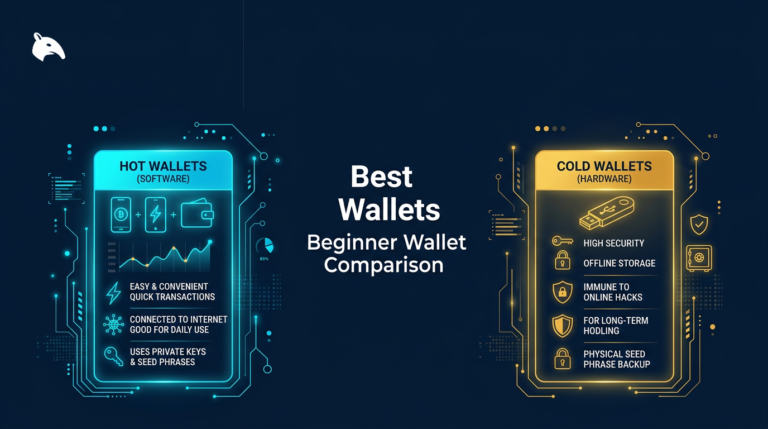
- Hardware wallets keep private keys offline, reducing the remote attack surface compared with software wallets and exchange custody.
- The best wallet depends on your threat model, not on brand recognition alone.
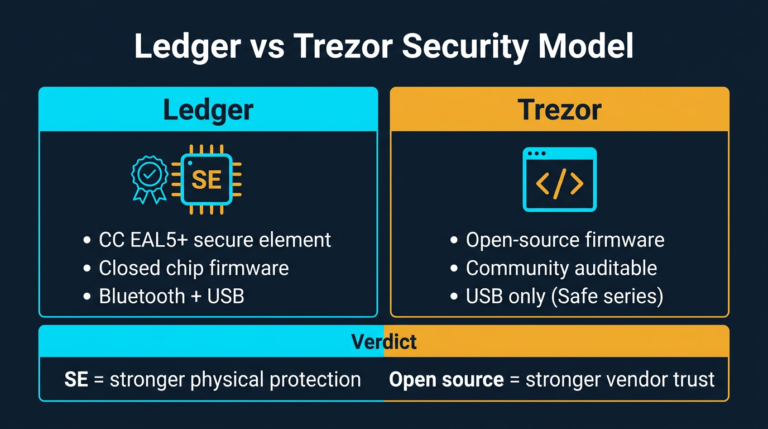
- Open-source firmware improves auditability, while Secure Element chips improve resistance to physical extraction attacks.
- Air-gapped devices reduce connectivity risk further, but usually add workflow complexity.
- Seed phrase storage, passphrase use, and buying from official sellers matter as much as the device itself.
How to Choose the Right Hardware Wallet Fast
If you are overwhelmed by the options, use this simple framework.
- Choose Trezor Safe 5 if you want the best balance of usability, open-source firmware, and long-term self-custody credibility.
- Choose Trezor Safe 3 if you want the best beginner value without paying for a touchscreen.
- Choose Ledger Nano X if you want strong multi-chain support and Bluetooth mobile convenience.
- Choose Coldcard Mk4 if you are Bitcoin-only and care more about control than convenience.
- Choose Keystone 3 Pro if you want air-gapped security with a large touchscreen and DeFi-friendly integrations.
- Choose SafePal S1 if you want an inexpensive air-gapped wallet and can accept partially closed firmware.
- Choose BitBox02 if you want open-source firmware in a cleaner, easier package than Coldcard.
- Choose Tangem only if simplicity matters more than standard recovery and auditability.
What Makes a Hardware Wallet Better Than an Average One
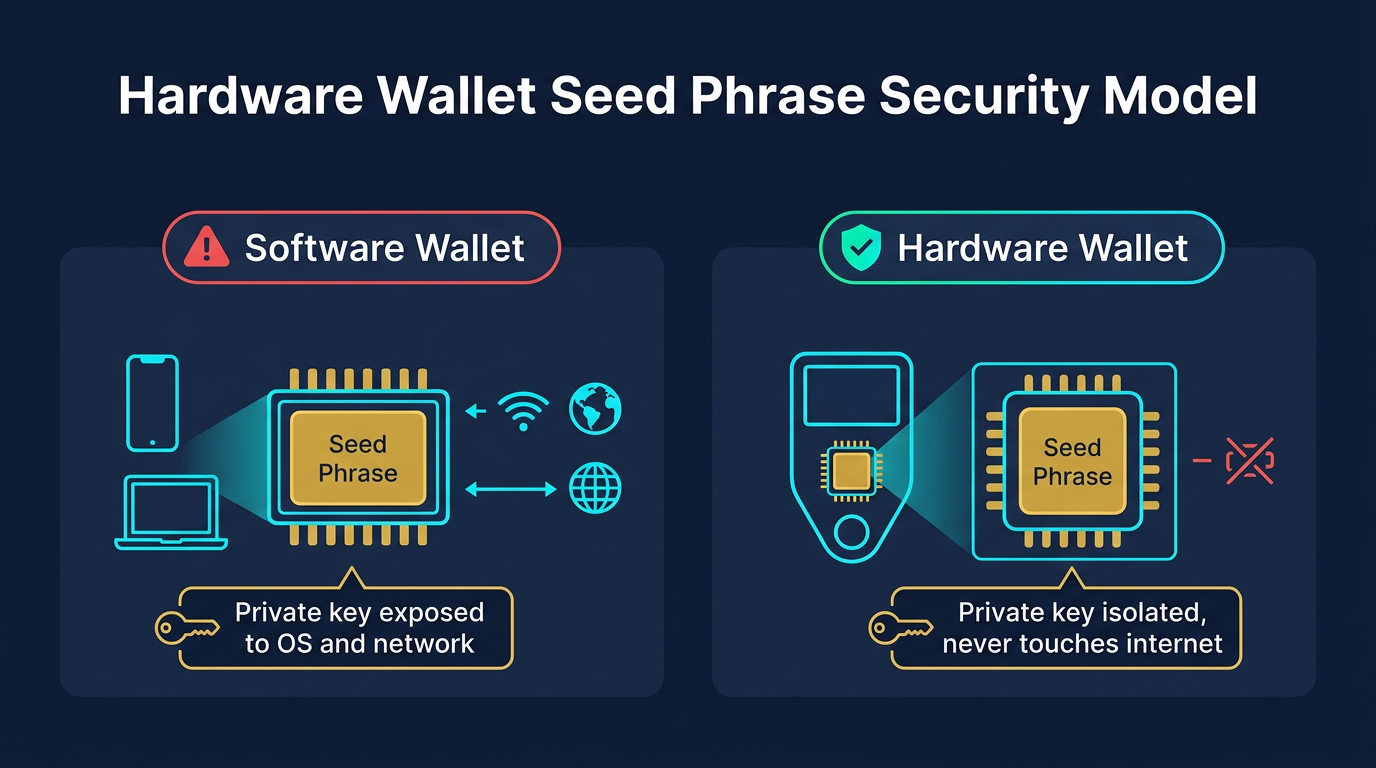
All hardware wallets aim to do the same core job: keep private keys away from internet-connected environments. The difference is how well they do it, how verifiable the design is, and how much trust they require from the user.
The most important factors are security architecture, firmware transparency, connectivity model, recovery design, and day-to-day usability. A wallet can be technically secure but still be a poor choice if its workflow is so frustrating that users cut corners with backups or address checks.
Understanding what cold storage actually means in crypto wallets helps frame the decision properly. A hardware wallet is valuable because it isolates signing from the internet-facing device you use every day. The stronger that isolation and the better the backup process, the stronger the self-custody setup becomes.
Hardware Wallet Comparison Table
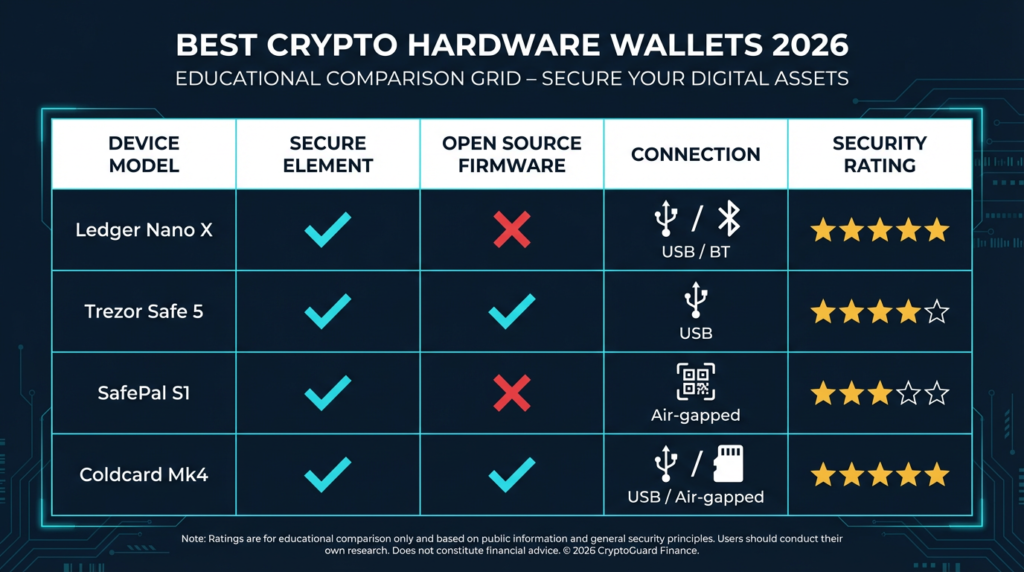
The table below summarizes the main architectural differences between the most popular hardware wallets in 2026.
| Wallet | Security Model | Open Source | Connectivity | Best Use Case |
|---|---|---|---|---|
| Ledger Nano X | Secure Element (CC EAL5+) | Partial | USB-C, Bluetooth | Mobile and multi-chain convenience |
| Ledger Nano S Plus | Secure Element (CC EAL5+) | Partial | USB-C | Budget desktop users |
| Trezor Safe 5 | Secure Element (EAL6+), open firmware | Firmware open | USB-C, NFC | Best overall balance |
| Trezor Safe 3 | Secure Element (EAL6+), open firmware | Firmware open | USB-C | Best beginner value |
| SafePal S1 | Air-gapped QR signing | Partial | QR only | Budget air-gapped storage |
| Coldcard Mk4 | Dual Secure Element, open firmware | Firmware open | USB, NFC, microSD | Bitcoin-only advanced users |
| BitBox02 | Secure Element, open firmware | Firmware open | USB-C | Open-source beginner/intermediate users |
| Keystone 3 Pro | Air-gapped, three-chip design | Firmware open | QR only | Air-gapped multi-chain power users |
| Foundation Passport | Air-gapped, open hardware and firmware | Hardware + firmware open | QR, microSD | Bitcoin-only high-security self-custody |
| Tangem | Proprietary chip, NFC only | App open, firmware closed | NFC only | Casual holders prioritizing simplicity |
Best Hardware Wallets Reviewed
1. Trezor Safe 5
Best overall for most users.
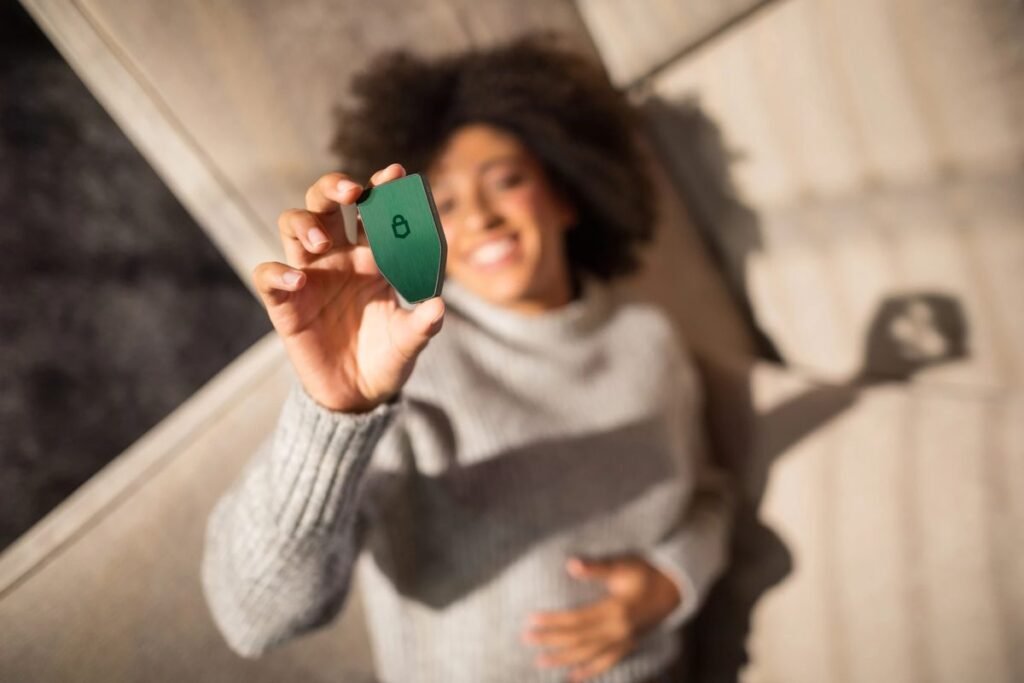
The Trezor Safe 5 is the easiest wallet on this list to recommend to the broadest group of people. It combines open-source firmware, a Secure Element, a color touchscreen, and a polished setup experience without becoming so simplified that it hides important security concepts from the user.
That mix matters. Open-source firmware gives users and researchers a way to verify what the device is doing. The Secure Element improves resistance to physical extraction attempts. The larger touchscreen makes address checks and transaction approvals less error-prone than small button-only devices. In practice, that means better security and better usability at the same time.
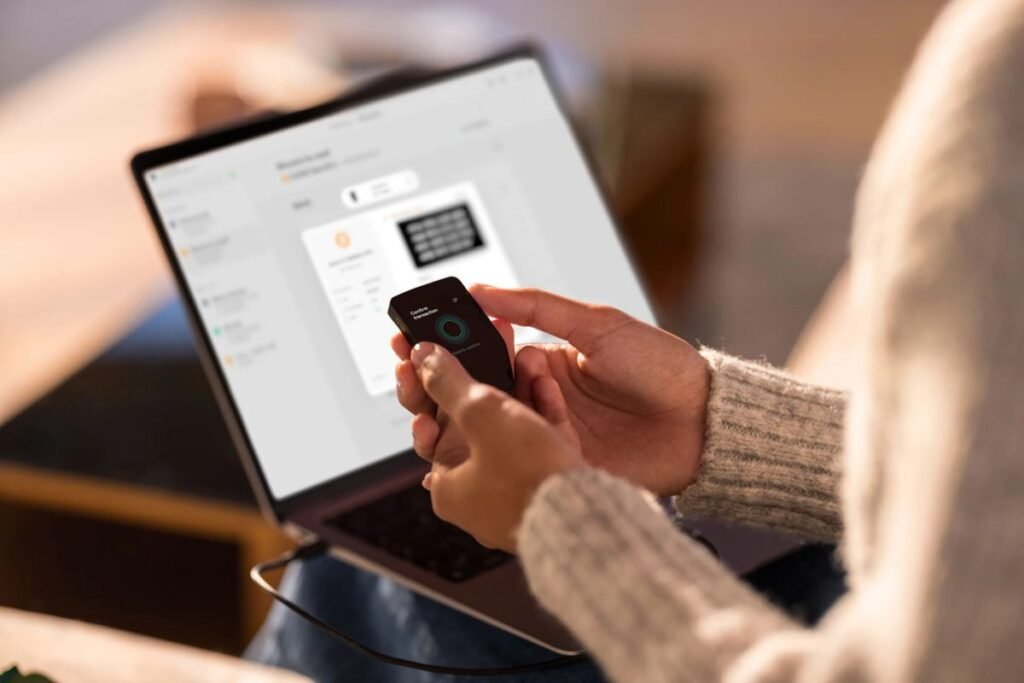
Trezor Suite is guided, readable, and approachable for first-time buyers. It handles the critical parts well: firmware checks, seed phrase creation, confirmation, and optional passphrase setup. The device also works with third-party tools such as Electrum, Wasabi, and MetaMask, which gives it flexibility beyond the default ecosystem.
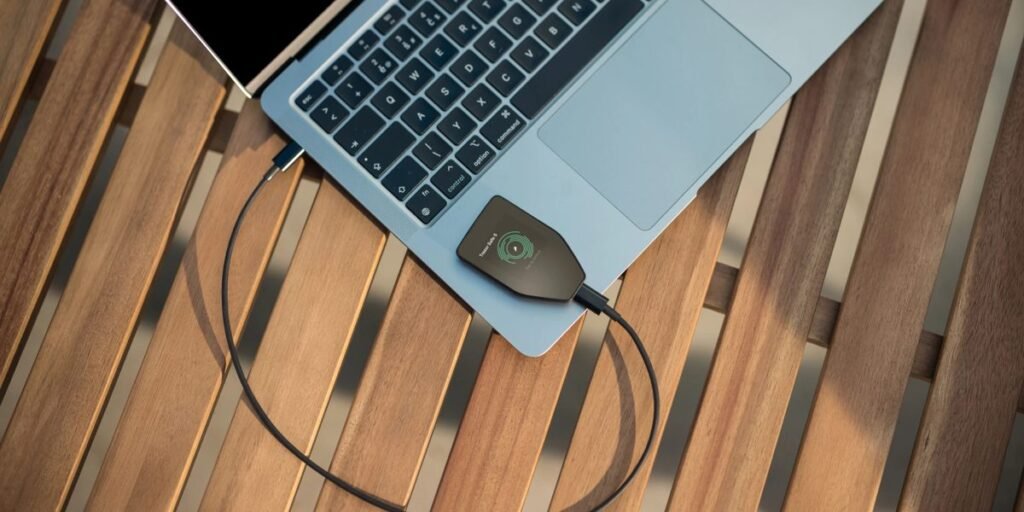
Why buy it: Best balance of auditability, security, and usability.
Main drawback: Higher price than entry-level devices, and no Bluetooth for users who want mobile-first convenience.
Best for: Most self-custody users, especially those who want a serious long-term wallet without unnecessary complexity.
2. Trezor Safe 3
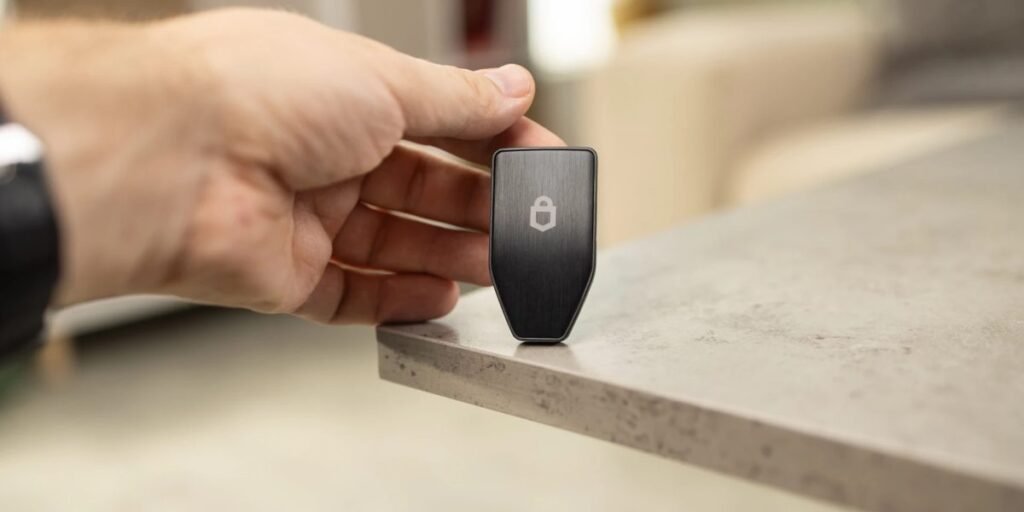
Best beginner hardware wallet.
The Trezor Safe 3 is the best value choice for buyers who want strong fundamentals without paying for a premium screen. It keeps the core strengths of the Safe 5—open-source firmware and modern Secure Element protection—while dropping the touchscreen and premium feel.
That makes it a strong starting point for someone moving coins off an exchange for the first time. It is easier to trust than many closed devices because the firmware can be audited, but it is still simple enough to use without an engineering background. Setup is straightforward, passphrase support is built in, and coin support is broad enough for most retail holders.
The main compromise is comfort, not core security. Button navigation is slower than a touchscreen, and users who sign often may notice the difference. But for long-term storage, that trade-off is reasonable.
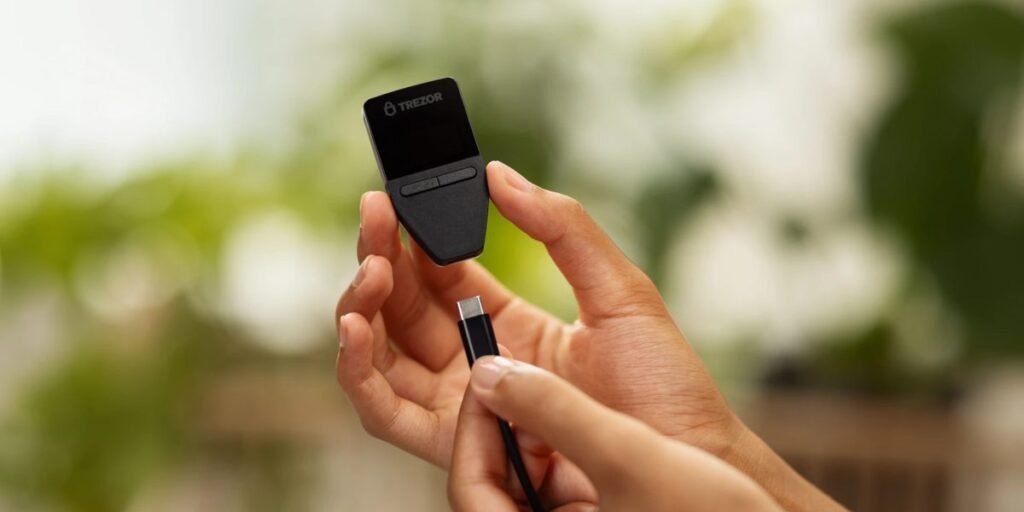
Why buy it: Excellent security-to-price ratio, open-source firmware, good beginner fit.
Main drawback: Less ergonomic than the Safe 5.
Best for: Beginners, budget-conscious buyers, and users who want a credible open-source wallet without overspending.
3. Ledger Nano X
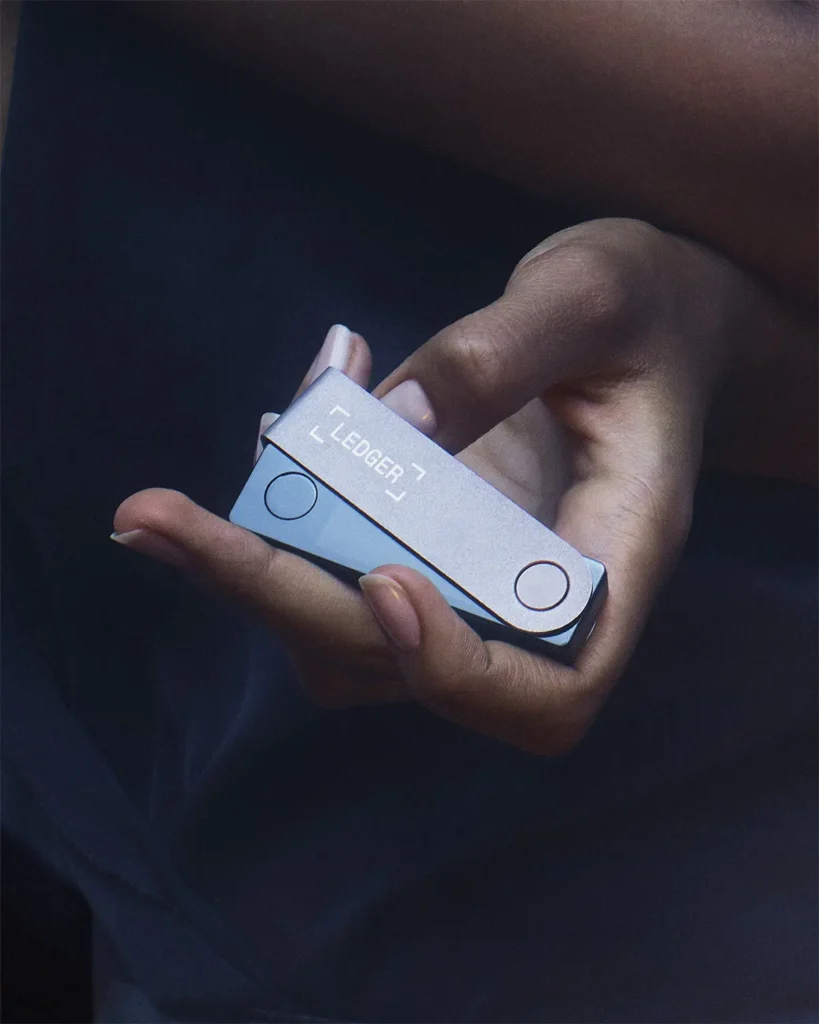
Best for mobile use and broad multi-chain support.
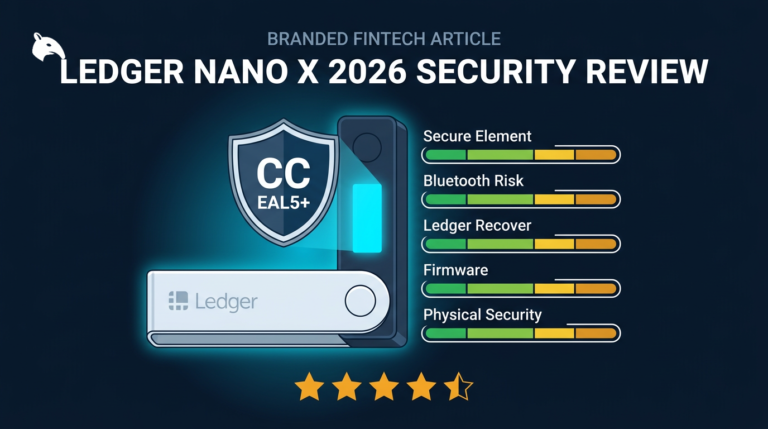
The Ledger Nano X remains attractive because it is practical. It supports a huge range of assets, integrates smoothly with Ledger Live, and works well for users who want Bluetooth and phone-based management. If your priority is convenience across multiple chains, Ledger still has one of the strongest ecosystems in the category.
The trade-off is trust. Ledger uses Secure Element hardware, which is strong for physical key protection, but its core Secure Element firmware is not fully auditable by the public. The Ledger Recover controversy also reminded users that closed architectures require confidence in the manufacturer’s design boundaries. For some buyers that is an acceptable trade. For others it is a deal breaker.
There is also the company trust issue beyond the device itself. Ledger’s 2020 customer data breach did not expose device keys, but it did affect how many users view the broader relationship with the brand.
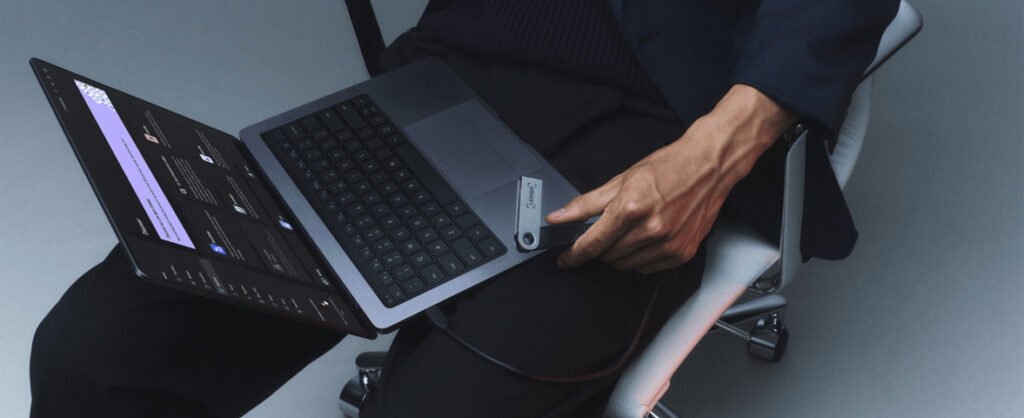
Why buy it: Strong ecosystem, excellent mobile convenience, broad asset support.
Main drawback: Closed trust boundaries and Bluetooth widen the attack surface compared with more minimal designs.
Best for: Multi-chain users who value convenience and app support more than full firmware transparency.
For a deeper trust-model breakdown, see Is Ledger Nano X Safe in 2026?
4. Ledger Nano S Plus
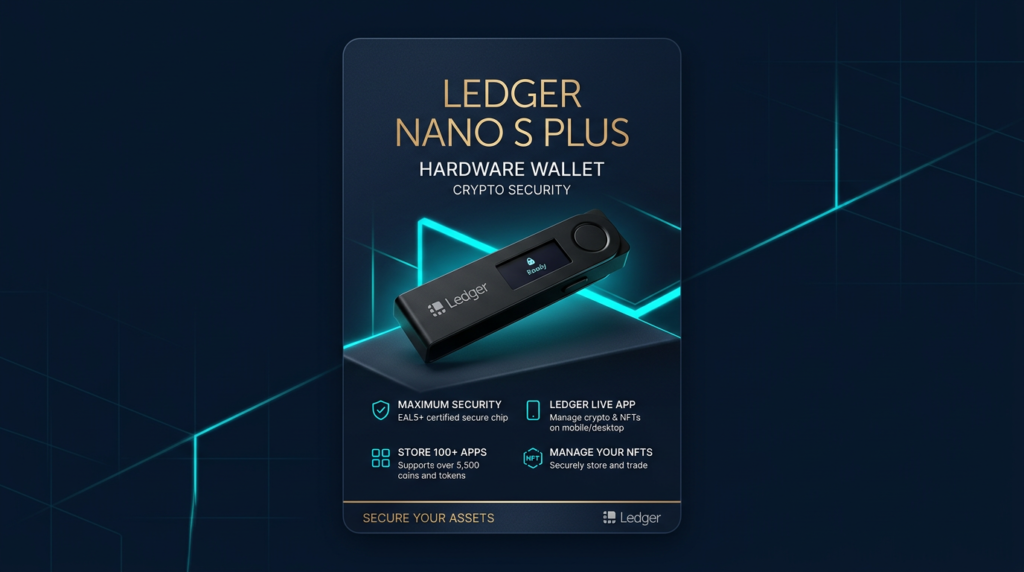
Best budget Ledger option.
The Ledger Nano S Plus gives users Ledger’s core security model without Bluetooth. That makes it a simpler and cheaper entry point for desktop users who do not need mobile signing.
It keeps the Secure Element architecture and the Ledger Live experience, so the main advantages and trust trade-offs are similar to the Nano X. The lower cost makes it a more rational choice for buyers who want Ledger specifically but do not need the premium convenience layer.
Why buy it: Lower cost, no Bluetooth, solid ecosystem.
Main drawback: Same closed-firmware trust limitation as other Ledger devices.
Best for: Desktop users who want Ledger at a lower price and can live without mobile-first features.
5. Coldcard Mk4
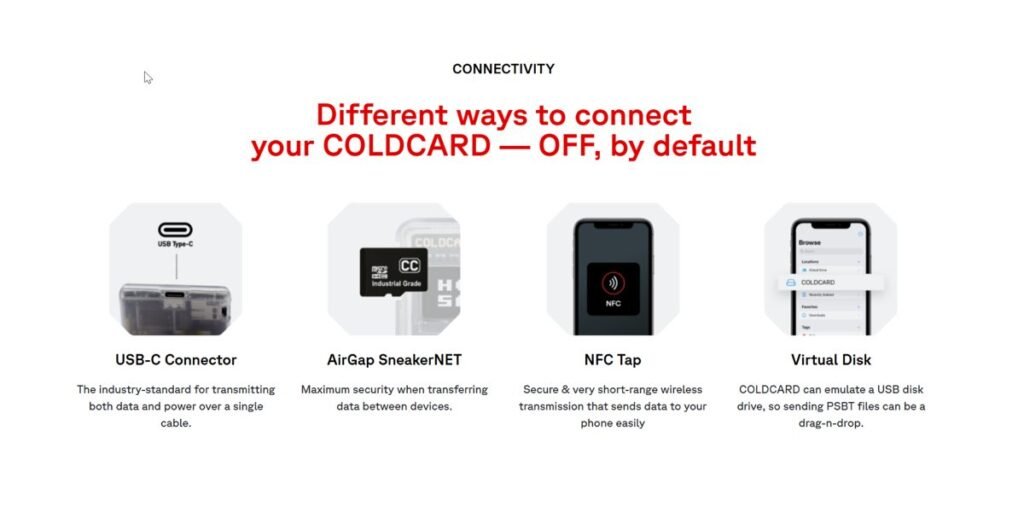
Best Bitcoin-only wallet for advanced users.
Coldcard Mk4 is built for serious Bitcoin self-custody. It is not trying to be friendly. It is trying to be powerful. That distinction matters. The device supports open firmware, dual Secure Elements, air-gapped workflows through microSD, advanced PSBT handling, and features such as duress PINs that appeal to users with higher security requirements.
If you are a technically capable Bitcoin holder, Coldcard offers a level of control that mainstream devices do not. If you are brand new to self-custody, it can feel intimidating fast. That does not make it bad. It makes it specialized.
Coldcard is strongest when paired with serious Bitcoin workflows, often through Sparrow Wallet. For multisig, PSBT, and air-gapped transaction handling, it is one of the strongest tools available to retail users.
Why buy it: Deep Bitcoin security features, excellent control, strong air-gapped options.
Main drawback: Not beginner-friendly and useless for altcoin holders.
Best for: Bitcoin-only users, advanced self-custody setups, multisig coordinators, and users with elevated physical threat concerns.
6. Keystone 3 Pro
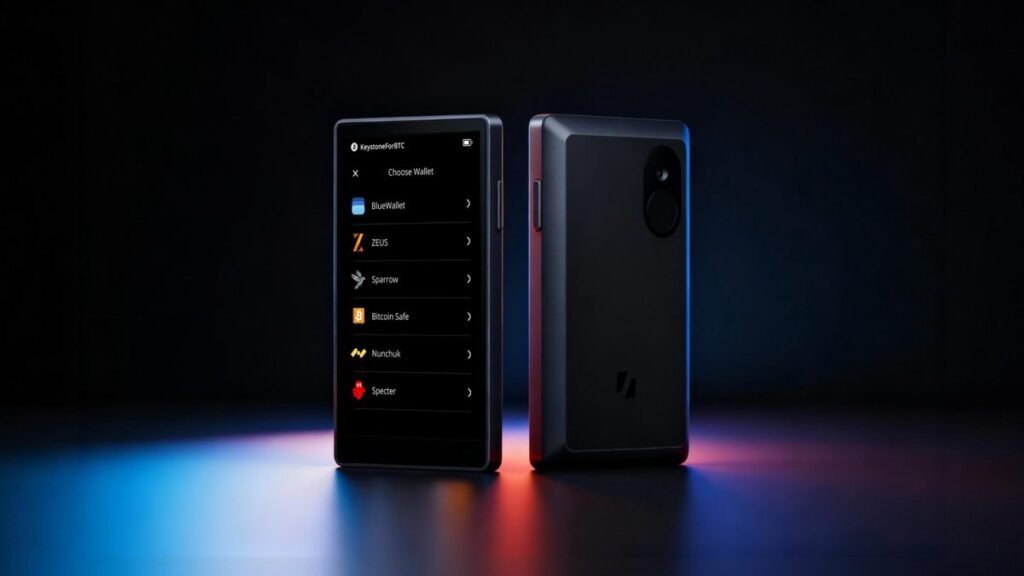
Best air-gapped wallet for multi-chain and DeFi users.
The Keystone 3 Pro is one of the most attractive options for users who want QR-based signing without giving up multi-chain flexibility. It uses a large touchscreen, open-source firmware, and a fully air-gapped workflow that integrates with tools like MetaMask and Rabby.
This makes it a strong bridge between strict cold storage thinking and real DeFi usage. You get the benefit of not running transaction signing through a USB or Bluetooth path, while still keeping access to practical browser-wallet ecosystems.
Its workflow is slower than a connected signer, but that is part of the point. QR-based signing adds friction in exchange for reducing attack surface.
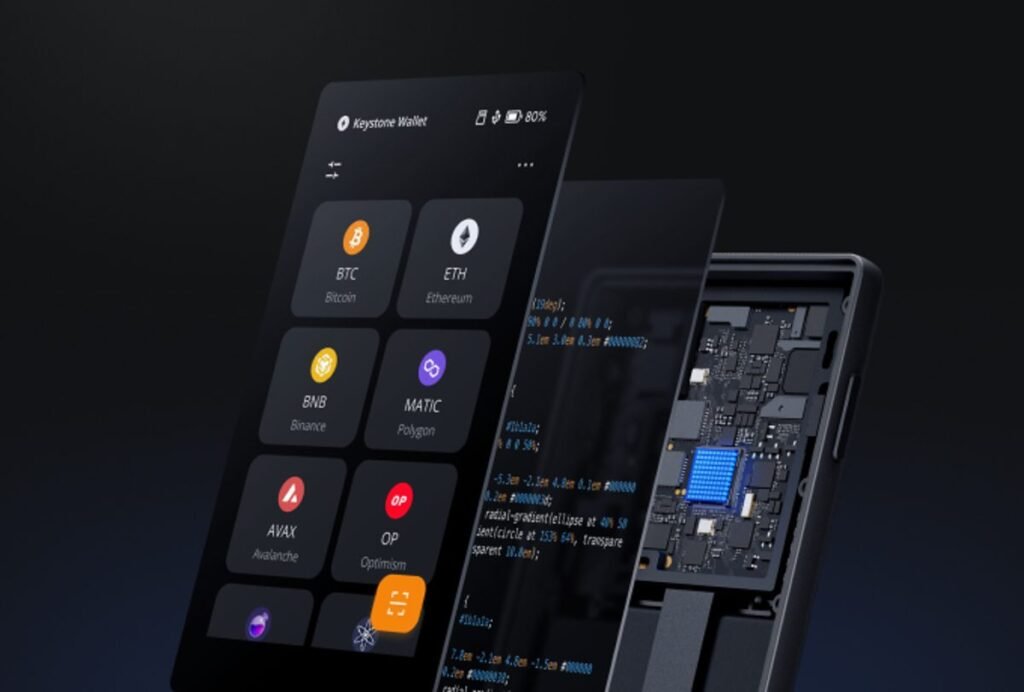
Why buy it: Air-gapped multi-chain security with a user-friendly screen and strong wallet integrations.
Main drawback: Slower workflow than connected devices.
Best for: Users who want stronger isolation than USB devices without going Bitcoin-only.
7. SafePal S1
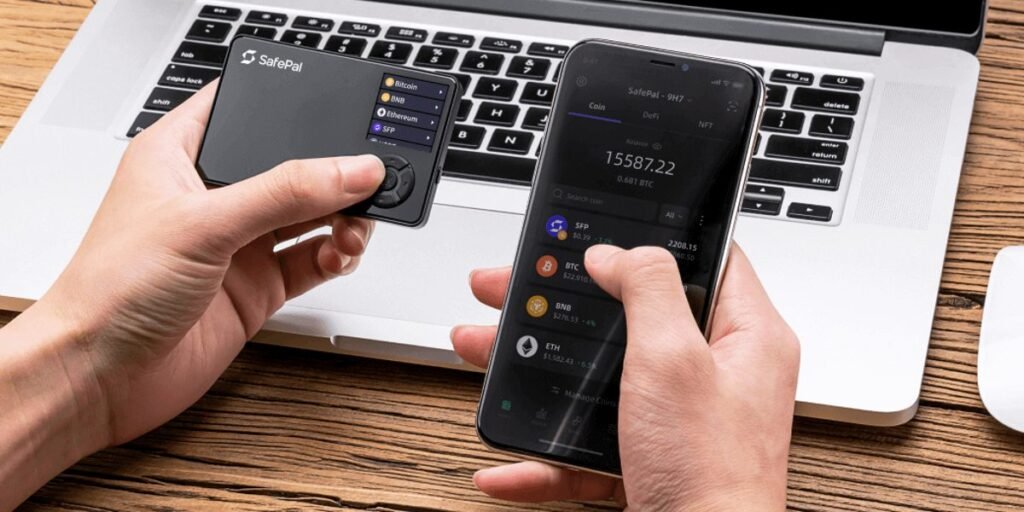
Best budget air-gapped wallet.
The SafePal S1 wins on price and QR-based isolation. It removes USB and Bluetooth data transfer from the signing process and supports a very wide range of coins and tokens, which makes it appealing to users who want an air-gapped concept without paying premium prices.
The compromise is transparency. The firmware is not fully open source, which means you do not get the same auditability as devices such as Trezor, BitBox02, Keystone, or Passport. The QR workflow is also slower than a connected wallet, especially for active users.
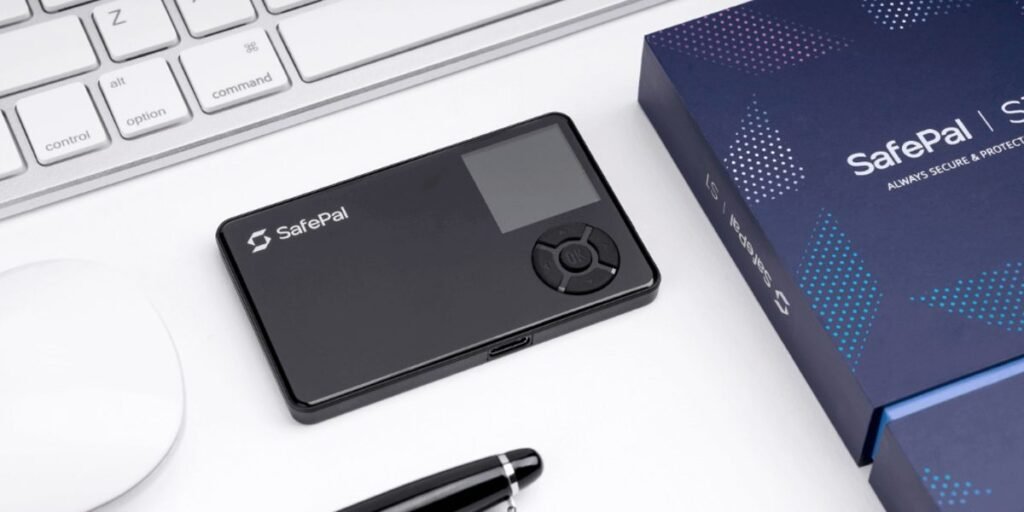
Why buy it: Affordable air-gapped signing and broad coin support.
Main drawback: Less transparent than the strongest open-source alternatives.
Best for: Cost-conscious buyers who want QR-based isolation and can accept partially closed trust boundaries.
For a full breakdown, see the SafePal S1 Review.
8. BitBox02
Best open-source wallet for beginner-to-intermediate users.
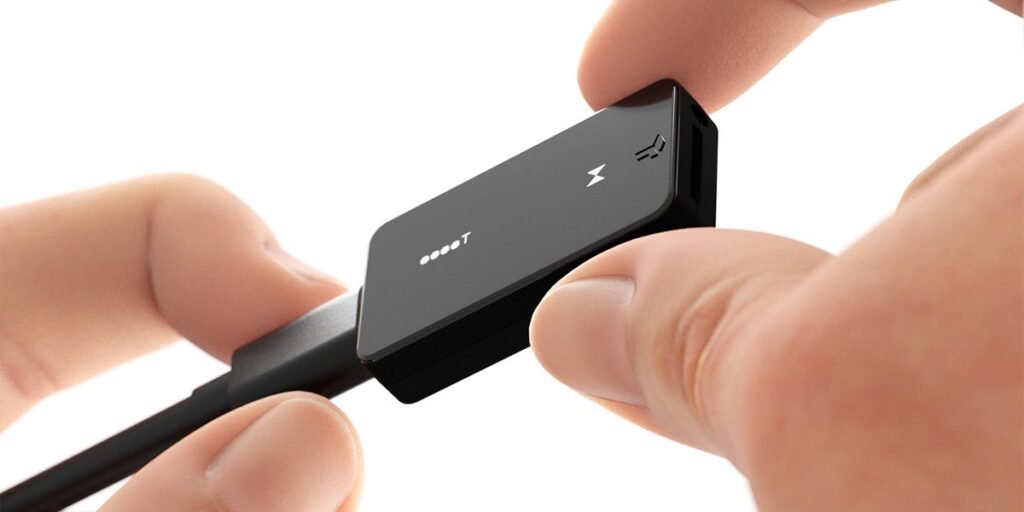
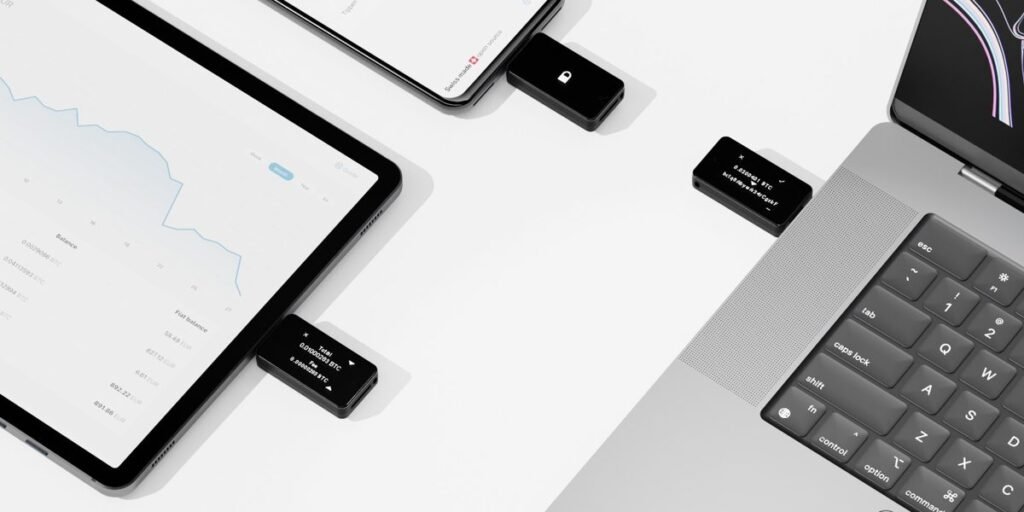
Made by Shift Crypto in Switzerland, the BitBox02 is one of the cleanest open-source options on the market. It has a smaller, simpler design than Trezor, a cleaner experience than Coldcard, and a reputation for taking security seriously without burying users in complexity.
The Bitcoin-only edition is especially appealing because the reduced firmware scope lowers complexity and attack surface. The multi-edition adds broader asset support for users who need Ethereum and other chains. The companion app is clean and approachable, which matters more than many security-maximalists admit.
Why buy it: Open-source firmware, credible team, clean user experience, strong Bitcoin-only option.
Main drawback: Less mainstream ecosystem reach than Ledger or Trezor.
Best for: Users who want open-source credibility without Coldcard-level friction.
9. Foundation Passport
Best Bitcoin-only wallet for users who want open hardware and air-gapped operation.
Foundation Passport is one of the most interesting devices in the category because it combines Bitcoin-only focus with open-source firmware and open hardware. That makes it unusually attractive to users whose threat model includes supply-chain trust and verifiability, not just software-level security.
It communicates through QR codes and microSD, which keeps the architecture air-gapped by design. The companion Envoy app makes setup more approachable than many buyers expect, especially compared with the harsher learning curve of Coldcard.
The obvious downside is specialization. It is Bitcoin-only, relatively premium-priced, and not designed for someone who wants to manage altcoins casually.
Why buy it: Open hardware plus open firmware, strong air-gapped design, better usability than many advanced Bitcoin tools.
Main drawback: Expensive and irrelevant for multi-chain users.
Best for: Bitcoin-focused holders who want very high verifiability without going full Coldcard complexity.
10. Tangem
Best for casual holders who want extreme simplicity.
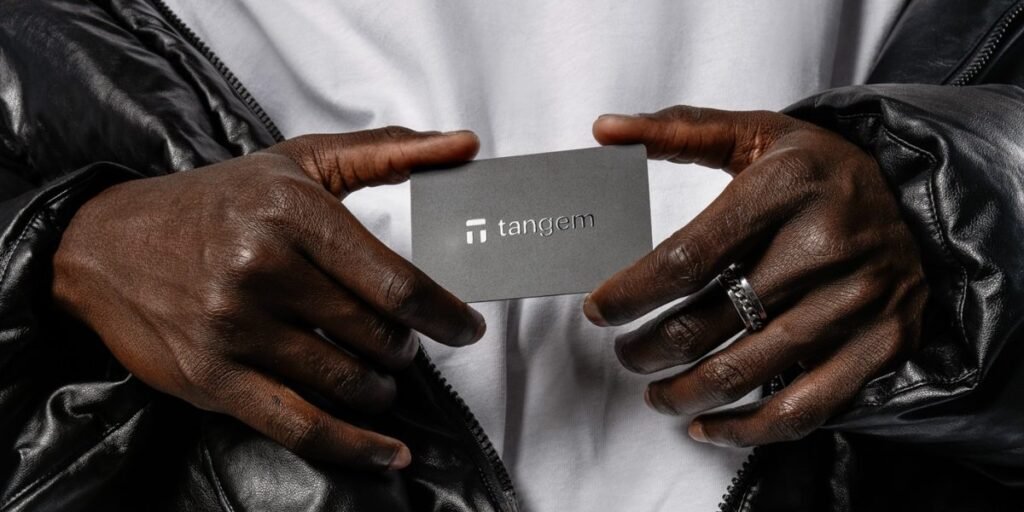
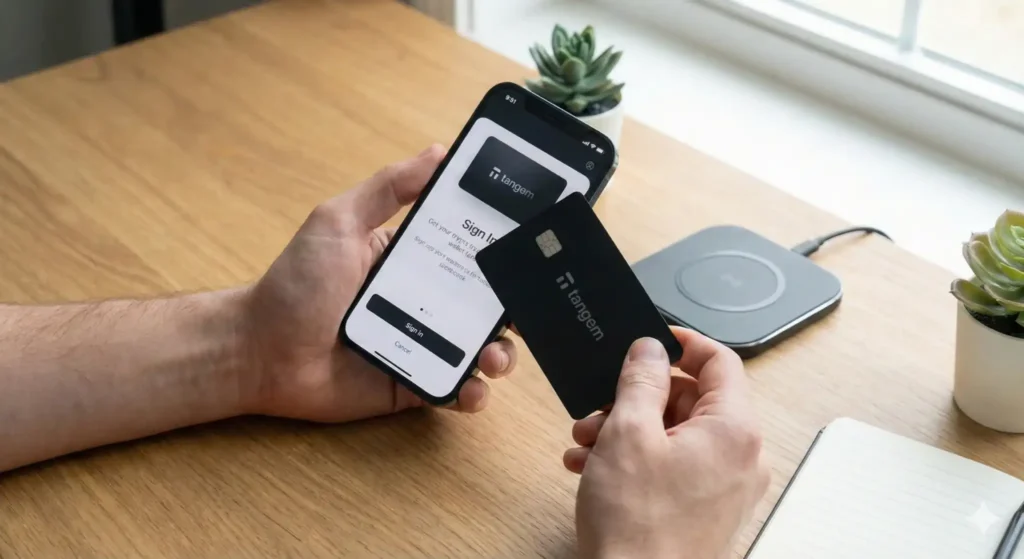
Tangem is the outlier on this list. It uses NFC-enabled cards instead of the more traditional screen-and-buttons hardware-wallet design. That makes it very easy to understand and easy to carry, which explains the product’s appeal to non-technical users.
But simplicity comes with serious trade-offs. Tangem’s model is less standard than BIP39 wallets, the firmware is closed, and recovery depends on the card-based system rather than the broad compatibility of traditional seed phrase recovery. That does not automatically make it unsafe, but it does make it harder to recommend for meaningful long-term holdings.
Why buy it: Extremely simple onboarding and low-friction use.
Main drawback: Closed trust model and weaker long-term flexibility than standard seed phrase-based wallets.
Best for: Casual users and small balances where convenience matters more than maximum verifiability.
Understanding Your Threat Model
The right hardware wallet depends on what you are actually defending against. Before comparing brands or price points, it helps to define the type of risk you care about most.
Low Threat Model
Your main concern is exchange failure, phishing, malware, or general online account compromise. Almost any reputable hardware wallet already improves your position dramatically here. Trezor Safe 3, Ledger Nano S Plus, SafePal S1, and even Tangem can cover this level adequately if used correctly.
Moderate Threat Model
You are thinking beyond remote attacks. You care about physical theft, device seizure, and what happens if someone gets access to your backup or device. At this level, passphrase use matters a lot, and open-source firmware starts becoming more valuable. Trezor Safe 3, Trezor Safe 5, and BitBox02 fit well here.
Elevated Threat Model
You are thinking about sophisticated physical attacks, supply-chain concerns, institutional adversaries, or high-value Bitcoin storage. Air-gapped workflows, multisig, and open hardware begin to matter more. Coldcard Mk4, Foundation Passport, and Keystone 3 Pro are the most relevant options in this category.
Hardware Wallet Security Architecture: What to Evaluate Before You Buy
Secure Element Chips
A Secure Element is a tamper-resistant chip designed to protect secrets and cryptographic operations against physical extraction and side-channel attacks. Devices that use EAL5+ or EAL6+ rated Secure Elements are generally better equipped for physical attack resistance than devices relying only on standard microcontrollers.
The trade-off is transparency. Secure Element ecosystems often include closed components. That means strong physical protection does not automatically mean full auditability. You are often balancing physical hardening against openness.
Firmware Transparency
Open-source firmware allows independent review of the code handling private keys, entropy generation, and transaction signing. This does not guarantee perfect security, but it reduces blind trust in the manufacturer. For many serious self-custody users, that structural benefit matters more than marketing polish.
Connectivity and Attack Surface
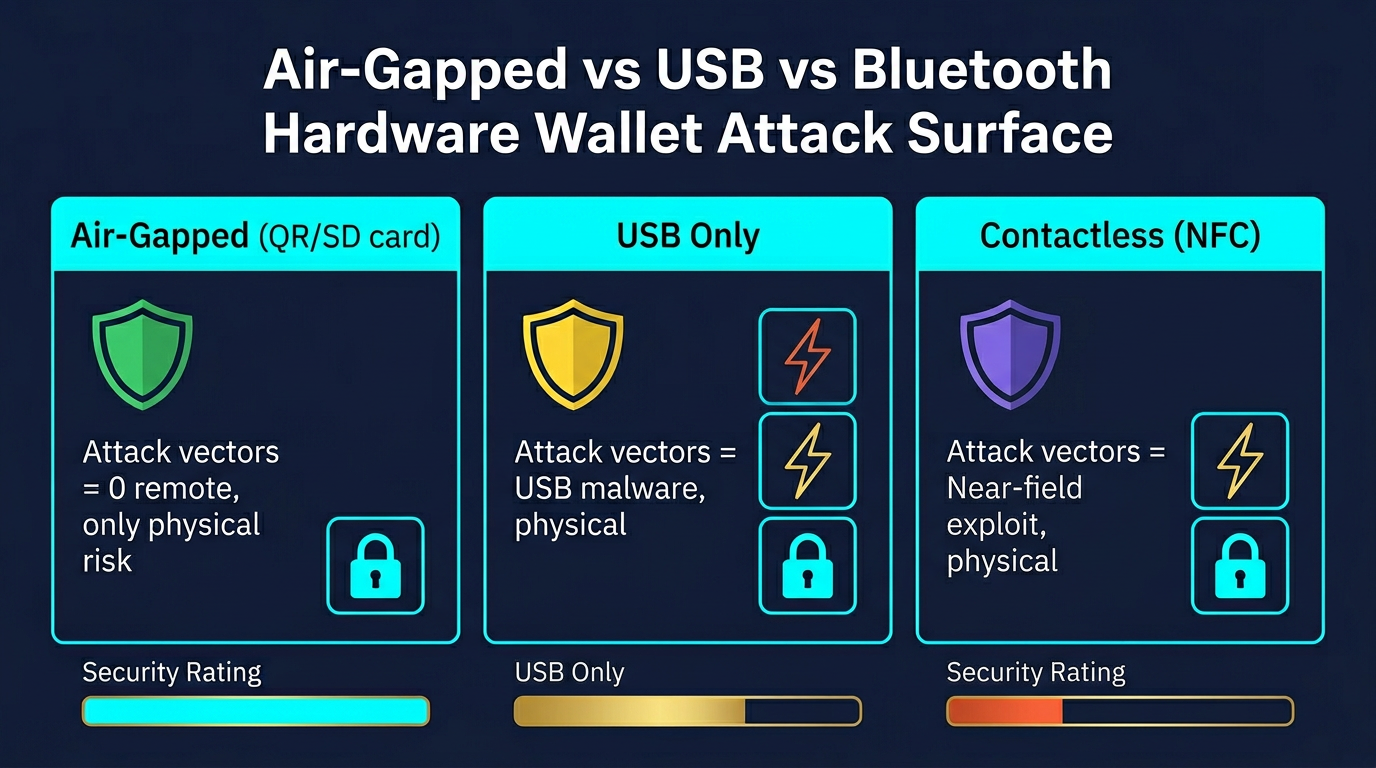
Every connection method adds a different risk profile. USB is practical but still connects the device to a host machine. Bluetooth adds convenience but expands the surface further. NFC is short-range but still a communication path. QR and microSD air-gapped workflows minimize remote exposure the most, but they are slower.
For a deeper look, see Cold Storage Paranoia: Is Your Wallet Actually Air-Gapped?
Recovery and Seed Phrases
Most hardware wallets rely on a BIP39 seed phrase. That is your real backup. The device is replaceable. The seed phrase is not. If the device dies but the seed phrase is safe, you can recover. If the device survives but the seed phrase is lost and the wallet later fails, your funds can become unrecoverable.
Adding a BIP39 passphrase creates another layer of protection. That can significantly improve security for meaningful holdings, but it also adds another critical secret that must not be forgotten.
Tangem is the exception here because it uses a card-based recovery model instead of standard seed phrase compatibility.
Which Hardware Wallet Is Right for You?
For most people: Trezor Safe 5.
For the best budget beginner choice: Trezor Safe 3.
For mobile-friendly multi-chain use: Ledger Nano X.
For Bitcoin-only advanced security: Coldcard Mk4.
For air-gapped multi-chain use: Keystone 3 Pro.
For a cheaper air-gapped option: SafePal S1.
For open-source simplicity without premium pricing: BitBox02 or Trezor Safe 3.
For maximum convenience with the biggest compromises: Tangem.
If you are building a broader wallet stack rather than choosing a single device, the Self-Custody Survival Guide goes deeper on storage layers, operational security, and long-term backup planning.
Even the best hardware wallet only protects you when used correctly. Understanding the limits of these devices is just as important as choosing the right one.
Risks and Limitations
Hardware wallets are not magic. They reduce remote attack surface, but they do not solve every failure mode.
- Physical theft still matters. A device plus poor backup habits can still end badly.
- Seed phrase mistakes remain the biggest user failure point. The device only protects the key during use. The backup protects the key at rest.
- Supply-chain risk exists. Buy directly from the manufacturer or verified sellers only.
- Closed-source trust boundaries are real. Some users accept them. Others should not.
- Complex devices can create user error. A wallet that is too hard for you is not automatically safer for you.
For context on the underlying concepts, see What Is Self-Custody in Crypto? and What Is a Private Key?
Common Mistakes When Using Hardware Wallets
- Buying from unofficial sellers. This is one of the easiest ways to create avoidable risk.
- Storing the seed phrase digitally. Screenshots, notes apps, email drafts, and cloud storage defeat the point.
- Skipping genuine device checks during setup. These exist for a reason.
- Never testing recovery. A backup that has never been tested is an assumption, not a safety system.
- Not using a passphrase for meaningful holdings. For larger balances, this is often a major missed layer.
- Trusting the computer screen instead of the device screen. Always verify addresses on the wallet itself.
Frequently Asked Questions
What is the best hardware wallet overall?
For most users, the Trezor Safe 5 is the best all-around hardware wallet because it balances security, auditability, and usability better than most competitors. The best choice can still change based on your threat model and whether you need Bitcoin-only, air-gapped, or mobile-first features.
Is Ledger still safe to use?
Ledger devices are still practical and widely used, especially for multi-chain convenience. The main concern is not that they are remotely easy to hack, but that they require more trust in closed components than open-source alternatives. Buyers who want auditability first will usually prefer Trezor or BitBox02.
Are air-gapped wallets always better?
Not always. They reduce connectivity-related exposure, but they also add workflow friction. For some users that is worth it. For others, a simpler wallet used consistently and correctly is the better security choice in practice.
Do I need a passphrase?
If you are storing meaningful value long term, a passphrase is often worth serious consideration. It adds a strong second layer, but only if you can manage it responsibly. Losing the passphrase can permanently lock you out.
Can hardware wallets be hacked?
Yes, but not usually in the way beginners imagine. The bigger risks are compromised sellers, seed phrase theft, user error, poor backups, malicious host software, and physical access attacks. The hardware wallet reduces risk; it does not eliminate the need for operational discipline.