


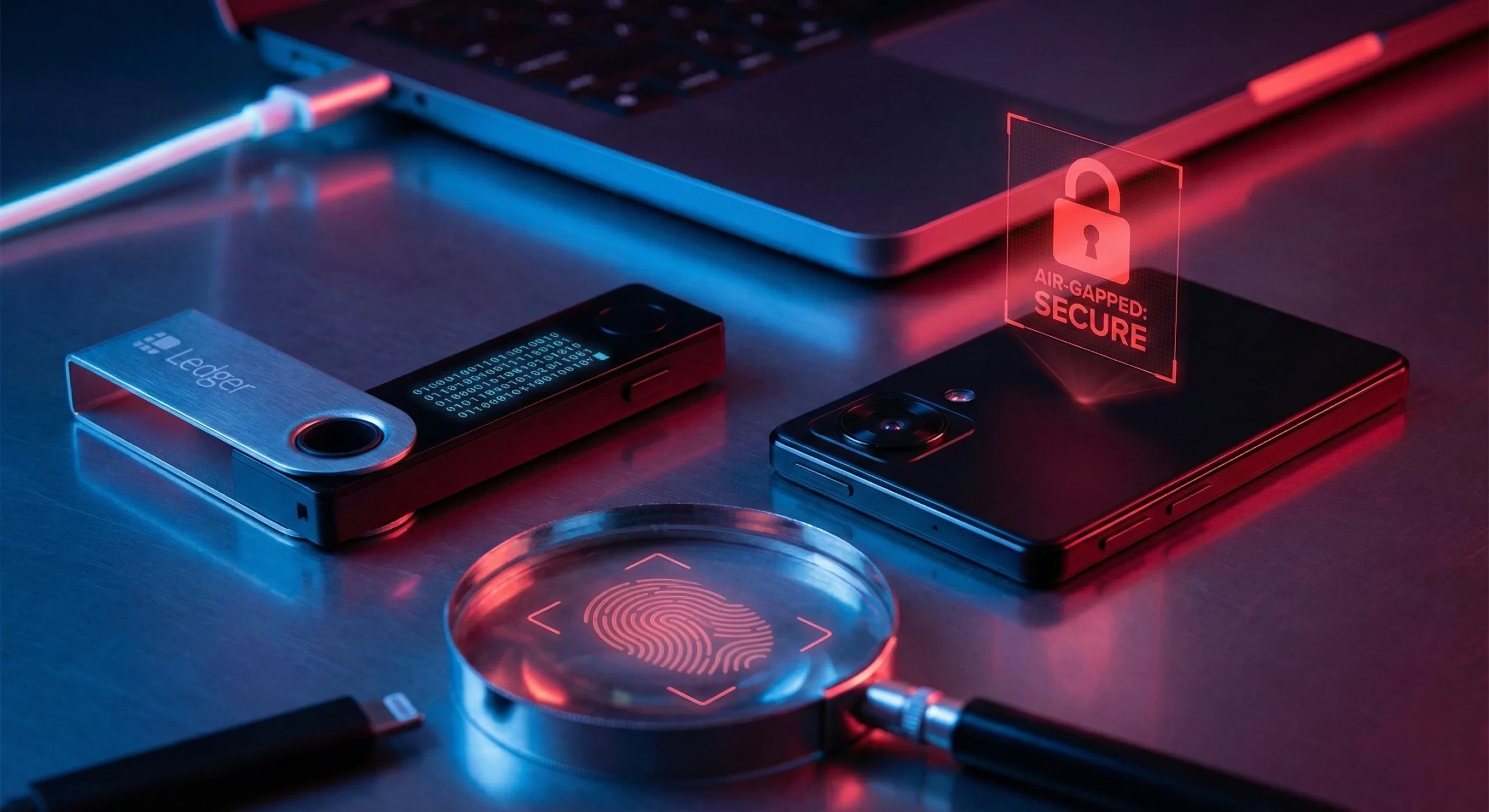
Key Takeaways
-
The “Evil Maid” Attack: Your hardware wallet is most vulnerable before it reaches you. If you buy from Amazon or eBay, a middleman can intercept the package, solder a malicious chip, and reseal it. Always buy direct from the manufacturer.
-
Blind Signing is Suicide: If your device screen shows a random string of characters (0x…) instead of “Send 1 ETH,” you are “Blind Signing.” You are likely approving a malicious contract to drain your wallet. Never sign what you can’t read.
-
The “Air-Gap” Defense: True security means your private keys never touch a device connected to the internet. QR-code-based wallets (like SafePal) create a physical gap that USB and Bluetooth connections cannot match.
-
The $5 Wrench Attack: Encryption can’t stop a criminal from forcing you to unlock your wallet. You need a Passphrase (25th Word) to create a hidden “decoy” wallet for daily use while your real stack remains invisible.
-
The Snout0x Unboxing Protocol: Assume every device is compromised until proven otherwise. Perform the “Attestation Check,” verify the firmware signature, and inspect the PCB (if you’re truly paranoid) before depositing a single satoshi.
Cold Storage Paranoia: Is Your Wallet Actually Air-Gapped?
Disclaimer: This article is for educational purposes only. I am a paranoid crypto native, not a financial advisor. The author is not responsible for any hardware failures, lost keys, or boating accidents.
If you’re sleeping like a baby because your seed phrase is written on a piece of paper, it’s time for a 3:00 AM reality check.
In 2026, the term “Cold Storage” has become a marketing buzzword used to sell you a false sense of security. We used to think moving coins off an exchange was the finish line—the “I made it” moment of self-custody. But after years of firmware vulnerabilities, “Recover” service backdoors, and sophisticated supply chain interceptions, we’ve learned the hard way: A hardware wallet is just a piece of plastic unless you understand the code running inside it.
Your security is a chain, and right now, the links are thinner than a memecoin’s liquidity. A wallet is only as secure as:
-
The factory that built it (Supply Chain Risk).
-
The developer who wrote the update (Firmware Risk).
-
The human clicking “Confirm” (That’s You).
I’ve spent the last week stress-testing the heavy hitters to see who’s actually keeping your keys in a digital vault and who’s just putting a “Do Not Disturb” sign on a glass door. Before you trust your life savings to a USB stick, you need to understand how hackers are currently bypassing your “impenetrable” setup.
Vector 1: The “Evil Maid” Attack (Supply Chain Interception)
The most terrifying hack involves no code, no phishing emails, and zero technical skill on your part. It happens before the delivery truck even hits your driveway.
If you bought your hardware wallet from a third-party seller on Amazon, eBay, or a “Crypto Swag Store” because you wanted free shipping, you have already failed.
How It Works: Specialized criminal gangs buy authentic hardware wallets in bulk. They carefully open the packaging using heat guns to preserve the “tamper-evident” seals. They open the device casing and solder a microscopic malicious chip (often called a “mallet”) onto the motherboard. They then repackage it with professional-grade shrink wrap. To you, it looks factory-fresh. But the moment you generate your seed phrase, that hidden chip records it and broadcasts it via radio frequency (RF) to the attacker the next time the device receives power. You think you’re in cold storage; they are just waiting for you to deposit enough for the “rug” to be worth their time.
The Snout0x Fix: The “Paranoid Unboxing” Protocol
-
Source Verification: Only buy directly from the manufacturer (Ledger.com, Trezor.io, SafePal.com). Never use a reseller.
-
The “Attestation” Handshake: Modern devices (like the SafePal S1 Pro or Ledger Nano X) perform a cryptographic “Attestation Check” upon first boot. The device connects to the manufacturer’s server and proves it has a genuine, unmodified “Secure Element” chip. If this check fails or “times out,” throw the device in the trash.
-
Physical Inspection: If you are truly paranoid (and you should be), shine a flashlight through the casing (if translucent) or pry it open to look for non-standard soldering blobs. If the PCB looks messy, do not use it.
Vector 2: The “Blind Signing” Trap (Digital Russian Roulette)
This is how the “sophisticated” users—the ones who think they’re too smart to get phished—get drained in seconds.
You connect your Ledger or Trezor to a fancy new DeFi dashboard to mint a “free” NFT or swap some dusty altcoins. Your wallet screen lights up. Instead of saying: “Send 1 ETH to Bob,” it says: “Sign Message: 0x8f2a… [garbled hex data].” You click “Confirm” because you trust the website’s UI.
The Reality: You just played Russian Roulette with a fully loaded glock. When you sign raw hex data (“Blind Signing”), you are telling the blockchain: “I approve whatever this contract says.” Usually, that hex code translates to a function called setApprovalForAll. This gives the attacker’s smart contract unlimited permission to move every single token in your wallet without asking you again. They won’t drain you immediately. They will wait 4 hours until you are asleep, and then vacuum your wallet clean in one transaction.
The Fix: Clear Signing Only
-
The Rule: If your hardware wallet screen does not explicitly display the Amount, the Destination Address, and the Function (e.g., “Swap” or “Send”), DO NOT CLICK CONFIRM.
-
The Tooling: Use browser extensions like Pocket Universe or Wallet Guard. These act as a firewall, decoding the transaction before it reaches your wallet and popping up a warning: “⚠️ STOP! This transaction is asking to drain your entire USDC balance.”
Vector 3: The $5 Wrench Attack (Physical Duress)
We spend hours worrying about hackers in North Korea, but we ignore the guy with a $5 wrench in your living room. If a criminal breaks into your house and holds a weapon to your head, your “256-bit encryption” is useless. You will unlock the wallet. You will give them the PIN.
The Defense: The “Passphrase” (The 25th Word) Every serious hardware wallet (Trezor, Ledger, SafePal) allows you to add a Passphrase. This is an advanced security feature often called the “25th Word.”
-
Standard Wallet (PIN 1234): This opens your “Decoy Wallet.” Put $500 of crypto in here. If you are attacked, unlock this wallet. Cry, panic, and give them the $500. They will leave thinking they cleaned you out.
-
Hidden Wallet (PIN 5678): This opens your real wallet, which is mathematically generated from your seed phrase + your secret passphrase. This wallet is invisible. Even if the attacker plugs your device into a forensic computer, they cannot prove this hidden wallet exists.
Snout0x Reality Check:
If you have more than $10k in crypto and you haven’t set up a Passphrase, you are legally negligent.
Vector 4: Air-Gapped vs. Connected (Choosing Your Paranoia)
This is the “Great Debate” of the 2026 cycle. In the trenches, we break it down into two camps:
The “Connected” Model (USB/Bluetooth)
-
Examples: Ledger Nano X, Trezor Safe 5.
-
The Risk: These devices physically connect to your computer or phone. While the private keys never leave the “Secure Element,” a physical connection theoretically allows malware on your PC to attempt to trick the device or exploit a buffer overflow vulnerability.
-
The Use Case: Great for “Active Trading” or DeFi where you need speed and convenience.
The “True Air-Gap” Model (QR Codes)
-
Examples: SafePal S1 Pro, Ellipal Titan, Keystone 3 Pro.
-
The Architecture: These devices have no Bluetooth, no WiFi, and no USB data connection. The only way data enters or leaves is via a camera scanning QR codes.
-
The Security: This creates a literal physical gap. A virus on your computer cannot “jump” across a QR code to infect your device. It is the digital equivalent of burying your gold in a bunker.
-
The Use Case: Mandatory for “Generational Wealth” (Cold Storage) that you rarely touch.
Final Verdict: Trust No One (Not Even Me)
Don’t treat your hardware wallet like a magic shield. It’s a tool. If you use a hammer incorrectly, you smash your thumb. If you use a hardware wallet incorrectly, you lose your future.
The Trench Rules for Survival:
-
Never type your seed phrase on a keyboard or take a photo of it.
-
Never buy from Amazon.
-
Always use a Passphrase for your main stack.
-
Always use a “Burner Wallet” for minting NFTs or using new dApps.
If you’re stuck choosing between the market leaders, stop guessing based on the pretty colors. Read my [SafePal S1 Pro Review] vs [Ledger Nano X Deep Dive] to see which security model actually fits your specific level of paranoia.
Subscribe to our newsletter
Enjoy exclusive special deals available only to our subscribers.

