Last Updated on March 26, 2026 by Snout0x
Ledger and Keystone both protect private keys in hardware. Both require physical access to sign transactions. Beyond that, almost every architectural decision they make is different.
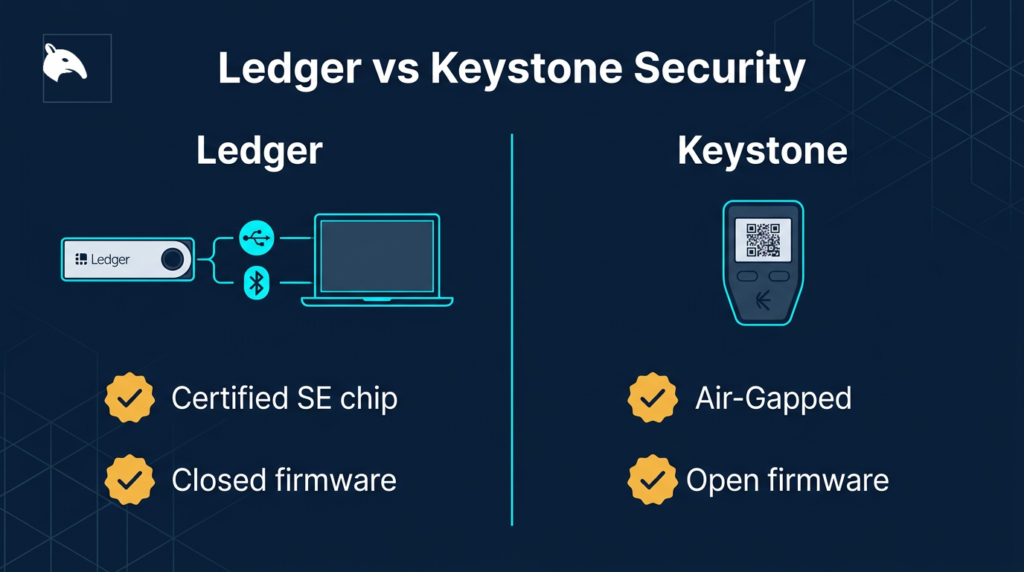
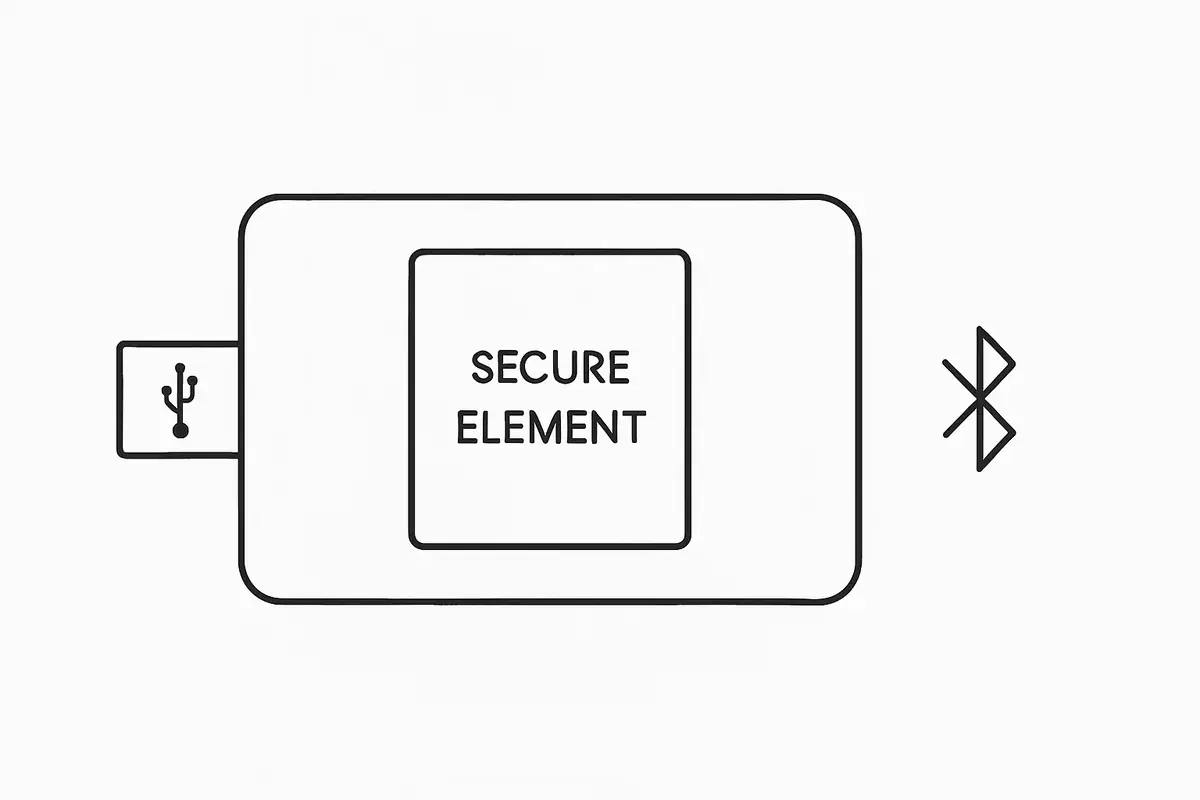
Ledger relies on a certified proprietary secure element and a USB or Bluetooth connection to companion software. Keystone is built around full air-gapping: QR codes only, open firmware, no cable or wireless data channel. Whether one is “more secure” depends entirely on which attack vectors you care about most.
The practical decision framework is simple. Choose Ledger if you value broad app compatibility, faster daily signing, and a smoother connected workflow. Choose Keystone if you value isolation, auditability, and reducing remote attack surface more than you value speed. This is less a battle of absolute security and more a choice between two different trust models.
Key Takeaways
- Ledger uses a proprietary secure element (CC EAL5+/EAL6+ certified) with closed firmware to store keys.
- Keystone uses three secure elements and open, audited firmware with QR-only transaction signing.
- Ledger’s USB/Bluetooth connection is a data channel that expands the attack surface compared to air-gapping.
- Keystone’s QR-only approach eliminates remote data channels but adds manual steps to every signing event.
- Ledger’s 2020 customer data breach affected user privacy but not private keys. Keystone has had no comparable security incident to date.
This content is for educational purposes only and should not be considered financial or investment advice.
This article may contain affiliate links. If you purchase through these links, Snout0x may earn a commission at no additional cost to you.
Ledger’s Security Architecture
Ledger devices (Nano X, Nano S Plus, and Stax) store private keys inside a secure element chip. This is a purpose-built, tamper-resistant microcontroller designed to resist physical attacks, including probing, fault injection, and side-channel analysis.
The Nano S Plus and Stax use chips certified at CC EAL6+, which is among the highest certifications available for hardware security modules.
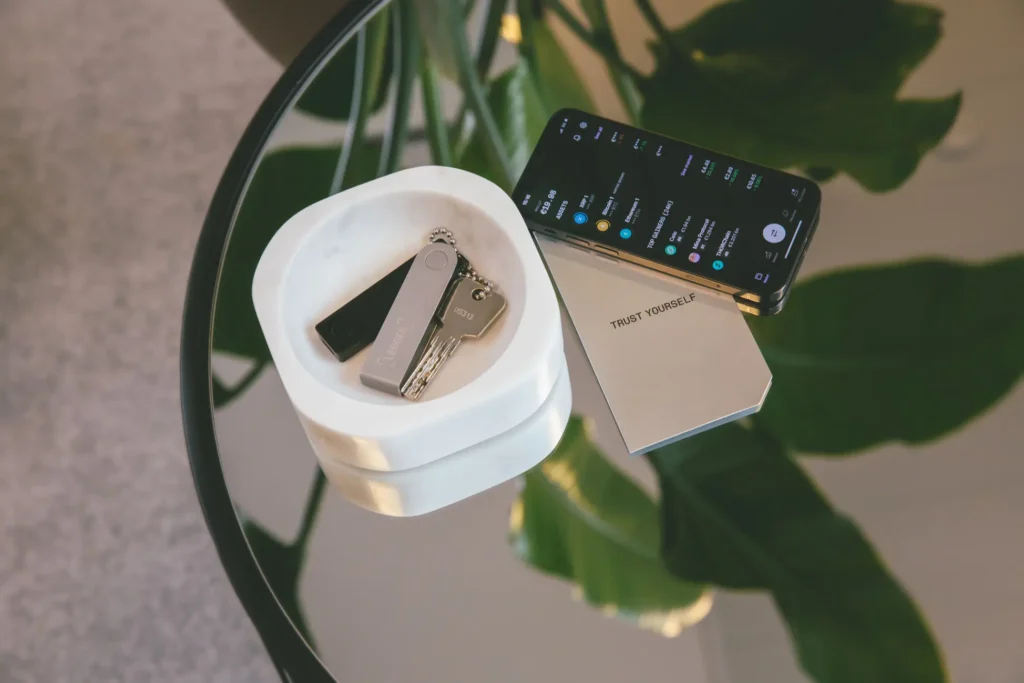
The firmware running on Ledger’s secure element is proprietary and closed source. Ledger’s argument is that open source firmware would help attackers find vulnerabilities faster than independent researchers could patch them.
Critics argue that without independent code review, you must trust Ledger’s internal security processes entirely. Both positions have merit.
Where Ledger’s architecture introduces trade-offs is at the connectivity layer. The Nano X includes Bluetooth for use with a mobile app. All Ledger devices connect via USB for desktop use. These connections are data channels.
While the private key never leaves the secure element, the USB and Bluetooth interfaces represent a larger attack surface than a device with no external data connectivity at all.
If the companion software on your computer is compromised, it could theoretically construct a malicious transaction and present it to the Ledger for signing in a way that obscures the true destination.
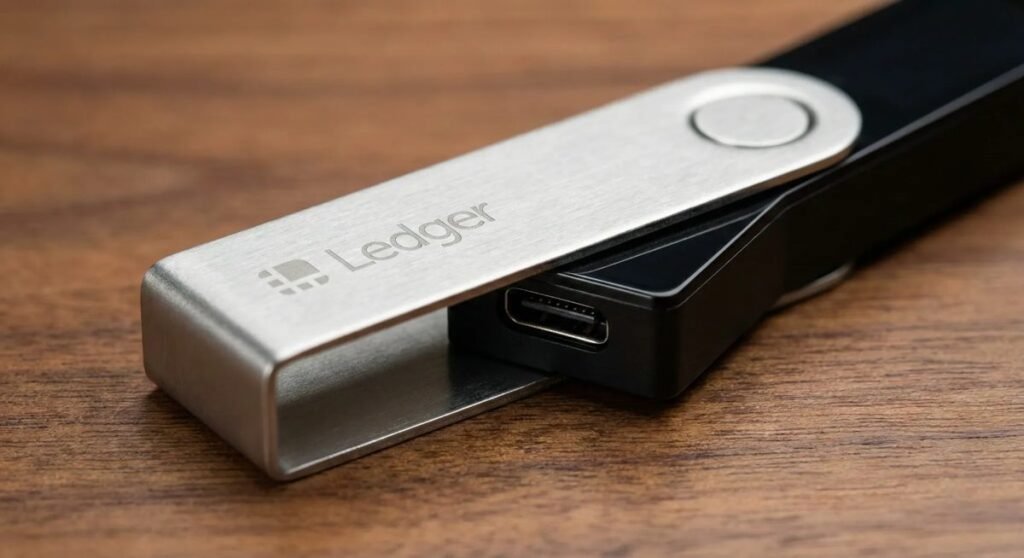
The 2020 Ledger data breach deserves mention here. Ledger’s e-commerce and marketing database was compromised, exposing names, email addresses, and physical addresses of approximately 1 million customers. No private keys or wallet funds were affected, but the breach led to significant targeted phishing and physical threat campaigns against identified Ledger users. This was a data security failure, not a cryptographic one, but it affected real users meaningfully.
Keystone’s Security Architecture
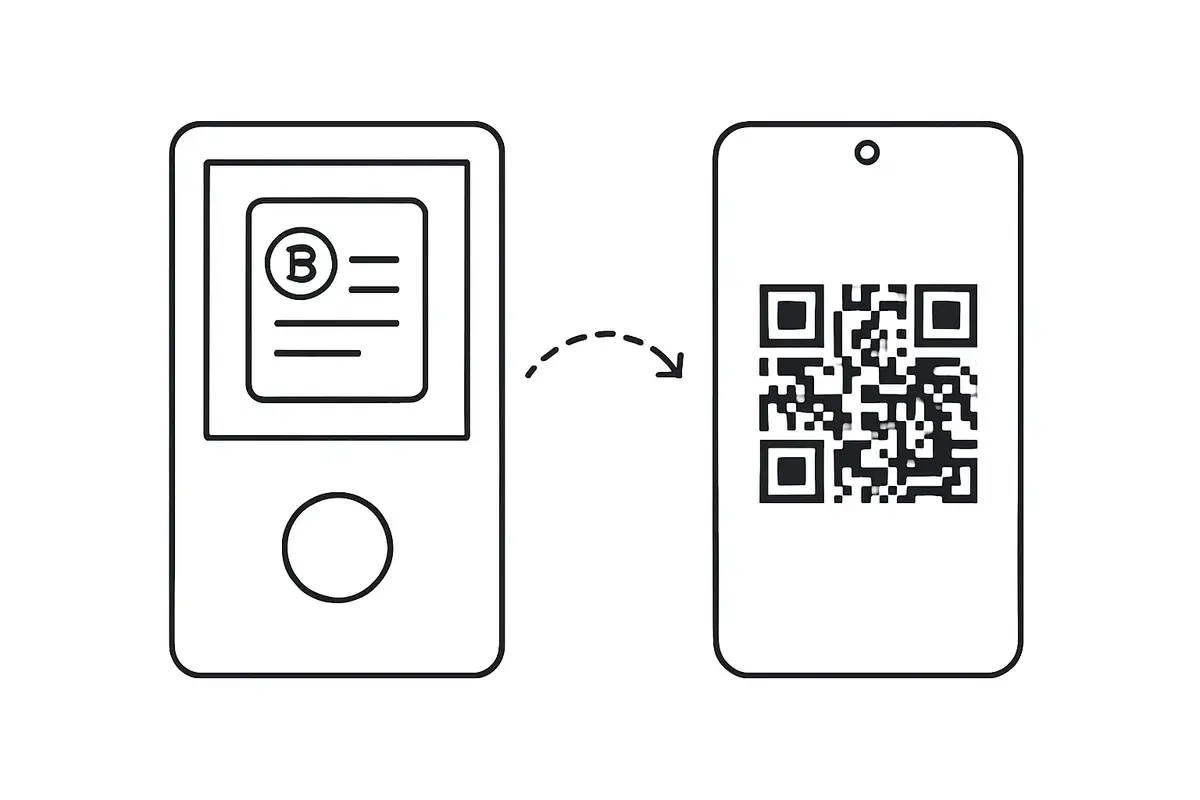
The Keystone 3 Pro takes a fundamentally different approach. It uses three secure elements (two rated at CC EAL5+) to store keys, and its main differentiator is that it has no USB data, no Bluetooth, and no Wi-Fi. Every transaction moves between the device and companion software via QR codes displayed on screens and scanned by cameras.
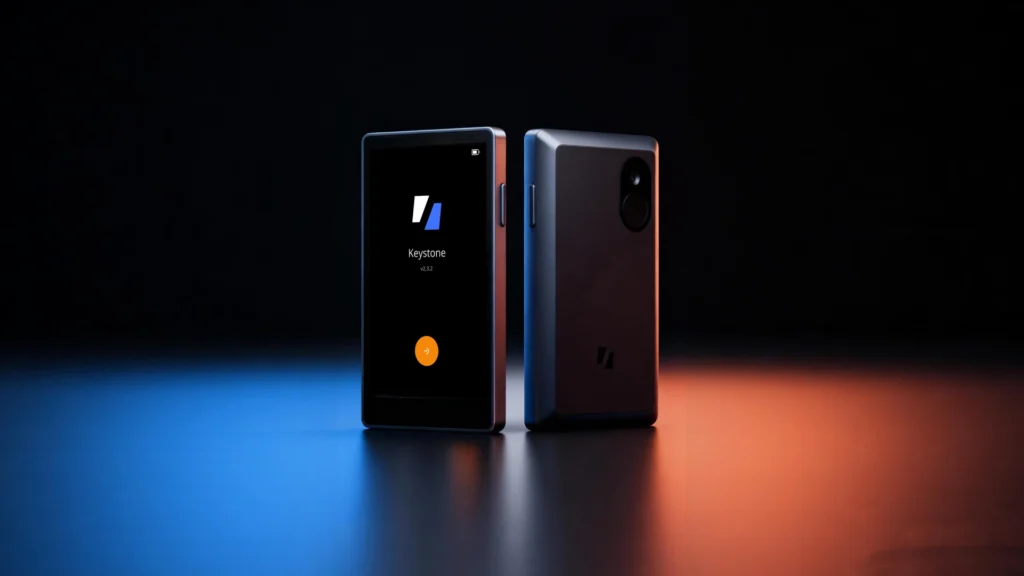
Keystone’s firmware is open source and has been independently audited. This means anyone can inspect the code that handles key storage, transaction parsing, and signing. Independent audits have been conducted and the results published. For security-minded users, this transparency is a meaningful advantage over closed firmware approaches.
The QR-only architecture removes the risk of USB-based firmware injection or data exfiltration attacks. Even if your computer is fully compromised by malware, the malware has no data channel into the Keystone. The only way to interact with the device’s signing logic is via QR code visual exchange, which is an extremely narrow channel that cannot easily carry exploit payloads.
The device also includes a supply chain validation mechanism that lets you verify the firmware was signed by Keystone before use, reducing the risk of receiving a tampered device from the supply chain.
Attack Surface Comparison
Looking at the specific attack vectors each architecture is exposed to reveals where the real differences lie.
- USB-based firmware attack: Ledger is potentially exposed if the companion software or USB driver is compromised. Keystone is not exposed because it has no USB data path.
- Bluetooth interception: Ledger Nano X uses Bluetooth, which has a history of exploitable vulnerabilities in various implementations. Keystone has no Bluetooth at all.
- Physical key extraction: Both use certified secure elements designed to resist physical extraction. Ledger has CC EAL5+/EAL6+. Keystone has CC EAL5+.
- Malicious transaction presentation: Both require on-device approval of every transaction. A user who reads the transaction on the device screen is protected against both. A user who blindly confirms is at risk with either device.
- Firmware backdoor: Ledger has closed firmware, making independent verification impossible. Keystone has open, audited firmware.
- Supply chain tampering: Both have attestation mechanisms to verify firmware integrity. Keystone publishes its firmware verification process publicly.
Usability Differences
Security architecture is only part of the picture. The device you actually use correctly is the secure one. If the workflow is so cumbersome that you end up bypassing it, the security advantage disappears.
Ledger has a significantly more seamless daily experience. Connecting via USB or Bluetooth to Ledger Live or a compatible browser extension is fast. Signing a transaction takes seconds. The ecosystem is large: Ledger supports hundreds of apps across major blockchains and has strong integration with DeFi tools, NFT platforms, and exchange interfaces.
Keystone’s QR workflow requires more steps. Each signing event involves scanning a QR to load the transaction, verifying on screen, confirming, and scanning the signed QR back to the companion app. For daily DeFi users signing multiple transactions, this adds up. For users who sign infrequently (monthly or less), the overhead is negligible and the security trade-off is clearly in Keystone’s favor.
Keystone also has a notably larger screen (4 inches), which makes reading transaction details significantly easier than on Ledger’s small display. This matters: if you cannot easily read what you are signing, the physical confirmation step loses value.
Who Each Device Is Best For
- Ledger: Best for users who prioritize a seamless daily signing experience across many chains and apps, are comfortable with the closed firmware model, and accept some connectivity trade-offs in exchange for convenience.
- Keystone: Best for security-focused users who want the strongest possible isolation from internet-connected devices, are comfortable with a manual QR workflow, and prioritize open, auditable firmware over proprietary certification.
Neither is the objectively correct choice. They make different bets on threat models. Ledger bets that its certified secure element and closed firmware are sufficient protection. Keystone bets that eliminating the data channel entirely is the more robust approach. For a broader comparison beyond this two-device matchup, Best Crypto Hardware Wallets covers the wider landscape.
For the broader overview around this topic, see Best Crypto Passive Income: 5 Low-Risk Strategies (No Ponzis).
If you want the foundational explainer behind this category before comparing architectures, What Is a Hardware Wallet? is the better starting point.
Practical Usage
A practical way to choose between these architectures is to start with signing frequency and threat model. If you sign often, use many apps, and want the shortest path between wallet and transaction approval, Ledger’s connected workflow is easier to live with day to day. If you sign infrequently, keep larger balances offline, and care more about eliminating USB or Bluetooth data channels than about speed, Keystone’s QR-only flow is the stronger fit.
For the risk side of this topic, see How to Choose a Crypto Wallet: A Practical Security Framework.
One useful check is to ask what failure you are trying to reduce. If your main concern is malware on the computer or phone that prepares transactions, Keystone reduces that exposure by keeping the signer isolated and forcing every step through QR review. If your main concern is operational friction, app compatibility, and broad ecosystem support, Ledger is usually the more practical choice. In both cases, the decision only works if you also verify addresses on the device screen and protect the seed phrase separately.
The verdict is easiest when framed by usage pattern. Ledger is the stronger everyday device for users who transact often and want the most mature connected ecosystem. Keystone is the stronger defensive architecture for users who sign less often, store larger balances, and want to minimize reliance on cable or wireless trust boundaries. If your real priority is convenience, Ledger wins. If your real priority is isolation, Keystone wins.
Risks and Common Mistakes
The most common mistake with either device is treating the hardware wallet as the only layer of security. Your seed phrase backup is equally important. Neither Ledger nor Keystone can protect you if someone obtains your seed phrase through phishing or physical theft of a poorly stored paper backup. Cold storage and air-gapped workflows protect against remote signing attacks; physical seed phrase security is a separate requirement.
For a closely related follow-up, see Hardware Wallet Setup: How to Do It Safely from the Start.
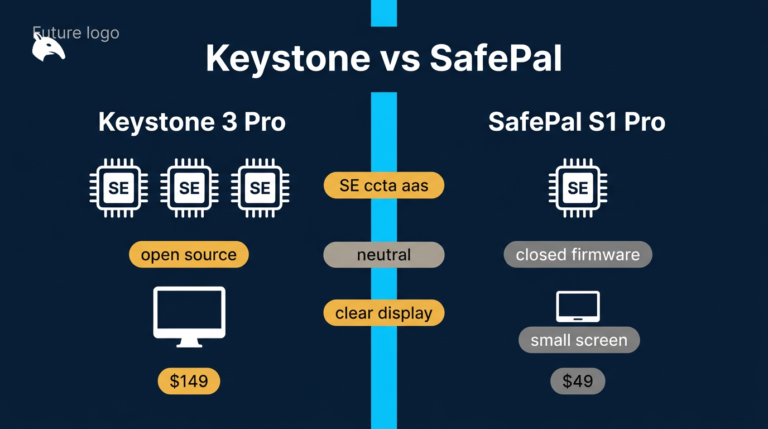
For a closely related follow-up, see Keystone or SafePal: Which Air-Gapped Wallet Is Right for You?.
For a closely related follow-up, see Why Your Hardware Wallet’s Screen Is a Security Feature, Not Just a Display.
If you want to understand why screen review changes the security outcome on both devices, read Why Your Hardware Wallet’s Screen Is a Security Feature, Not Just a Display.
With Ledger, the specific risk to monitor is account phishing. Since the 2020 breach, Ledger users are targeted by highly specific phishing campaigns. Be extra cautious about any email, text, or physical letter referencing your Ledger purchase. Ledger will never ask for your seed phrase.
With Keystone, the risk is complacency in the QR workflow. The process is safe if you verify destination addresses and amounts on the Keystone screen before confirming. If you rush through the confirmation step, the air-gapping provides no protection against malicious transaction details slipping through.
Sources
- Ledger Academy: Secure Element Chip
- Ledger Technology
- Keystone GitHub
- Keystone Support: Anti-Counterfeiting Verification
Frequently Asked Questions
Is Ledger’s secure element more secure than Keystone’s?
Ledger’s EAL6+ certification is higher than Keystone’s EAL5+ on paper. However, certification level is only one factor. Keystone’s air-gapped design eliminates entire categories of remote attack that Ledger’s connected architecture is potentially exposed to. The most relevant comparison depends on which attack scenario you consider more realistic.
Can I use Keystone with Metamask?
Yes, but primarily with Metamask Mobile. The QR-based connection works well on mobile, where the camera is native. Metamask desktop extension has more limited QR hardware wallet support. Rabby Wallet on desktop is a more compatible alternative for EVM chains.
Has Keystone ever been hacked?
No publicly documented exploit or breach of Keystone devices or user data has occurred as of writing. Independent security researchers have reviewed the firmware without finding critical vulnerabilities, though hardware security research is ongoing.
Does Ledger Recover compromise the security model?
Ledger Recover is an optional paid subscription service that allows seed phrase recovery through identity verification. Its existence confirmed that Ledger’s firmware architecture can, in principle, extract a seed phrase from the secure element and transmit it. This is controversial because it contradicts the principle that the seed phrase never leaves the device. Using Ledger without enrolling in Recover does not change the existing security model, but the service’s existence is a legitimate concern for users who assumed extraction was architecturally impossible.
Which is better for Bitcoin-only storage?
For Bitcoin-only long-term cold storage, Keystone’s air-gapped architecture is hard to argue against. The QR workflow pairs well with Sparrow Wallet or BlueWallet, both of which are purpose-built for Bitcoin and support QR hardware wallets natively. The limited signing frequency of long-term storage makes the QR overhead irrelevant.