Last Updated on April 20, 2026 by Snout0x
Most crypto losses in 2026 are not caused by bad trades. They are caused by bad infrastructure: funds left on exchanges that freeze withdrawals, taxes filed wrong because the spreadsheet missed a swap, passwords leaked because a VPN was not running, and portfolios tracked across five apps that never agree on the total. The difference between investors who survive cycles and investors who get wiped is not market timing — it is the tool stack behind the portfolio. This guide ranks the essential crypto tools by category, explains who needs each one, and tells you exactly where to spend and where to skip.
The right five tools cost less than one bad trade.
This content is for educational purposes only and should not be considered financial or investment advice.
This article may contain affiliate links. Snout0x may earn a commission at no additional cost to you.
Everyone: A hardware wallet for anything worth protecting. Trezor Safe 3 (~$79) is the best value. Ledger Nano X (~$149) if you need Bluetooth.
US / EU taxpayers: Add CoinLedger for automated tax reports — manual tracking breaks at 20+ transactions.
Active traders: Add TradingView for analysis separate from your exchange execution screen.
Rule of thumb: Start with a hardware wallet. Add tax software when you file. Add everything else only when you need it.
Key Takeaways
- A hardware wallet is the single most important tool. It moves your private keys offline and removes exchange dependency.
- Tax software is not optional if you are in a reporting jurisdiction. Manual tracking breaks as soon as you have staking rewards, swaps, and airdrops in the same year.
- Charting and analytics tools matter for active traders. If you only hold and rarely trade, you do not need a paid charting subscription.
- A VPN adds a real privacy layer, but it is not a substitute for proper wallet security. Fix the wallet first.
- More tools is not better. The right stack is the smallest set that covers security, compliance, and visibility for your actual usage pattern.
Crypto Tool Stack Overview
Every crypto tool falls into one of four categories: Security (protecting keys and access), Compliance (taxes and reporting), Intelligence (market data and on-chain analysis), and Execution (trading and portfolio management). The table below ranks the essential tools by category, cost, and priority.
| Tool | Category | Cost | Priority | Who Needs It |
|---|---|---|---|---|
| Hardware Wallet | Security | $49–$289 | ★ Essential | Everyone holding more than pocket money |
| CoinLedger | Compliance | $49–$299/yr | ★ Essential | US/EU/UK taxpayers with 20+ transactions |
| TradingView | Intelligence | Free / $13–$60/mo | ★ Essential for traders | Active traders and technical analysts |
| CoinStats | Execution | Free / $14–$30/mo | Recommended | Anyone with assets across multiple wallets/exchanges |
| NordVPN | Security | ~$3–5/mo | Recommended | Privacy-conscious users, public Wi-Fi users, DeFi users |
| Arkham Intelligence | Intelligence | Free | Supplementary | On-chain researchers and active traders |
★ #1 — Hardware Wallet
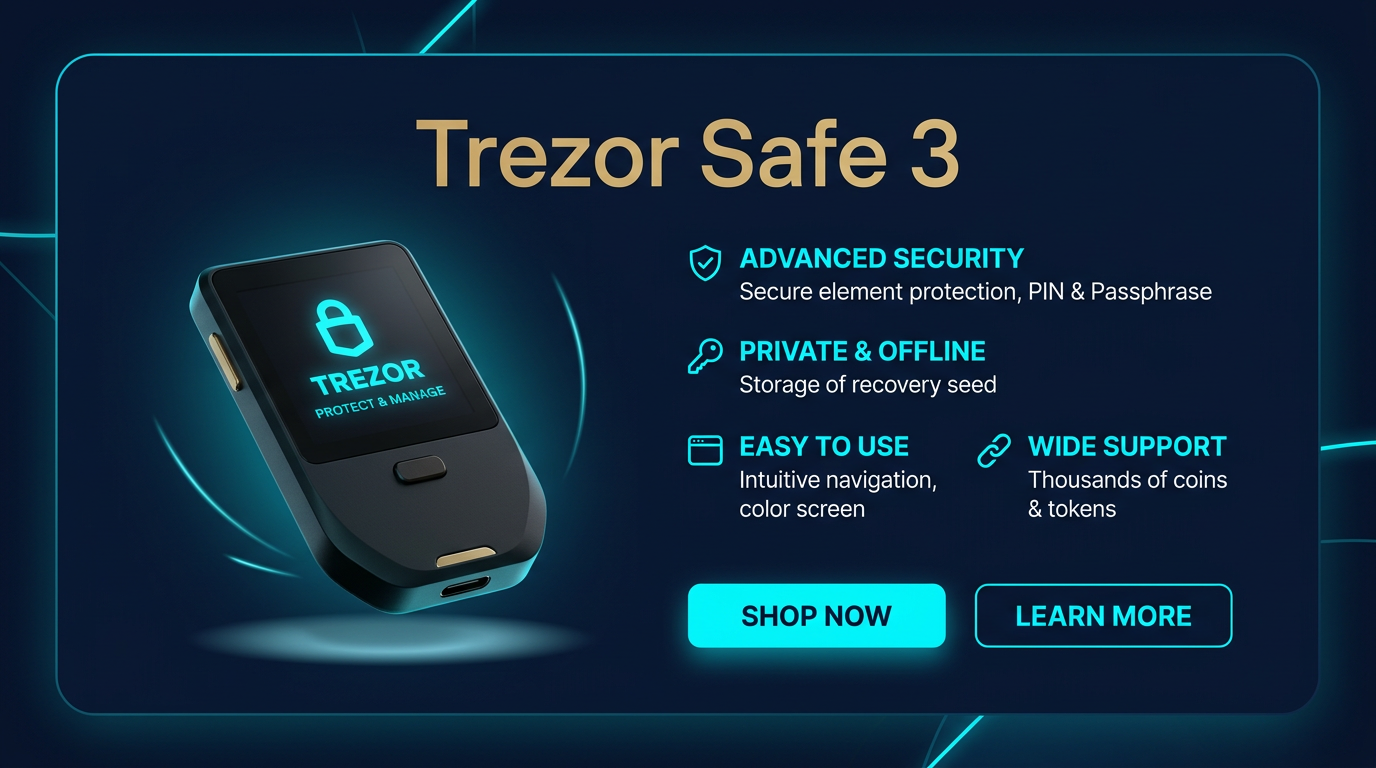
Best for: Everyone — the single most important tool in any crypto stack.
Price: ~$79
Trade-off: Button-based interface, USB-C only (no Bluetooth).
Check Trezor Safe 3 Price →If you hold any meaningful amount of crypto on an exchange, you do not control it. Exchange custody means your access depends on that company remaining solvent, operational, and willing to process your withdrawal. A hardware wallet removes that dependency by storing your private keys on a dedicated device that never connects to the internet directly.
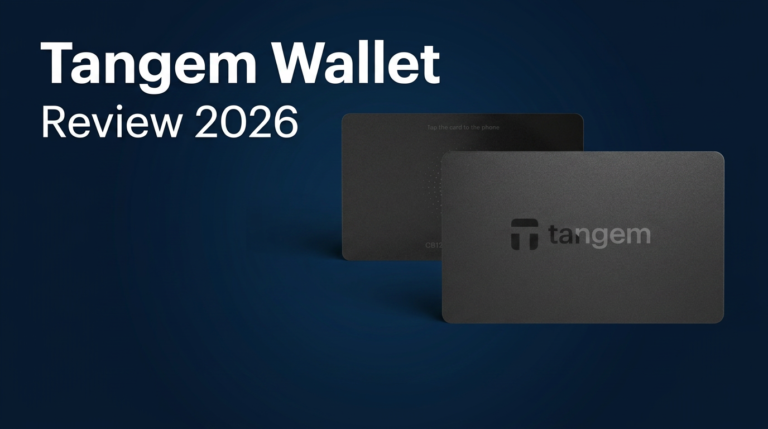
The Trezor Safe 3 is the best starting point for most users: open-source firmware (independently auditable), an EAL6+ Secure Element for physical key protection, and an OLED screen for on-device transaction verification — all at ~$79. It is the same security architecture as the $169 Trezor Safe 5 and $289 Trezor Safe 7, at a fraction of the price.
Need Bluetooth? The Ledger Nano X (~$149) is the best mobile-workflow hardware wallet. It pairs wirelessly with the Ledger Live app on iPhone and Android. The trade-off is closed-source firmware — you trust Ledger’s security claims rather than verifying them independently. For a full trust-model analysis, see Is Ledger Nano X Safe in 2026?.
For the full wallet comparison, see Best Crypto Hardware Wallets or Best Crypto Wallets for Beginners.
★ #2 — Crypto Tax Software: CoinLedger
Best for: US, EU, and UK taxpayers who need automated crypto tax reporting.
Price: $49–$299/year depending on transaction volume.
Trade-off: Only necessary if you are in a reporting jurisdiction. Manual tracking works for very small portfolios with few transactions.
Try CoinLedger — Code CRYPTOTAX10 for 10% Off →Manual crypto tax tracking breaks the moment you have staking rewards, token swaps, airdrops, and liquidity pool positions in the same tax year. Each event has a different cost basis calculation, and getting one wrong cascades errors into every subsequent gain/loss calculation. The IRS, HMRC, and EU tax authorities are actively deploying blockchain analytics to match wallet activity to taxpayers. Filing wrong is worse than filing late.
CoinLedger connects directly to exchanges and wallets via API or public address, classifies every transaction automatically, and generates pre-filled IRS Form 8949 or international equivalents. It also identifies tax-loss harvesting opportunities — unrealized losses you can strategically realize to offset gains and lower your total tax bill. This single feature often pays for the subscription.
Who should skip it: Users with fewer than 20 transactions per year on a single exchange, or users in jurisdictions without crypto capital gains reporting. For a deeper comparison, see CoinLedger vs Koinly or the full best crypto tax software comparison.
★ #3 — Charting Platform: TradingView
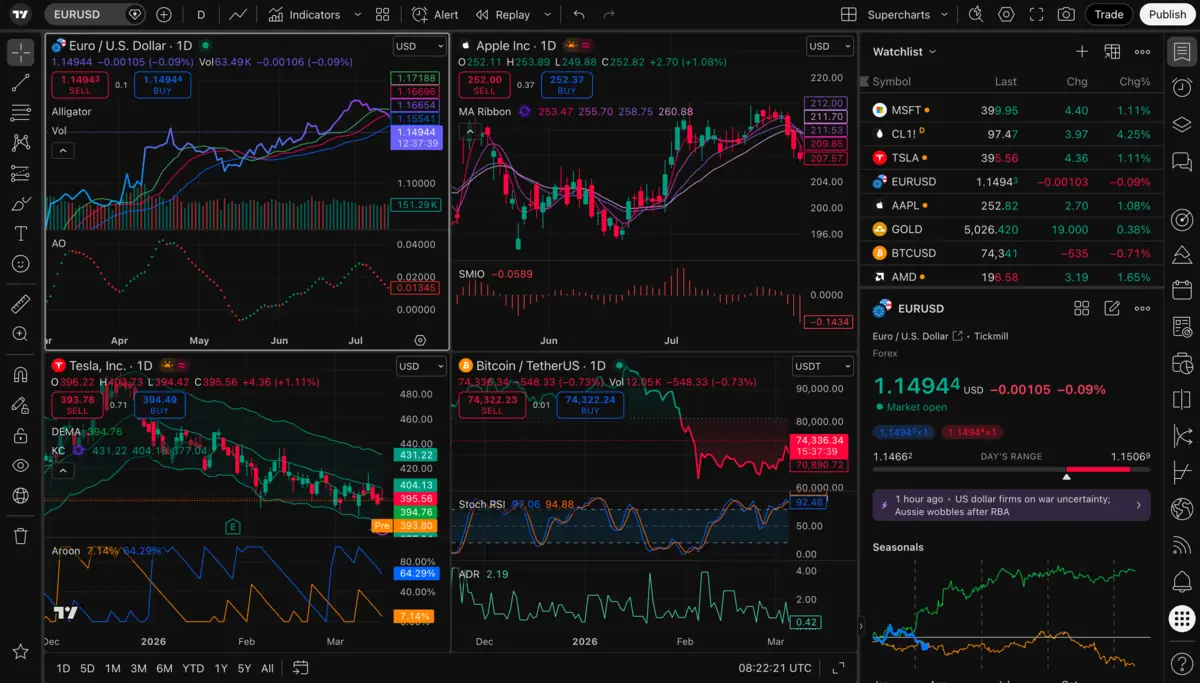
Best for: Active traders who need professional charting, alerts, and technical analysis.
Price: Free tier available. Pro plans $13–$60/month.
Trade-off: Overkill for buy-and-hold investors who rarely trade. The free tier is sufficient for occasional analysis.
Try TradingView Free →Exchange trading interfaces are designed to make you execute, not analyze. The buy/sell buttons, the flashing candles, and the order book are optimized for action, not for planning. TradingView separates the decision from the execution — you plan your trade on a neutral screen without the dopamine triggers of a live order form.
The platform is the industry standard for technical analysis across crypto, equities, and forex. The free tier gives you access to professional charting tools, indicators, and community scripts. Paid tiers add server-side alerts (fire to your phone even when the app is closed), more simultaneous indicators, and historical data replay for backtesting strategies.
The features that matter most for crypto traders: Volume Profile Visible Range (VPVR) shows where real buying and selling pressure sits, not just where the price was. Macro overlays let you chart BTC against the DXY (Dollar Index) or USDT Dominance to spot correlation shifts. Server-side alerts let you step away from the screen and only act when price reaches your level.
Who should skip it: Long-term holders who buy monthly and never trade. The exchange interface is fine if you are only dollar-cost-averaging.
Recommended: Portfolio Tracker — CoinStats
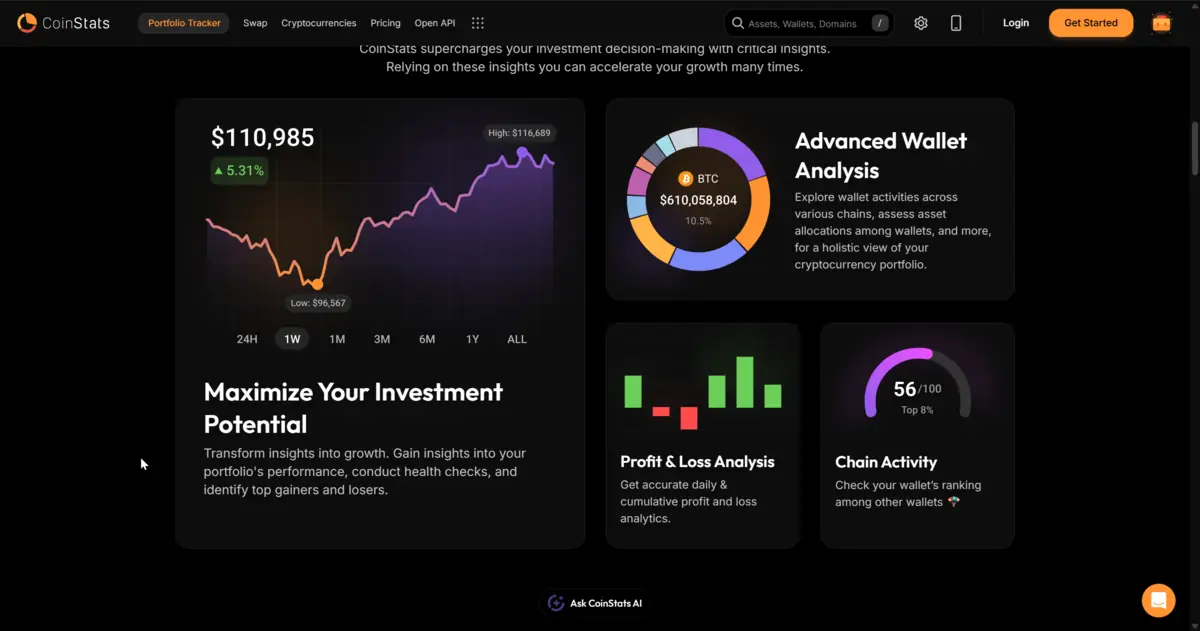
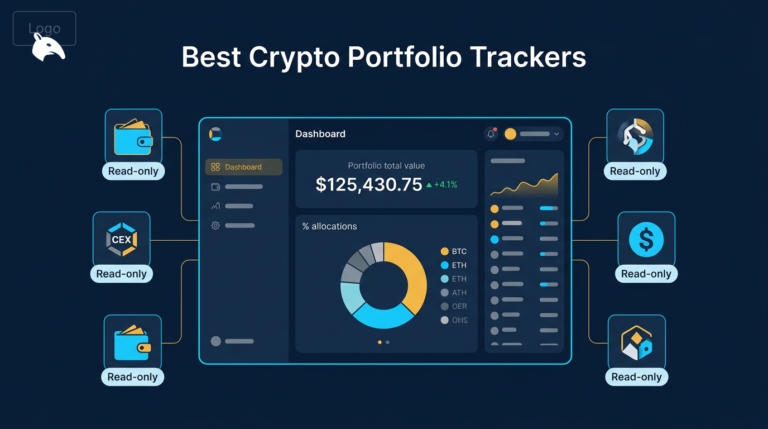
Once your crypto is spread across a hardware wallet, an exchange, a DeFi protocol, and a staking position, you lose visibility. CoinStats connects to all of them and shows you the total in one interface. It tracks spot balances, DeFi positions, staking yields, and realized vs unrealized profit/loss — the metric that tells you what you have actually banked versus what is still paper wealth.
Best for: Anyone managing assets across more than two wallets or exchanges. Price: Free tier covers basic tracking. Premium ($14–$30/month) adds unlimited connections, DeFi tracking, and advanced P&L reporting. Trade-off: Connecting exchange APIs to a third-party tracker creates a data-sharing surface. Use read-only API keys only — never grant trading permissions.
Recommended: VPN for Crypto — NordVPN
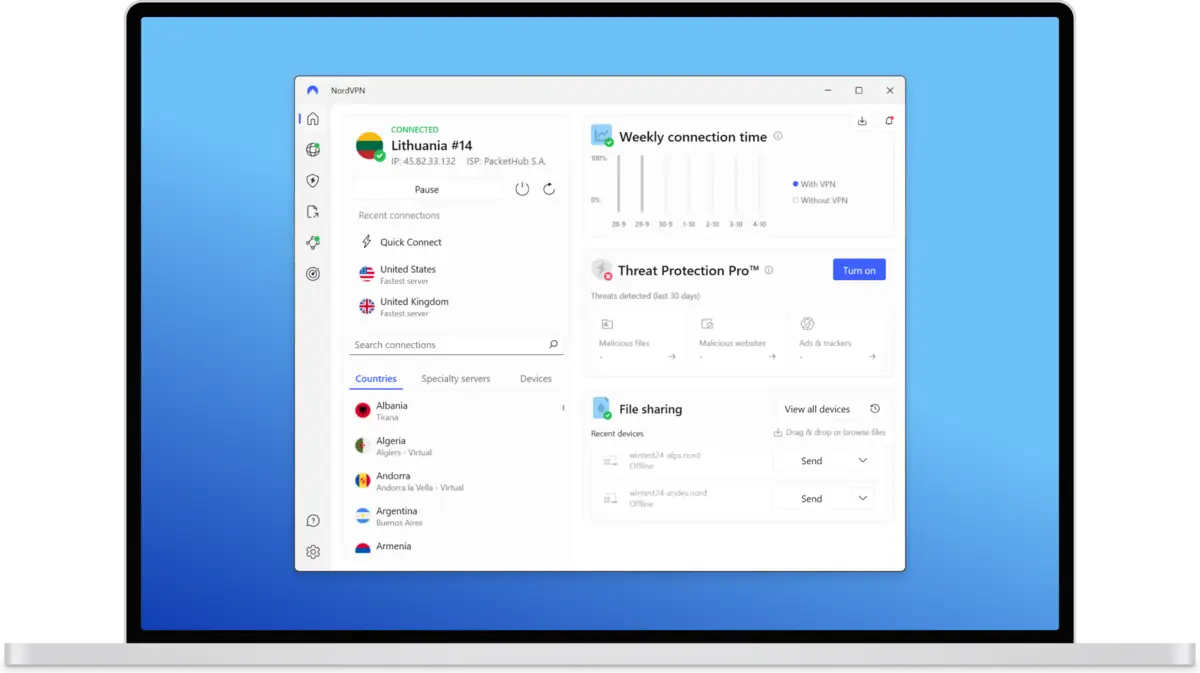
Every time you connect a wallet to a DeFi protocol, your browser sends your IP address to an RPC node. Without a VPN, that node can link your IP (and approximate physical location) to your wallet address (and your net worth). This is not a theoretical risk — it is the standard data flow for every on-chain interaction. A VPN encrypts your traffic and masks your real IP.
NordVPN includes a kill switch that cuts internet access instantly if the VPN connection drops, preventing your real IP from leaking during a momentary disconnect. It is one of the few VPNs that consistently works for crypto use cases including geo-restricted services and privacy-sensitive DeFi interactions. For a broader OpSec framework, see Crypto OpSec Guide.
Best for: DeFi users, public Wi-Fi users, and anyone who wants IP-level privacy. Price: ~$3–5/month on multi-year plans. Trade-off: A VPN does not protect against wallet-level threats like phishing, malicious approvals, or seed phrase theft. It is one layer in a stack, not a complete security solution.
Also Worth Knowing
Arkham Intelligence — A free on-chain analytics platform that tracks wallet activity and links blockchain addresses to known entities (exchanges, funds, whale wallets). Useful for monitoring large capital flows, spotting unusual activity, and verifying whether an influencer’s on-chain behavior matches their public statements. On-chain analytics relies on heuristic labeling of addresses, which introduces uncertainty because wallet ownership is inferred, not proven. Visit Arkham Intelligence.
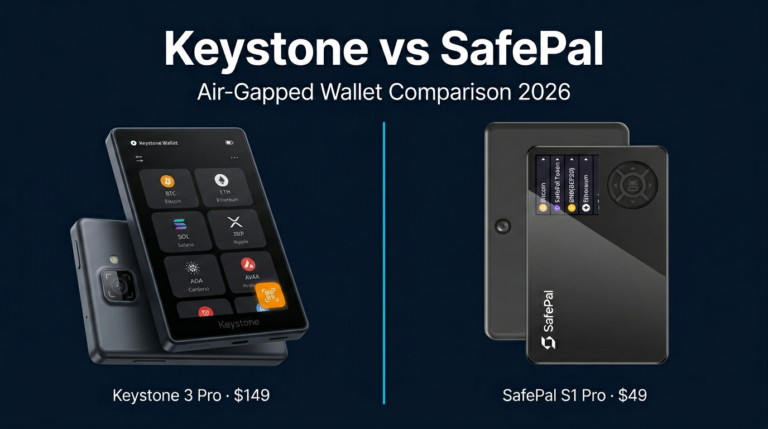
Software Wallets — For small spending balances and daily DeFi use, a software wallet complements your hardware wallet. Rabby Wallet (browser extension) simulates transactions before signing — the best protection against blind-signing attacks on EVM chains. SafePal App (mobile) offers a clean multi-chain interface with a hardware wallet upgrade path. See Best Crypto Wallets for Beginners for the full comparison.
How to Build Your Crypto Tool Stack
You do not need everything on this list on day one. Build your stack based on what you actually do with crypto:
- Buy and hold only: Hardware wallet + seed phrase backup. That is the entire stack. See Best Seed Phrase Backup Devices for the backup side.
- Hold + file taxes: Hardware wallet + CoinLedger. Add CoinStats if you use more than two platforms.
- Active trading: Hardware wallet + TradingView + CoinLedger + NordVPN. Keep a separate hot wallet for DeFi activity.
- Full stack (power users): All of the above + CoinStats + Arkham Intelligence for on-chain research.
The common mistake is buying tools before fixing the foundation. A paid TradingView subscription is worthless if your funds are sitting on an exchange that can freeze withdrawals. A VPN adds nothing if your seed phrase is saved in Google Drive. Start with security, then add compliance, then add intelligence tools.
Verdict: The One Tool That Matters Most
If you buy only one thing from this list, make it a hardware wallet. Every other tool on this page optimizes a portfolio that a hardware wallet protects. Without one, your security depends on every exchange, app, and browser extension in your workflow never failing — and in crypto, they always eventually fail. The Trezor Safe 3 delivers open-source firmware, a Secure Element, and on-device verification for $79. It is the highest-impact purchase a crypto user can make.
After the wallet, CoinLedger (8.0/10) is the second priority for anyone in a reporting jurisdiction — an IRS mismatch letter costs more than a lifetime subscription. TradingView (8.5/10) is essential for active traders but skippable for buy-and-hold investors. CoinStats and NordVPN are genuine quality-of-life upgrades that earn their cost, but they are not prerequisites.
Open-source firmware, EAL6+ Secure Element, on-device transaction verification, and ~$79 pricing. The single most impactful security upgrade any crypto user can make. Every other tool on this page protects, tracks, or optimizes a portfolio that a hardware wallet secures first.
Check Trezor Safe 3 PriceFor the full hardware wallet comparison, see Best Crypto Hardware Wallets. For the beginner-specific guide, see Best Crypto Wallets for Beginners. For the complete self-custody foundation, start with How to Store Crypto Safely.
Frequently Asked Questions
What crypto tools do I actually need in 2026?
At minimum, a hardware wallet for any balance worth protecting. If you file taxes on crypto gains, add tax software like CoinLedger. If you actively trade, add TradingView for charting. A portfolio tracker and VPN are useful additions but not prerequisites.
Do I need crypto tax software?
If you have more than about 20 transactions per year including swaps, staking rewards, and airdrops, manual tracking becomes error-prone. Tax software connects to your exchanges and wallets, classifies every event, and generates the reports your tax authority requires. The cost is usually less than the penalty for filing incorrectly.
Is TradingView worth paying for?
The free tier is powerful enough for most users. Paid plans are worth it if you need server-side alerts (notifications when price hits your levels even when the app is closed), more simultaneous indicators, or historical data replay for backtesting. If you only hold and rarely trade, the free version is sufficient.
What is Arkham Intelligence used for?
Arkham Intelligence is a free on-chain analytics platform that tracks wallet activity and links blockchain addresses to known entities. It is useful for monitoring large capital flows, spotting unusual activity, and verifying on-chain behavior. Wallet labels are heuristic — inferred, not proven.
Do I need a VPN for crypto?
A VPN adds a real privacy layer by hiding your IP address from RPC nodes, your ISP, and public Wi-Fi networks. It does not protect against phishing, malicious contract approvals, or seed phrase theft. Fix your wallet security first, then add a VPN as an additional layer.