Last Updated on April 20, 2026 by Snout0x
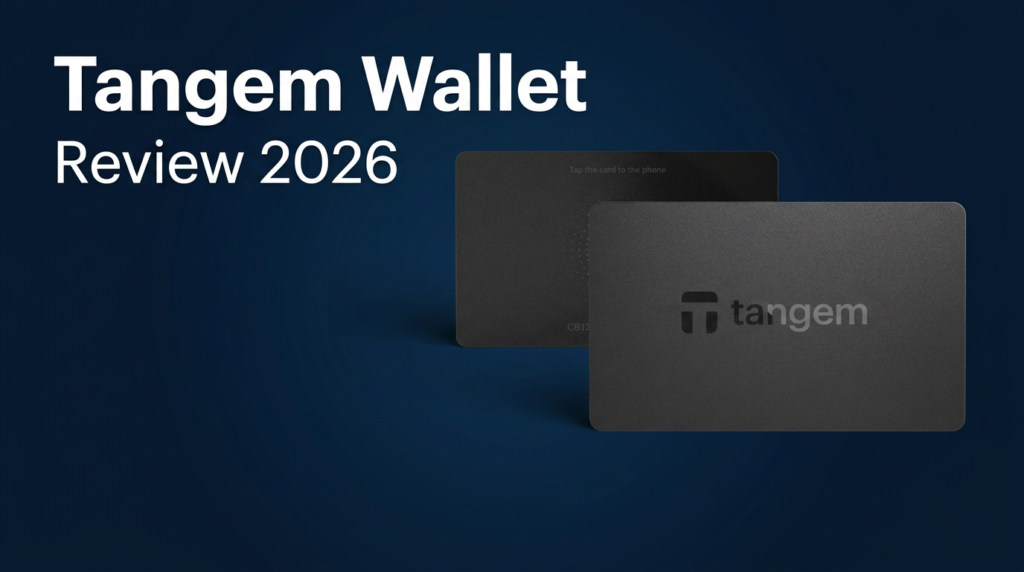
The Tangem Wallet replaces the standard hardware wallet formula with a set of NFC-powered cards, no screen, and no seed phrase. Instead of writing down 24 words and storing a dedicated device, you tap a credit-card-sized chip against your phone to sign transactions. That design eliminates seed phrase risk entirely, but it introduces a different trust model that every buyer should understand before committing funds.
This content is for educational purposes only and should not be considered financial or investment advice.
This article may contain affiliate links. Snout0x may earn a commission at no additional cost to you.
A hardware wallet without a screen forces you to trust the phone it talks to.
Best for: Beginners moving funds off an exchange for the first time. Seedless design eliminates seed phrase risk entirely.
Price: ~$55-70 for a 2-3 card set — the most affordable serious hardware wallet available.
Trade-off: No screen, no open-source firmware, no seed phrase recovery if all cards are lost.
Key Takeaways
- Tangem uses NFC cards with an EAL6+ certified secure element. The private key is generated on-chip and never leaves the card.
- The seedless backup model clones the key to additional cards using encrypted NFC transfer instead of exposing a recovery phrase.
- There is no on-device screen. Transaction verification depends entirely on the Tangem smartphone app.
- Supports thousands of tokens across 59+ blockchains with built-in swap and staking features.
- Best suited for beginners and long-term holders who want simple self-custody without managing seed phrases.
How Tangem Works: NFC Cards Instead of Screens
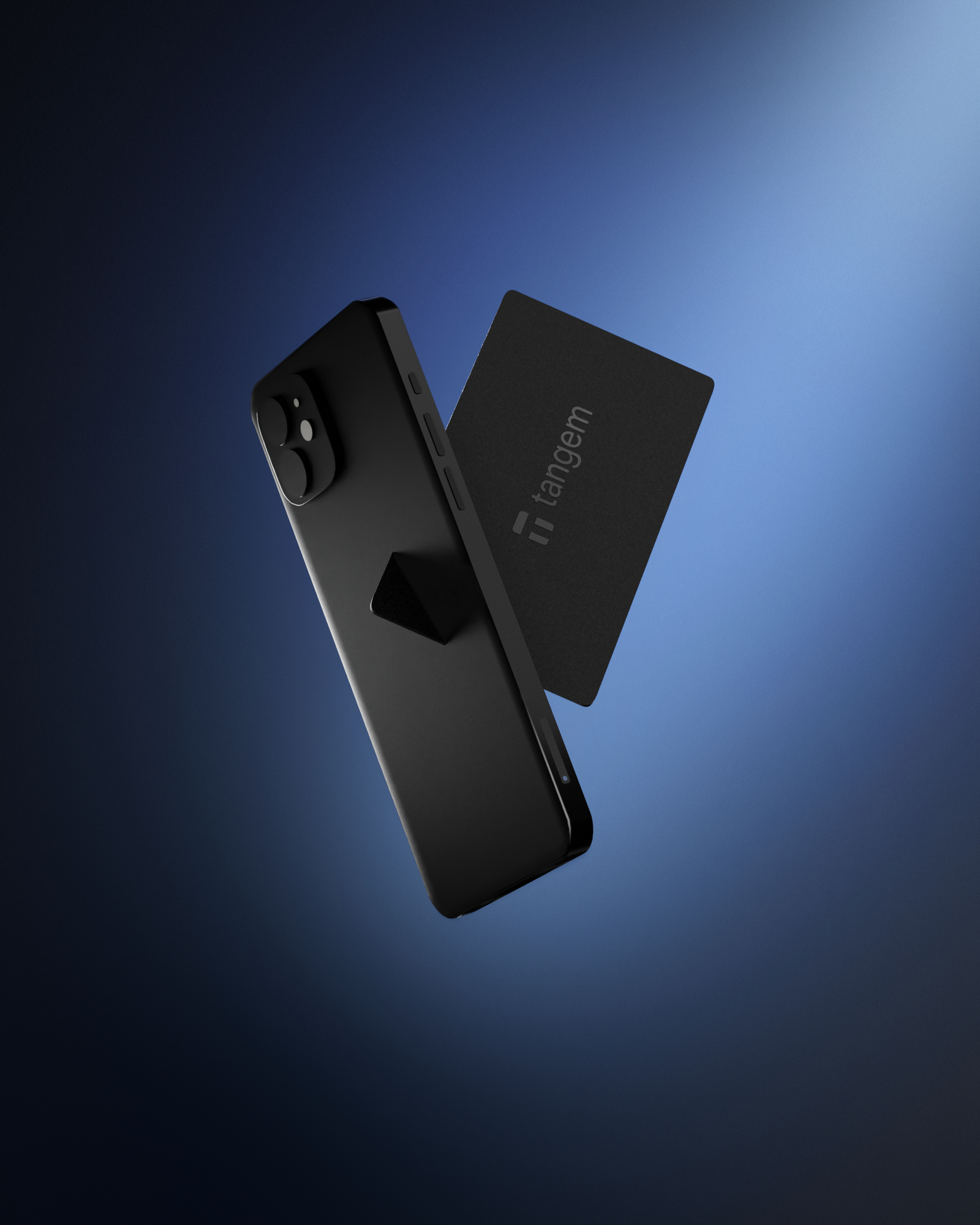
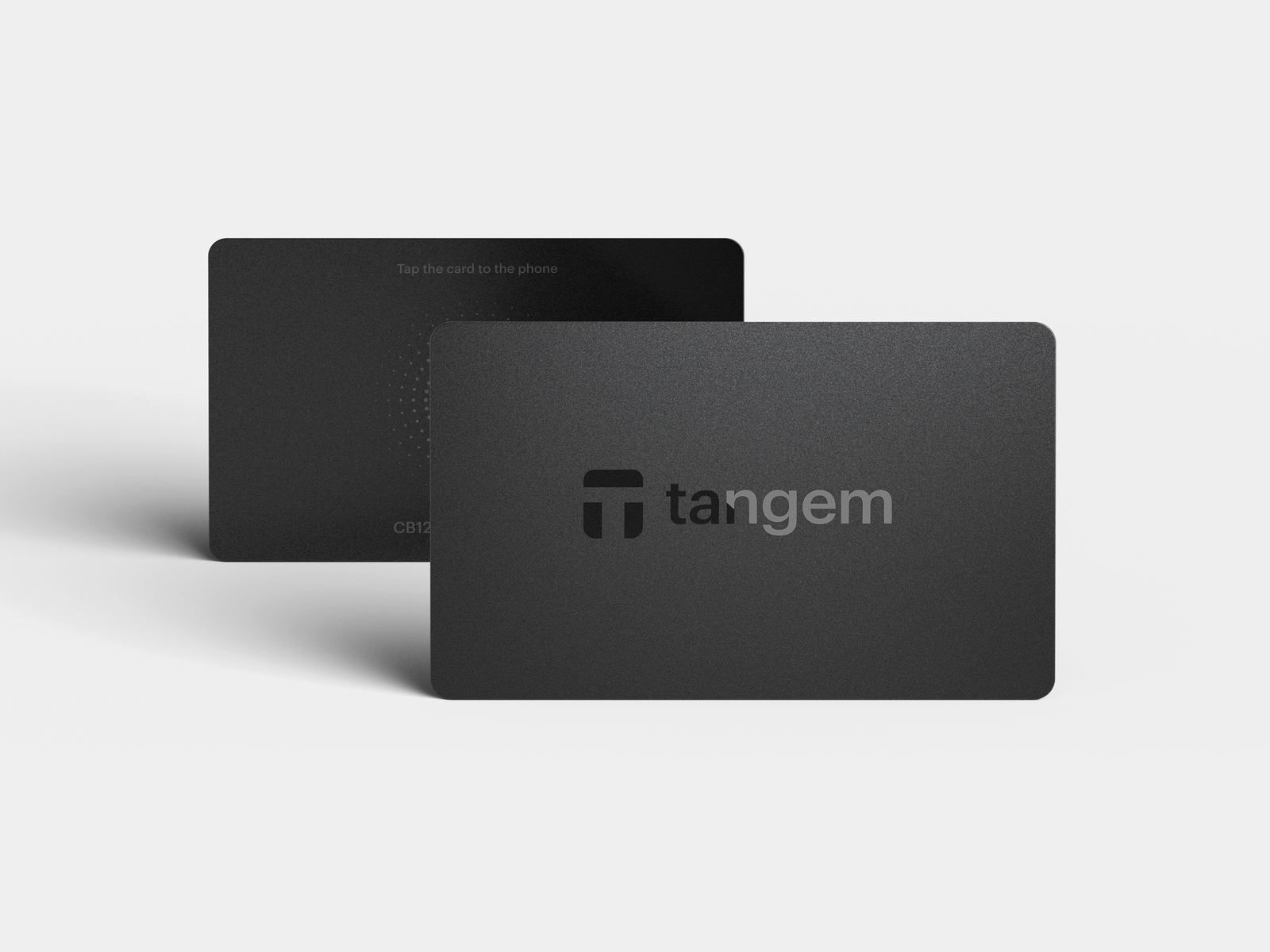
Tangem qualifies as a hardware wallet in the strict sense: it stores private keys inside a tamper-resistant chip and signs transactions offline. Where it breaks from convention is the form factor. Instead of a device with a screen, buttons, and a USB or Bluetooth connection, Tangem ships as a set of two or three thin NFC cards.
Each card contains a Samsung S3D350A secure element. When you want to sign a transaction, you open the Tangem app on your phone, build the transaction, and tap the card against the phone’s NFC reader. The secure element performs the cryptographic signing internally and returns the signed output through NFC. The private key never crosses the NFC channel in readable form.
There is no USB port, no Bluetooth radio, no battery, and no firmware update mechanism. The card draws power from your phone’s NFC field during each tap. Because there is no software update path, the firmware is immutable after manufacturing. That eliminates one attack vector (malicious firmware updates) but also means Tangem cannot patch vulnerabilities at the chip level after the card ships. This is a permanent trade-off, not a temporary limitation.
The Seedless Backup Model
Traditional hardware wallets generate a seed phrase during setup. That phrase is the master backup for every key the device derives. Tangem skips this step entirely by default. The secure element generates a 256-bit private key using a True Random Number Generator (TRNG) that draws entropy from thermal noise and oscillator jitter inside the chip. That key exists only inside the secure element. No human-readable seed phrase is ever produced unless you explicitly opt in.
Backup works through card-to-card cloning. During setup, the Tangem app initiates a Diffie-Hellman key exchange between the primary card and each backup card. Both cards first verify that the other is a genuine Tangem secure element through mutual authentication. Then the primary card encrypts the private key and transmits it over NFC to the backup card, which stores it in its own secure element. After this process, all cards in the set hold the same key and can independently sign transactions.
The benefit is clear: no paper backup to photograph, steal, or misstore. The risk is equally clear: if you lose all cards, there is no recovery path. There is no seed phrase to type into another device. Your funds become permanently inaccessible. Tangem Wallet 2.0 now offers an optional seed phrase export for users who want a traditional fallback, but the default flow is seedless. If you choose the seedless path, geographic separation of your backup cards is the only disaster recovery you have.
Tangem Security Architecture
The Samsung S3D350A secure element carries a Common Criteria EAL6+ certification. For context, EAL (Evaluation Assurance Level) runs from 1 to 7. Level 5+ is where most financial-grade chips sit, including the secure elements in Ledger devices. EAL6+ means the chip underwent semi-formal design verification and structured testing against physical attacks. It matches the certification grade used in international biometric passports and government ID cards.
The chip is designed to resist physical probing, side-channel analysis, fault injection, and power analysis attacks. These are the categories of attack that require physical access to the card and specialized lab equipment.
Independent security audits back the architecture. Kudelski Security audited Tangem in 2018, Riscure performed a hardware-level assessment in 2023, and Cure53 completed a review in 2026. Tangem reports over six million cards shipped with no confirmed key extraction incidents.
The firmware is closed-source. This is a meaningful trade-off compared to Trezor, whose firmware is fully open and independently verifiable. With Tangem, you trust the audit reports and the secure element certification rather than reviewing the code yourself. For most retail users this distinction is academic, but for security researchers and advanced users who want to verify what their device actually executes, closed firmware is a real limitation.
Access protection includes optional PIN codes and biometric authentication through the phone. The card itself locks after repeated failed access attempts, functioning as a brute-force throttle at the hardware level.
Supported Chains and Built-In Features
Tangem supports thousands of tokens across more than 59 blockchain networks. The major chains are covered: Bitcoin (native SegWit), Ethereum and all EVM-compatible networks, Solana, Cardano, XRP, Polkadot, Cosmos, and Tron among others. ERC-20, BEP-20, and SPL tokens are supported natively.
The Tangem app includes a built-in DEX aggregator for token swaps, basic staking for supported proof-of-stake networks, and WalletConnect integration for connecting to decentralized applications. For a device positioned at beginners, the app covers the full lifecycle: buy (via third-party on-ramp), hold, swap, stake, and connect to DApps.
There is no desktop application. Tangem is mobile-only. You need an NFC-enabled smartphone running iOS or Android. If your workflow depends on a desktop client, browser extension, or USB connection, Tangem does not fit.
The No-Screen Problem
Every hardware wallet with a screen treats that display as a security boundary, not just a convenience feature. Even if your computer or phone is compromised, the device screen shows the real destination address and amount. You confirm on the device, not on the potentially compromised host.
Tangem has no screen. Transaction verification happens entirely in the Tangem app on your phone. If the phone is compromised by malware that modifies displayed addresses, the card has no way to alert you. You tap the card, the secure element signs whatever the app tells it to sign, and you see only what the app chooses to show.
In practice, mobile operating systems (iOS and Android) sandbox apps aggressively, and NFC requires physical proximity of a few centimeters. The attack surface is smaller than on a desktop. But the security model is fundamentally different from screen-equipped wallets like the Trezor Safe 5 or Ledger Stax, where the device itself is the final verification layer. Tangem shifts that trust entirely to the phone’s operating system and the Tangem app.
For long-term holders who sign transactions rarely, this trade-off is manageable. For users who frequently interact with smart contracts, DeFi protocols, or unfamiliar addresses, the absence of on-device verification is a real gap. Supply chain verification is also handled through the app rather than through a device-side authenticity check, which means you rely on Tangem’s server-side attestation to confirm your card is genuine.
Who Should Buy Tangem (and Who Should Not)
Tangem fits a specific user profile well. If you meet most of these criteria, it is a strong option:
- You are new to self-custody and the seed phrase process feels overwhelming or risky.
- You want a wallet you can carry like a bank card without worrying about screens cracking or batteries dying.
- You plan to hold assets long-term with infrequent transactions.
- Your workflow is entirely mobile and you do not need desktop or browser-extension signing.
- Budget matters: the 3-card set costs roughly $69.90, well below any screen-equipped competitor.
Tangem is not the right choice if:
- You interact with DeFi contracts regularly and need on-device transaction verification before signing.
- You require a desktop workflow, browser extension signing, or USB connectivity.
- You want open-source firmware you can audit independently. Tangem’s firmware is closed-source, and no amount of external audits fully replaces code transparency.
- You already manage seed phrases competently and want the standard recovery model with cross-device portability.
- You need advanced features like multisig coordination, passphrase-protected hidden wallets, or air-gapped QR-code signing.
- EAL6+ secure element — same certification grade as biometric passports
- No seed phrase to lose, steal, or misstore
- Credit-card form factor — most portable hardware wallet design
- 59+ chains with built-in swap and staking at ~$55-70
- No screen — transaction verification depends on the phone app
- Closed-source firmware — not independently auditable
- Mobile-only — no desktop client or browser extension
- Seedless default means no recovery if all cards are lost
How Tangem Compares to Screen-Based Wallets
Most buyers considering Tangem are also looking at Trezor or Ledger. The comparison below focuses on the trade-offs that actually matter at the buying decision, not feature lists.
| Tangem (3-card) | Trezor Safe 3 | Ledger Nano S Plus | |
|---|---|---|---|
| Price | ~$70 | ~$79 | ~$79 |
| Screen | None | Monochrome | Monochrome |
| Seed phrase | None by default | Required | Required |
| Open firmware | No | Yes | No |
| Connectivity | NFC only (mobile) | USB-C (desktop) | USB-C (desktop) |
| On-device verification | No | Yes | Yes |
| Multi-chain | 59+ chains | 9,000+ coins | 5,500+ coins |
Choose Tangem if you want the simplest self-custody path with no seed phrase risk, you are mobile-only, and you value portability over on-device verification. Choose Trezor Safe 3 if you want open firmware and on-screen transaction confirmation at a comparable price. Choose Ledger Nano S Plus if you want the widest exchange and third-party app integration with a screen.
If your portfolio justifies a premium device with a large touchscreen and air-gapped or Bluetooth connectivity, the full hardware wallet comparison covers the higher-end options including Trezor Safe 5, Keystone 3 Pro, and Coldcard Mk4.
Tangem Wallet Pricing
The standard 3-card pack from Tangem costs $69.90. A 2-card pack is available at $54.90. Both options include the backup cards needed for the seedless cloning process. Compared to the Trezor Safe 5 at $169 or the Ledger Stax at $399, Tangem is the most affordable serious hardware wallet on the market.
The low price point removes the most common objection beginners have against hardware wallets. For users who would otherwise keep funds on an exchange, a $55 to $70 card set is a low barrier to proper self-custody. If you are weighing different wallet types, the wallet selection guide covers how to match form factor, security model, and budget to your actual usage pattern.
Tangem Wallet Review: The Verdict
Tangem solves one of the most common causes of permanent crypto loss: seed phrase mismanagement. By removing the seed phrase from the default workflow, it eliminates the risk category that causes the most beginner fund losses. The EAL6+ secure element is the highest-certified chip in any wallet under $100. The NFC-only design removes Bluetooth and USB as attack surfaces. The card form factor makes self-custody portable in a way no screen-equipped device can match.
The cost of that simplicity is verification control. Without a screen, you rely on the Tangem app and your phone’s OS as the verification layer — a weaker model than what a Trezor Safe 5 or Ledger provides for transaction confirmation. The closed-source firmware adds another trust assumption. These are not flaws in the product. They are the price of the design priorities Tangem chose: simplicity over maximum signing control.
The 7.8 reflects strong execution on a deliberately limited scope. Tangem eliminates the most common self-custody failure point at a price that removes cost as an objection. It loses points for no on-device screen, closed firmware, and the permanent “lose all cards, lose all funds” constraint. For beginners and long-term holders, this is the best entry point to hardware wallet self-custody. Advanced users should look at the screen-equipped alternatives above.
Check Price at TangemIf you already manage seed phrases competently and want maximum signing control, Tangem is not designed for you. The full hardware wallet comparison covers screen-equipped options at every price point.
Sources
- Tangem Security Features (official documentation)
- How Tangem Wallet Backs Up Private Keys (official blog)
- How Seedless Wallets Work (Tangem technical overview)
Frequently Asked Questions
Is Tangem Wallet safe?
Tangem uses a Samsung secure element certified to EAL6+, which is one of the highest hardware security certifications available. The private key is generated on-chip and never exported. Independent audits by Kudelski, Riscure, and Cure53 have reviewed the architecture. The main security consideration is that there is no on-device screen, so transaction verification depends on the smartphone app rather than the hardware itself.
What happens if I lose all my Tangem cards?
If you use the default seedless setup and lose every card in your set, your funds are permanently inaccessible. There is no seed phrase to recover from. Tangem Wallet 2.0 offers an optional seed phrase export for users who want a traditional backup, but the default flow does not produce one. Always keep at least one backup card stored in a separate physical location.
Does Tangem work without a phone?
No. Tangem requires an NFC-enabled smartphone running the Tangem app. There is no desktop client, browser extension, or USB interface. If your phone is unavailable, you cannot access or sign transactions until you install the app on another NFC-capable device and tap your card.
Can Tangem be used for DeFi?
Tangem supports WalletConnect, which allows connections to many decentralized applications. However, there is no on-device verification of smart contract details. You see the transaction in the app and sign by tapping the card. For frequent DeFi interaction where you need to verify contract parameters before signing, a screen-equipped hardware wallet provides a stronger verification layer.
How does Tangem compare to Trezor or Ledger?
Tangem is cheaper, more portable, and eliminates seed phrase management. Trezor offers open-source firmware and on-device transaction verification via a touchscreen. Ledger provides a secure element with a screen and Bluetooth connectivity. The right choice depends on whether you prioritize simplicity and portability (Tangem), firmware transparency and open-source verification (Trezor), or broad feature support with a screen (Ledger).