Last Updated on April 20, 2026 by Snout0x
Most people buy their first crypto on an exchange and leave it there. That works until the exchange freezes withdrawals, gets hacked, or goes bankrupt — and then you learn why wallet choice matters. A personal wallet gives you direct control over your private keys, which means no company can block your access or lose your funds. The hard part for beginners is choosing between dozens of options without understanding the trade-offs. This guide ranks the best beginner wallets in 2026 by security, simplicity, and value, and tells you exactly which one to buy based on how you plan to use crypto.
Your first wallet choice determines whether self-custody feels safe or terrifying.
This content is for educational purposes only and should not be considered financial or investment advice.
This article may contain affiliate links. Snout0x may earn a commission at no additional cost to you.
Best overall for beginners: Trezor Safe 3 — open-source firmware, Secure Element, ~$79, simple USB-C setup.
Simplest possible entry: Tangem Wallet — NFC card, no seed phrase to manage, tap-to-sign.
Best mobile workflow: Ledger Nano X — Bluetooth, strong app ecosystem, mobile-first signing.
Rule of thumb: If you are holding more than you would carry in your physical wallet, use a hardware wallet. If you are not ready for seed phrase responsibility, start with Tangem.
Key Takeaways
- A hardware wallet is usually the safest first step for any balance worth protecting. It keeps private keys offline and isolated.
- The biggest beginner risk is not choosing the wrong wallet — it is leaving funds on an exchange and never moving to self-custody at all.
- Seed phrase handling matters as much as wallet choice. A hardware wallet with a mishandled backup is still a failed setup.
- Simpler is better for your first wallet. A device you can set up correctly beats an advanced device you configure wrong.
- Software wallets are useful for small spending balances and DeFi, but should not be your primary vault.
Hardware vs Software Wallets: What Beginners Need to Know
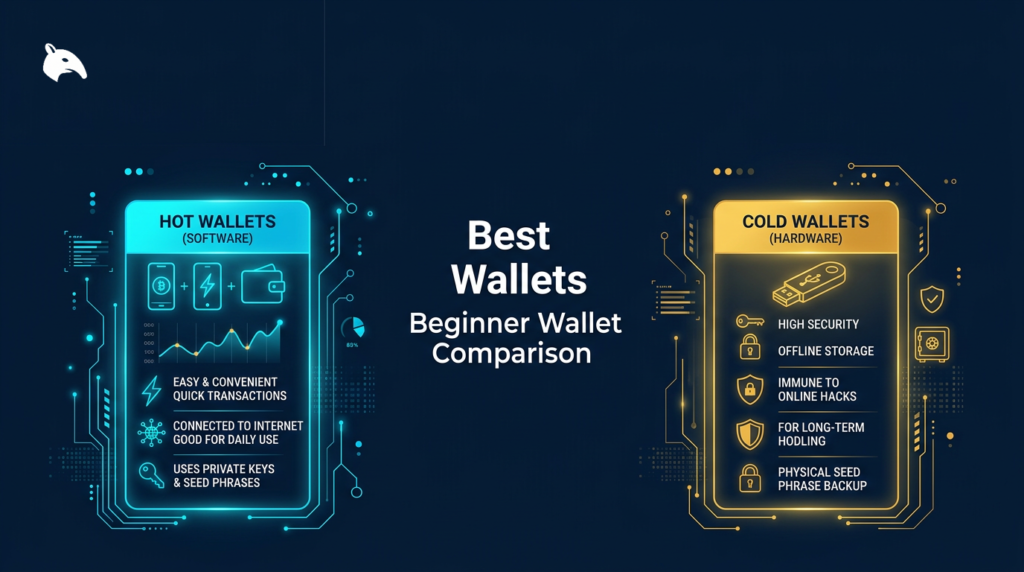
Before comparing brands, understand the two categories. Hardware wallets are dedicated physical devices that store your private keys offline. They are your long-term vault — use them for any balance you would not want to lose. Software wallets are apps on your phone or browser. They are your spending wallet — use them for small balances, swaps, and DeFi activity. The practical rule: keep these roles separate. For a deeper breakdown, see What Is Self-Custody? and the 2-wallet setup guide.
Beginner Hardware Wallet Comparison
| Wallet | Type | Open Source | Screen | Connectivity | Price | Best For |
|---|---|---|---|---|---|---|
| Trezor Safe 3 | USB hardware | Yes (firmware) | OLED | USB-C | ~$79 | ★ Best overall beginner wallet |
| Tangem Wallet | NFC card | Partial | No screen | NFC (phone tap) | ~$55–70 | Simplest entry into self-custody |
| Ledger Nano X | USB + BT hardware | No (closed firmware) | OLED | USB-C + Bluetooth | ~$149 | Best mobile/Bluetooth workflow |
| Trezor Safe 5 | USB hardware | Yes (firmware) | Color touchscreen | USB-C | ~$169 | Premium upgrade with best UX |
★ #1 — Trezor Safe 3
Best for: First-time hardware wallet buyers who want real security without premium pricing.
Price: ~$79
Trade-off: Button-based interface instead of touchscreen. No Bluetooth — USB-C only.
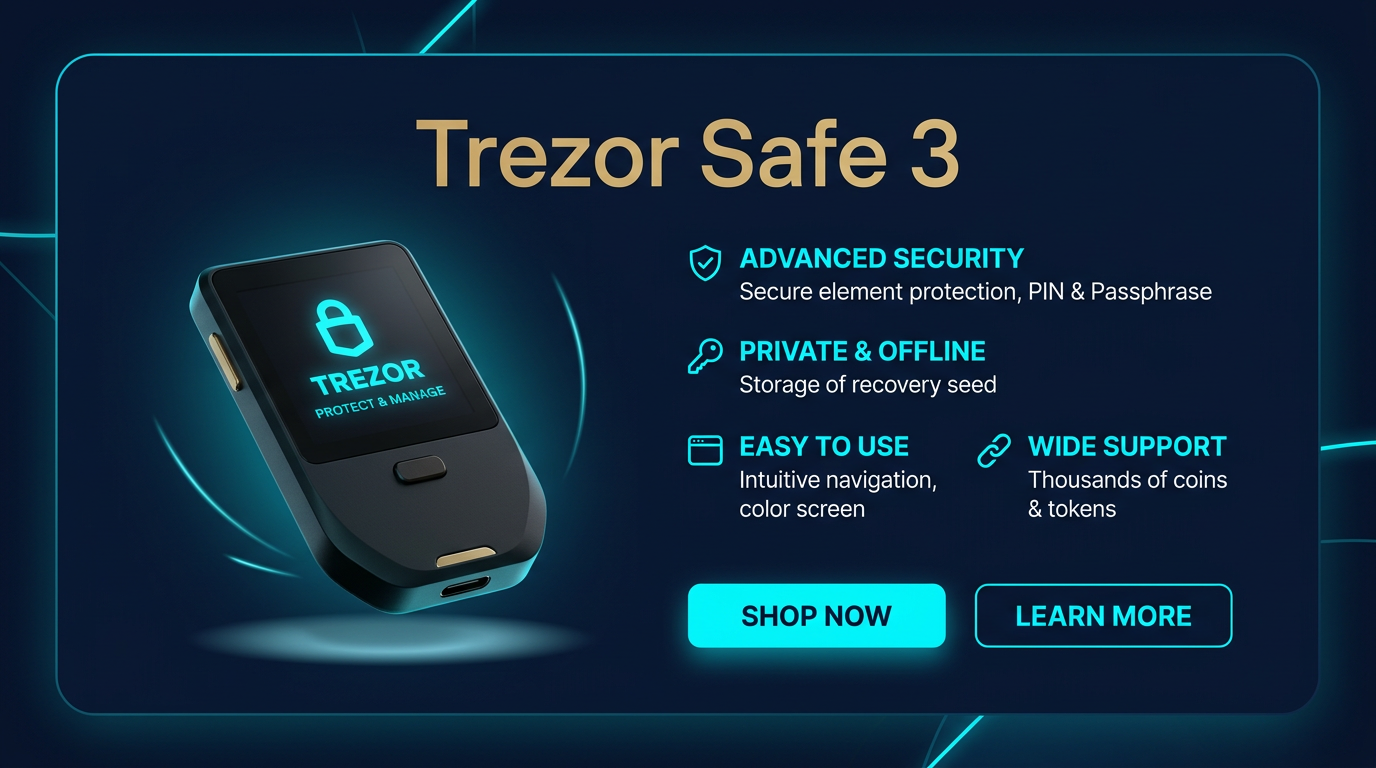
Check Trezor Safe 3 Price →The Trezor Safe 3 is the best overall beginner hardware wallet in 2026 because it delivers the security features that matter — open-source firmware, an EAL6+ Secure Element, and on-device transaction verification — at the lowest price point in the Trezor lineup.
Open-source firmware means independent researchers can audit the signing logic. The Secure Element protects against physical key extraction. The OLED screen shows you exactly what you are signing before you confirm. These three properties together create a trust model that does not require you to blindly trust the manufacturer. At ~$79, the Safe 3 gives you the same firmware and signing architecture as the $169 Trezor Safe 5 — just without the color touchscreen.
Setup takes about 10 minutes: plug in via USB-C, write down your 12 or 24 word seed phrase, verify it on-device, and set a PIN. The Trezor Suite desktop/web app walks you through every step. For detailed setup guidance, see Hardware Wallet Setup Best Practices.
- Open-source firmware — independently auditable
- EAL6+ Secure Element for key protection
- On-device screen for transaction verification
- ~$79 — most affordable quality hardware wallet
- Broad multi-chain support (9,000+ tokens)
- Same security model as Trezor Safe 5
- Button-only interface — less comfortable than touchscreen
- No Bluetooth — requires USB-C cable for every transaction
- Seed phrase must be managed (write down, store safely, back up)
Who should skip it: If you want mobile/Bluetooth signing, the Ledger Nano X is the better fit. If you want the simplest possible entry with no seed phrase to manage, start with Tangem instead. For the full review, see Trezor Safe 5 Review (covers the Safe 3 architecture as well).
#2 — Tangem Wallet
Best for: Complete beginners who want the easiest possible path from exchange custody to self-custody.
Price: ~$55–70 (2–3 card set)
Trade-off: No screen for on-device transaction verification. Relies entirely on phone app for signing review.
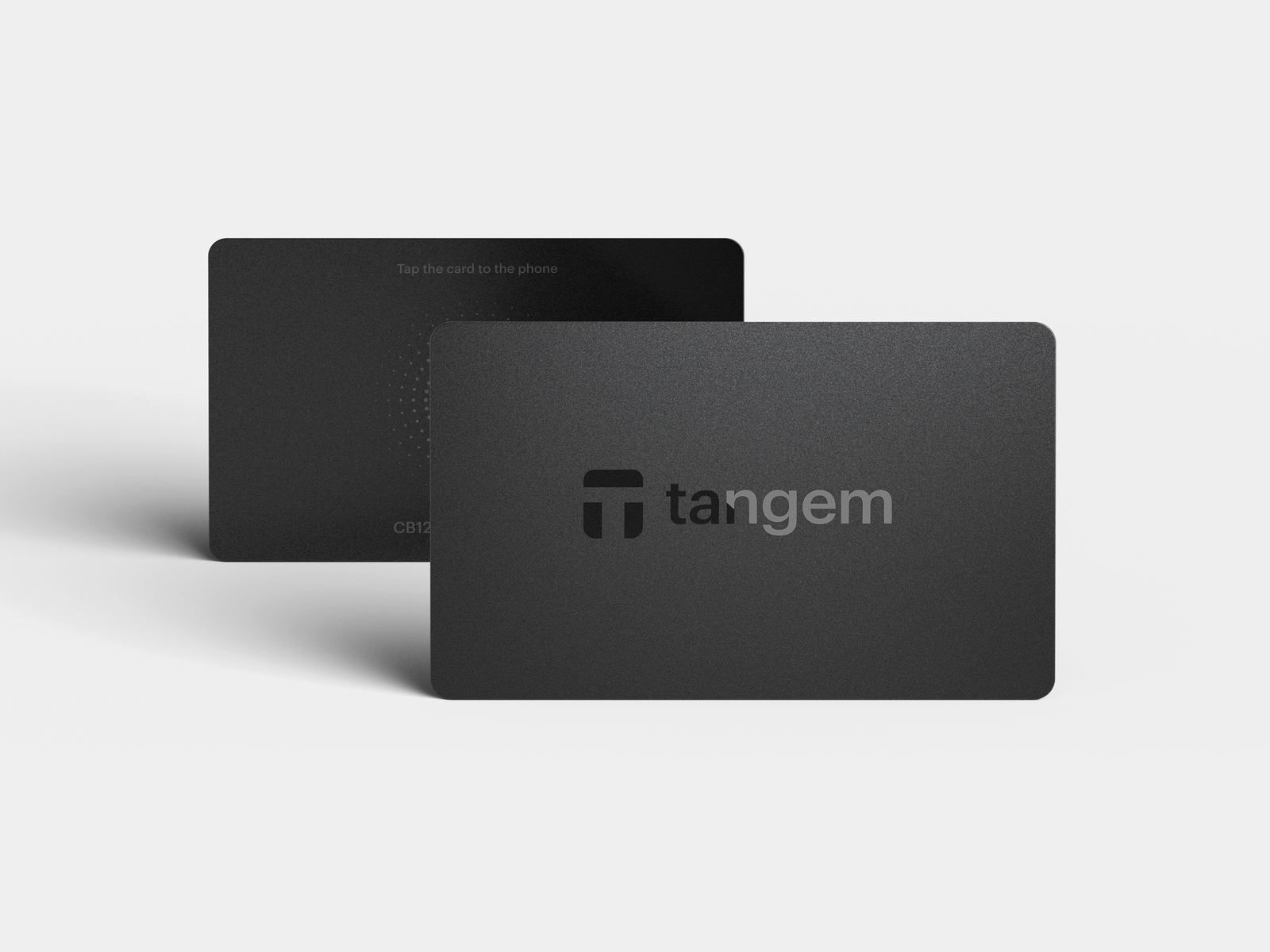
Visit Tangem — Code NFXE2F for 10% Off →Tangem removes the single biggest barrier to beginner self-custody: the seed phrase. Instead of writing down 24 words and storing them safely (which is where most beginners make mistakes), Tangem generates and stores the private key inside the card’s secure chip. Backup works by tapping a second card to clone the key. No paper, no metal plate, no word list.
The setup is genuinely simple: download the Tangem app, tap the card to your phone, set an access code, and tap a backup card. The NFC card format feels like tapping a contactless payment card rather than operating a specialist security device. For beginners who are intimidated by traditional hardware wallets, this is the lowest-friction entry into self-custody.
The trade-off is real: Tangem has no screen. You cannot verify transaction details on the device itself — you rely entirely on the phone app. For beginners holding moderate balances who plan to do simple sends and receives, this is usually acceptable. For larger holdings, DeFi activity, or advanced use cases, a screen-based wallet provides stronger transaction verification. See Why Hardware Wallet Screens Matter for the full explanation. For the complete review, see Tangem Wallet Review.
- No seed phrase to manage — eliminates the biggest beginner failure point
- NFC tap-to-sign — feels familiar to contactless payments
- Fast setup (under 5 minutes)
- Backup card system — redundancy without paper
- Credit-card form factor — easy to store and carry
- No screen — transaction verification relies on phone app
- Less transparent security model than fully open-source wallets
- Not ideal for large holdings or complex DeFi
- Cannot export seed phrase if you later want to migrate to a screen-based wallet
Who should skip it: Users who plan to hold significant balances long-term, interact with DeFi contracts, or want full on-device transaction verification. Choose the Trezor Safe 3 instead.
#3 — Ledger Nano X
Best for: Mobile-first beginners who want Bluetooth signing from their phone.
Price: ~$149
Trade-off: Closed-source firmware — you must trust Ledger’s security claims without independent code audit.
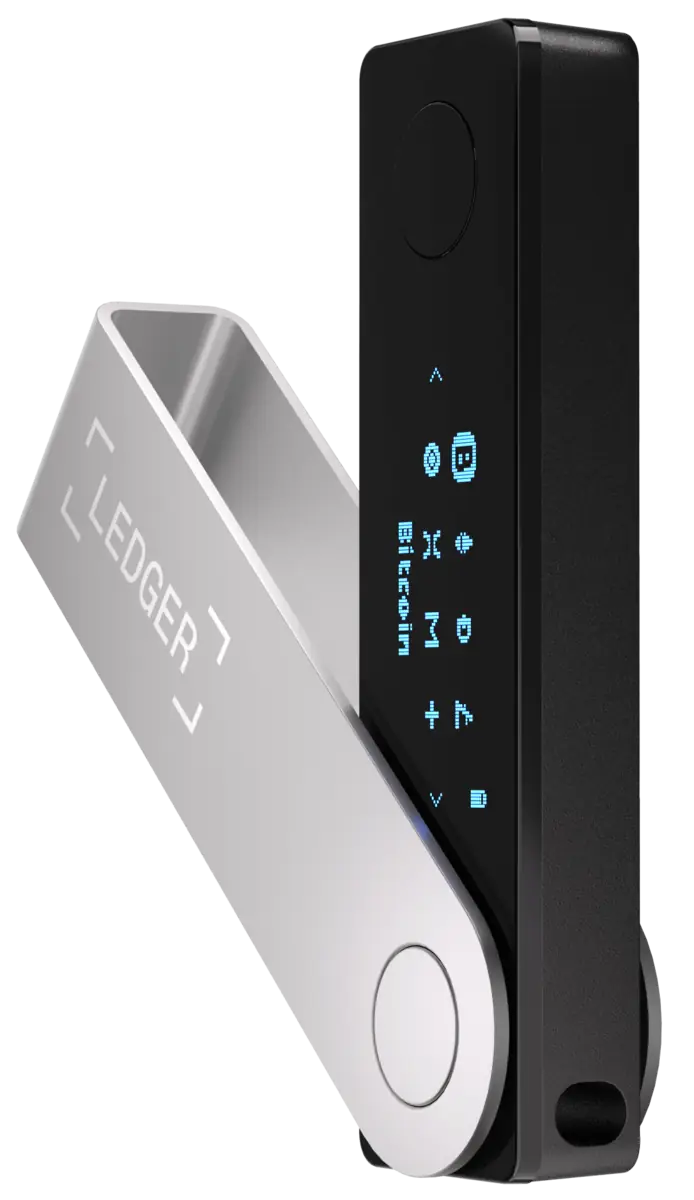
Check Ledger Nano X Price →The Ledger Nano X is the strongest option for beginners who want to sign transactions from their phone without plugging in a cable. Bluetooth connectivity lets you pair the Nano X with the Ledger Live mobile app on iPhone or Android and approve transactions wirelessly. For users who manage crypto primarily from their phone, this workflow is significantly smoother than USB-only devices.
The Ledger Live app is polished, supports a wide range of chains and tokens, and handles portfolio tracking, staking, and swaps in one interface. For beginners who want one app to manage everything, Ledger Live is one of the better companion ecosystems available.
The trade-off is transparency. Ledger’s firmware is closed-source, meaning no independent researcher can audit the signing logic. Ledger argues this is necessary to protect the Secure Element’s certification, but it creates a trust asymmetry: you must trust Ledger’s claims rather than verifying them yourself. The Ledger Recover controversy (an optional subscription feature that backs up your seed phrase to third-party custodians) further divided the community. For a full trust-model analysis, see Is Ledger Nano X Safe in 2026?.
Who should skip it: Beginners who prioritize firmware transparency over mobile convenience. Choose the Trezor Safe 3 (or Safe 5 for a touchscreen upgrade) for open-source firmware instead.
Also Worth Knowing
Trezor Safe 5 (~$169) — The premium version of the Safe 3 with a color touchscreen and haptic feedback. Same open-source firmware and security model, better UX. Worth the upgrade if you want a more comfortable on-device experience and plan to hold long-term. See the full review.
Trezor Safe 7 (~$289) — Trezor’s flagship with the largest touchscreen and strongest haptic confirmation. The security architecture is identical to the Safe 3 and Safe 5 — the premium is for UX, not security. A beginner does not need to start here, but it is the best Trezor experience if budget is not a constraint. See the full review.
SafePal S1 (~$50) — An air-gapped hardware wallet that uses QR codes instead of USB or Bluetooth. The lowest-priced hardware wallet on this list. Best for budget-conscious buyers who want full air-gap isolation. The trade-off is closed firmware and a less polished UX. See the SafePal S1 review.
Best Software Wallets for Beginners
Software wallets are useful for smaller balances, daily transfers, and DeFi activity. They should not be your primary vault for long-term holdings. Use a hardware wallet for savings and a software wallet for spending.
Rabby Wallet — The best browser extension wallet for Ethereum and EVM chains. Rabby simulates transactions before you sign, showing you what the approval will actually do. This reduces blind-signing risk — the most common way DeFi beginners lose funds. Free, open-source, and works with hardware wallets for an extra layer of safety. Visit Rabby Wallet.
SafePal App — A multi-chain mobile wallet with a cleaner interface than most competitors. The main advantage is the upgrade path: start with the free software wallet, then add a SafePal S1 hardware wallet later without switching ecosystems. Best for mobile-first beginners who want flexibility.
How to Choose Your First Wallet: Decision Framework
Do not choose a wallet based on brand popularity. Start with your actual situation:
- How much are you holding? Under $500 and mostly experimenting: a software wallet is fine for now. Over $500 or planning to hold long-term: get a hardware wallet. Over $1,000: a hardware wallet is not optional.
- How do you feel about seed phrases? Comfortable writing down 24 words and storing them safely: Trezor Safe 3. Not ready for that responsibility yet: start with Tangem (no seed phrase). You can always upgrade later.
- Do you need mobile signing? Yes, primarily phone-based: Ledger Nano X (Bluetooth). No, desktop is fine: Trezor Safe 3 (USB-C, cheaper).
- What is your budget? Under $60: Tangem or SafePal S1. Under $100: Trezor Safe 3 (best value). Under $170: Trezor Safe 5 or Ledger Nano X. Over $250: Trezor Safe 7.
For a deeper comparison framework, see How to Choose a Crypto Wallet. For the broader self-custody foundation, see How to Store Crypto Safely.
Seed Phrase: The One Thing Beginners Get Wrong
When you set up a standard hardware wallet (Trezor, Ledger, or any BIP-39 compatible device), you receive a 12-word or 24-word recovery phrase. This phrase is the master key to your funds. Write it down on paper, verify it on-device, and store it in a safe, separate location from the wallet itself. Never photograph it, screenshot it, or store it in any cloud service.
For long-term protection, consider a metal backup device that survives fire and water. The Best Seed Phrase Backup Devices guide ranks the strongest options. For the direct paper-versus-metal comparison, see Metal vs Paper Seed Storage.
Common Beginner Mistakes
- Leaving large balances on an exchange. Exchanges are for buying and selling, not long-term storage. Exchange collapses, withdrawal freezes, and hacks have cost users billions. See Exchange Withdrawals Will Pause Again.
- Storing the seed phrase digitally. Never save recovery words in Google Drive, iCloud, email, Notes, or screenshots. Any internet-connected copy is attackable.
- Buying a hardware wallet from a reseller. Buy directly from the manufacturer. A tampered device from an eBay or Amazon third-party seller can steal your funds on first setup.
- Using one wallet for everything. Keep savings and DeFi activity in separate wallets. A single mistake in a DeFi approval can drain everything in that wallet.
- Ignoring what you are signing. A wallet is only safe if you verify transactions before confirming. Blind signing is the most common way DeFi users lose funds.
Verdict: Best Beginner Crypto Wallet Overall
The Trezor Safe 3 is the best overall crypto wallet for beginners in 2026. It combines the three properties that matter most for a first hardware wallet: open-source firmware you do not have to take on faith, a Secure Element that protects against physical key extraction, and a price (~$79) that makes hardware-grade security accessible to anyone serious about self-custody. The button-based interface is less luxurious than a touchscreen, but the security architecture is identical to the $169 Safe 5 and the $289 Safe 7.
If you are not ready for seed phrase responsibility, Tangem (8.0/10) is the right starting point — it removes the biggest beginner failure mode entirely. If you need mobile signing, the Ledger Nano X (7.5/10) has the best Bluetooth workflow, but its closed firmware is a real trade-off. For most beginners buying their first hardware wallet, the Trezor Safe 3 delivers the strongest combination of security, transparency, and value.
Open-source firmware, EAL6+ Secure Element, on-device transaction verification, and ~$79 pricing make the Trezor Safe 3 the strongest starting point for self-custody. It gives beginners real security without requiring expert-level knowledge or a premium budget. Loses half a point for the button-only interface and lack of Bluetooth.
Check Trezor Safe 3 PriceIf you want the broader self-custody foundation first, start with Crypto Starter Guide 2026. For the full hardware wallet comparison across all experience levels, see Best Crypto Hardware Wallets.
Frequently Asked Questions
What happens if I lose my hardware wallet?
You do not lose your crypto. Your assets remain on the blockchain. If you have your seed phrase, you can restore access on a new device. The wallet is replaceable — the seed phrase is not.
Is Tangem safe without a screen?
For simple sends and receives with moderate balances, Tangem is a reasonable option. The lack of a screen means you rely on the phone app for transaction verification, which is less secure than on-device confirmation. For larger holdings or DeFi activity, a screen-based wallet provides stronger protection.
Why shouldn’t I just leave crypto on Coinbase?
Exchange custody means the platform controls the keys, not you. If the exchange freezes withdrawals, gets hacked, or becomes insolvent, you may not be able to access your funds. Self-custody removes that dependency.
What is blind signing and why is it dangerous?
Blind signing means approving a transaction without understanding what it will do. Attackers use this to trick users into approving malicious smart contract actions that drain wallets. Tools like Rabby simulate transactions before signing to reduce this risk.
Can I use a Ledger and a Trezor at the same time?
Yes. Some users keep different assets on different hardware wallets, or use one for savings and another for DeFi. Each device generates its own seed phrase and manages its own keys independently.
Should a beginner start with a software wallet or hardware wallet?
If your balance is worth protecting, start with a hardware wallet. A software wallet is fine for experimenting with small amounts, but it runs on your phone or laptop — which means it shares that device’s full attack surface. A hardware wallet isolates your keys on a separate device.