Last Updated on April 20, 2026 by Snout0x
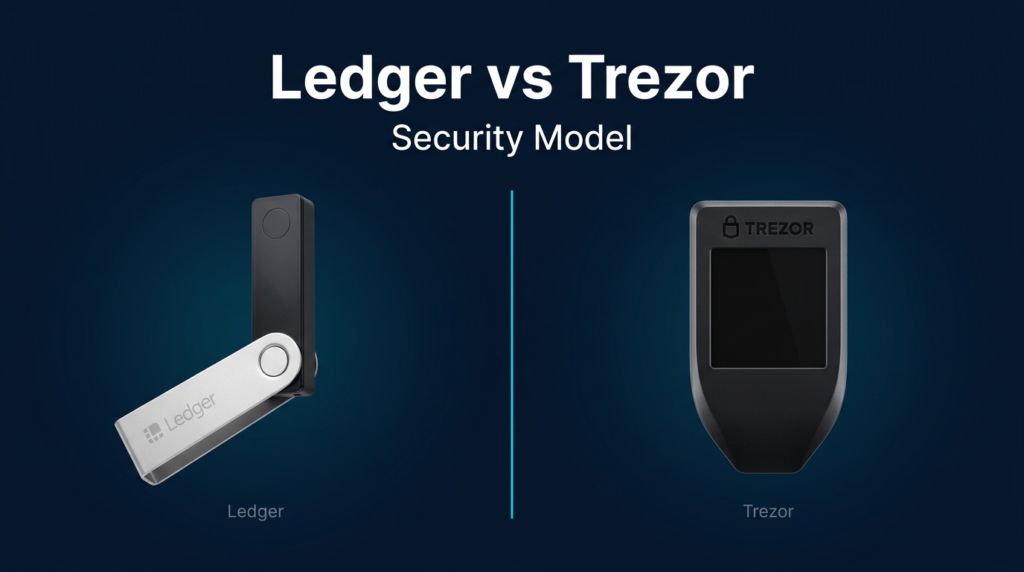
Ledger and Trezor are the two most established hardware wallet brands. Both isolate private keys from internet-connected devices. Both use secure elements. Both have survived years of active security research without a cryptographic key compromise. The superficial comparison ends there.
The real difference is the trust model, not the hardware spec sheet.
Ledger routes all key operations through a certified secure element running closed-source firmware. You trust the chip certification and the company. Trezor runs fully open-source signing firmware on the MCU and uses the secure element for PIN and key wrapping. You trust the code and the community. These are not marketing positions — they are fundamentally different architectures that produce different failure modes, different verification pathways, and different answers to the question “how do I know my device isn’t doing something I didn’t ask for?”
This content is for educational purposes only and should not be considered financial or investment advice.
This article may contain affiliate links. If you purchase through these links, Snout0x may earn a commission at no additional cost to you.
Quick Answer
Choose Ledger if physical tamper resistance is your top priority. The CC-certified secure element handles all key generation, storage, and signing internally. Private keys never touch the general-purpose processor. This is the strongest hardware barrier against physical extraction attacks — at the cost of trusting closed-source SE firmware you cannot audit.
Choose Trezor if firmware verifiability is your top priority. Fully open-source signing firmware means any researcher can audit what your device actually runs. The Safe series adds SE-backed PIN and key protection for physical tamper resistance. You get transparency over the signing stack — at the cost of signing execution happening on the MCU rather than inside the SE.
Key Takeaways
- Ledger performs all key operations inside a CC-certified secure element. The SE firmware is closed-source and not publicly auditable.
- Trezor Safe devices use a certified SE for PIN protection and key wrapping, with fully open-source signing firmware on the MCU.
- Ledger Recover demonstrated that the closed SE firmware has the architectural capability to access and export key material — regardless of whether the feature is enabled.
- Trezor’s open firmware allows independent verification that no backdoor or unwanted extraction capability exists in the signing stack.
- “Safer” depends on threat model: Ledger wins on physical tamper resistance, Trezor wins on firmware verifiability.
Side-by-Side Comparison
| Category | Ledger (Nano X / Stax / Flex) | Trezor (Safe 3 / Safe 5 / Safe 7) |
|---|---|---|
| Secure element role | All key ops: generation, storage, signing | PIN protection + key wrapping |
| SE certification | CC EAL5+ / EAL6+ | CC certified (vendor chip) |
| SE firmware | Closed-source | Closed (vendor chip constraint) |
| Signing firmware | Closed (runs inside SE) | Fully open-source (runs on MCU) |
| App-level firmware | Open-source (coin apps only) | Fully open-source |
| Physical attack resistance | Very high (keys never leave SE) | High (SE protects key material; signing on MCU) |
| Firmware verifiability | Partial (apps only) | Full (signing firmware is auditable) |
| Cloud seed backup | Yes (Ledger Recover, opt-in) | No |
| Passphrase support | Yes | Yes |
| Connectivity | USB-C, Bluetooth (Nano X) | USB-C only |
Ledger’s Security Architecture
Ledger uses a dual-chip architecture: a general-purpose MCU handles display, connectivity, and app execution, while a dedicated CC-certified secure element handles all private key generation, storage, and transaction signing. Private keys are generated inside the SE, stored inside the SE, and never leave it in plaintext — not even to the MCU. When you approve a transaction, the SE performs the cryptographic signature internally and outputs only the completed signed transaction.
Ledger devices run BOLOS (Blockchain Open Ledger Operating System) on the secure element. BOLOS isolates individual coin applications from each other in separate sandboxed environments, so a compromised Bitcoin app cannot access Ethereum keys. The Common Criteria certification means independent labs have assessed the physical tamper resistance of the chip design — the same certification level used in banking cards and government ID systems.
The Closed-Firmware Trade-Off
The SE firmware that governs how keys are generated, stored, and operated upon is closed-source and not publicly auditable. Ledger’s individual coin-signing apps that run on top of BOLOS are open-source, but the underlying SE layer those apps depend on cannot be independently reviewed. Ledger argues that Common Criteria certification requires controlled firmware specifications, and publishing the SE firmware would give attackers a roadmap. This is a reasonable hardware-security argument. It is also an argument that requires users to trust Ledger’s claims about what the SE firmware does — there is no independent verification pathway for the closed layer.
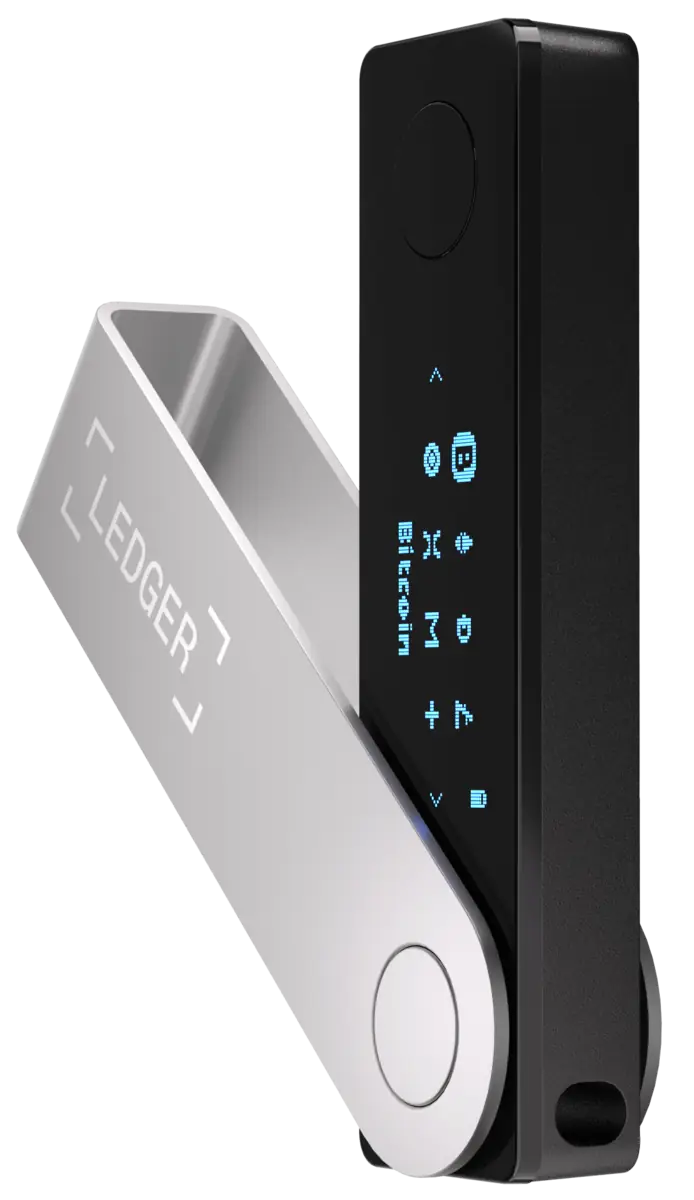
Ledger Recover and What It Revealed
In 2023, Ledger announced Ledger Recover — an optional subscription that encrypts and splits the seed phrase across three KYC-verified custodians. The feature is opt-in and requires on-device confirmation. The security concern was not the feature itself but the architectural implication: for the SE firmware to encrypt, split, and transmit seed data over USB to external custodians, the firmware must have the capability to access and export key material.
Ledger correctly noted that malicious firmware updates require explicit user approval and that the secure boot chain protects against unauthorized firmware. But Recover demonstrated concretely that the closed SE firmware has key-extraction capability built in — a capability that exists regardless of whether the user enables the feature. For users whose threat model includes distrust of manufacturer firmware, this is the central issue. For a full examination of the Ledger trust model, breach history, and Recover controversy, see Is Ledger Nano X Safe in 2026?
Trezor’s Security Architecture
Trezor was built on a different foundational principle: maximize transparency, let the community audit everything, and treat open-source verification as an inherent security property rather than a marketing choice.
The Trezor Safe series (Safe 3, Safe 5, Safe 7) introduced a certified secure element into the architecture, directly addressing the physical-attack weakness of earlier models that relied on MCU-only security. The SE protects PIN verification and wraps the master secret, significantly raising the bar for hardware-based extraction attacks. But the key architectural distinction from Ledger remains: on Trezor, the main signing firmware runs on the open MCU layer, not inside the SE. This means more of the security stack is auditable, but the signing execution is not behind the SE’s hardware tamper barrier.
Trezor’s application firmware is fully open-source, published on GitHub, and has been independently audited by security researchers with public disclosure. A sophisticated user can build the firmware from source, compare the binary to the published release, and verify what code runs on their device. This verification pathway does not exist for Ledger’s SE firmware. The Trezor Safe 7 brings this architecture to a color touchscreen flagship, and the more affordable Trezor Safe 5 offers the same SE-backed security with a simpler display.
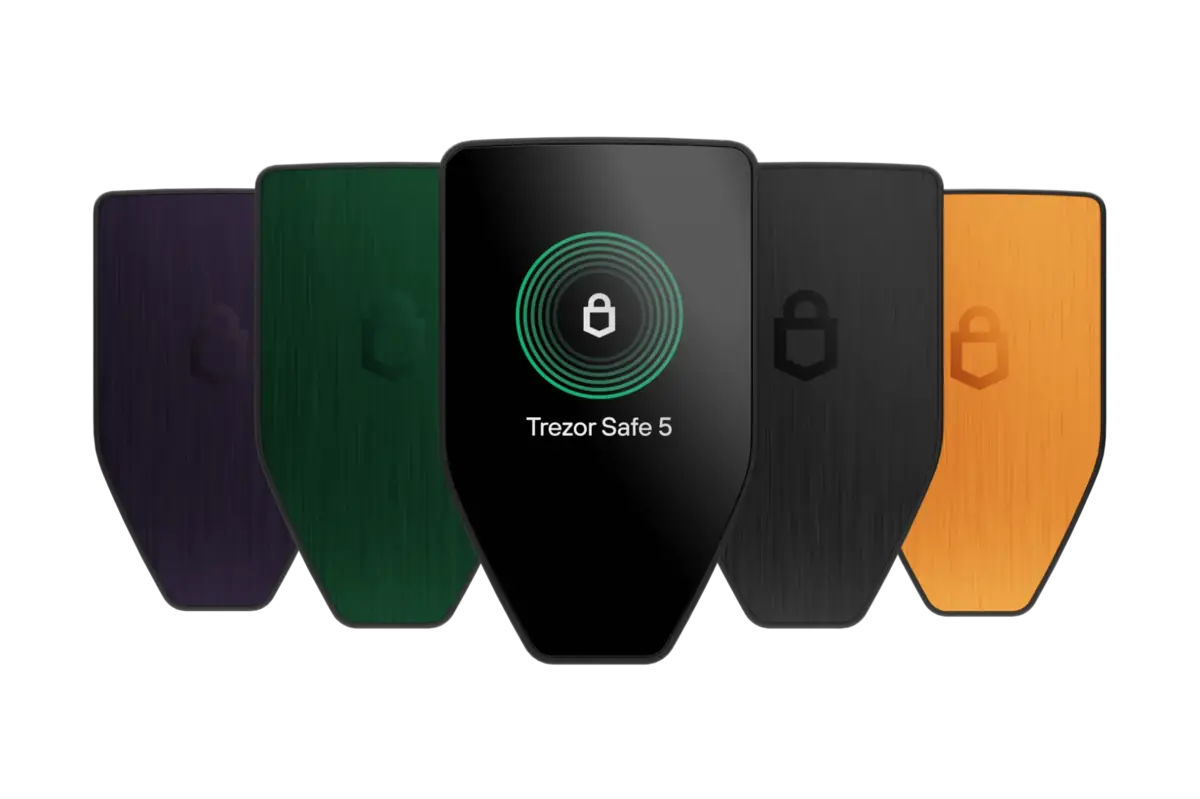
Attack Surface: Physical vs Firmware Trust
Both devices, used correctly in offline signing workflows, provide strong protection against remote attacks. A hardware wallet kept in cold storage and connected only when signing does not expose key material to software exploits. The attack surface questions that differentiate Ledger and Trezor fall into two categories: physical access attacks and firmware trust attacks.
Physical attacks: Ledger’s SE-based signing architecture is the stronger barrier. Keys are generated and stored inside the SE, and signing happens inside it. The SE is built to resist physical probing and to destroy or protect key material under tampering attempts. Trezor Safe devices improved substantially over earlier models by adding SE-backed PIN protection, but signing logic runs on the MCU, which has a larger attack surface than a dedicated SE under specialized hardware attack. For users concerned about physical device theft by a sophisticated adversary, Ledger’s deeper SE integration is the stronger model.
Firmware trust attacks: Trezor’s open-source model provides an advantage Ledger cannot match at the SE layer. A user can build Trezor firmware from source, compare the binary, and verify what runs on the device. If a closed-source firmware update introduced key-extraction behavior, it would not be detectable through code review — only through behavioral analysis after the fact. For users concerned about manufacturer backdoors, supply-chain firmware compromise, or state-level coercion of the manufacturer, Trezor’s transparency is the stronger model.
Neither device eliminates risks outside the hardware security model. Social engineering, seed phrase backup exposure, blind signing, and supply chain interception all represent threats that hardware architecture alone does not address.
Who Should Buy Ledger
- Physical-security-first users who want all key operations behind a CC-certified tamper-resistant chip.
- High-value cold-storage holders who consider hardware extraction by a sophisticated adversary a realistic threat.
- Multi-chain DeFi users who benefit from BOLOS app isolation and Ledger Live’s broad ecosystem.
- Bluetooth-preference users who want wireless mobile signing (Nano X).
- Users comfortable trusting the manufacturer and its certification rather than requiring independent firmware verification.
Who Should Buy Trezor
- Verification-first users who want to confirm independently that no backdoor or extraction capability exists in the signing firmware.
- Privacy-conscious holders who prefer a device with no cloud backup capability and no closed firmware governing key operations.
- Bitcoin power users who value Trezor’s strong ecosystem of third-party integrations (Sparrow, Wasabi, Electrum).
- Technically sophisticated users who build firmware from source and verify release binaries.
- Users whose threat model includes manufacturer compromise — state-level coercion, insider threats, or supply-chain firmware attacks.
Verdict: Certification vs Verification
CC-certified SE handles everything involving keys. The strongest available hardware barrier against physical extraction — at the cost of trusting closed-source firmware you cannot independently audit. Ledger Recover’s existence confirms the SE firmware has key-access capability.
Fully open-source signing firmware means you can verify exactly what runs on the device. Safe series SE protects PIN and key material for physical tamper resistance. No cloud backup capability exists in the firmware. The strongest available verification model.
If you trust hardware certification and want the strongest physical tamper barrier, Ledger is the right choice. If you trust code transparency and want the strongest firmware verification pathway, Trezor is the right choice. The core trade-off is not which device is “more secure” in the abstract — it is which failure mode you consider more dangerous for your situation: an unauditable firmware layer with physical tamper resistance, or an auditable firmware layer with signing execution outside the SE.
For most retail holders, either device is a massive security upgrade over exchange custody or software wallets. The differences between Ledger and Trezor matter most at high holdings, for technically sophisticated users, or for threat models that include state-level adversaries. For a broader view of where both fit in the full market, see the best crypto hardware wallets roundup.
Frequently Asked Questions
Does Ledger or Trezor have a stronger Secure Element?
Ledger’s SE is more deeply integrated — all key operations and signing happen inside it with CC EAL5+/EAL6+ certification. Trezor Safe devices use a certified SE for PIN protection and key wrapping, but signing runs on the open MCU. For pure hardware attack resistance against a physical adversary, Ledger’s deeper SE integration is the stronger model. For firmware verifiability, Trezor’s architecture is stronger because the signing logic is auditable.
Is Trezor firmware really fully open-source?
Trezor’s main signing firmware is fully open-source on GitHub. The SE vendor’s chip firmware is closed — a constraint imposed by the chip manufacturer, not Trezor. But Trezor’s interaction with the SE is documented, and the signing logic that actually executes transactions is fully visible in the open firmware. This is meaningfully more transparent than Ledger’s architecture, where the SE firmware governing key operations is entirely closed.
What did Ledger Recover reveal about the security model?
Ledger Recover is an opt-in subscription that backs up an encrypted seed through three KYC-verified custodians. The architectural concern: for this to work, the SE firmware must be able to access and export key material. Whether you enable Recover or not, that capability exists in the firmware layer you cannot audit. This is the correct framing — not that Recover is dangerous by default, but that it revealed what the closed firmware architecture is capable of.
Can either device’s private keys be extracted with physical access?
On current Ledger devices and Trezor Safe devices, physical key extraction is extremely difficult. Ledger’s SE has always provided strong resistance. Early Trezor models without an SE were demonstrated vulnerable under fault injection conditions — the Safe series closed this gap. On any device, a strong passphrase adds protection that hardware extraction cannot bypass, because the passphrase is never stored on the device.
Which hardware wallet is better for beginners?
Both offer accessible onboarding. The Ledger Nano X has a large support ecosystem. The Trezor Safe 5 and Safe 7 have touchscreens that simplify setup. Beginners benefit more from choosing either device and focusing on proper seed phrase backup and passphrase discipline than from agonizing over SE architecture differences.