Last Updated on April 15, 2026 by Snout0x
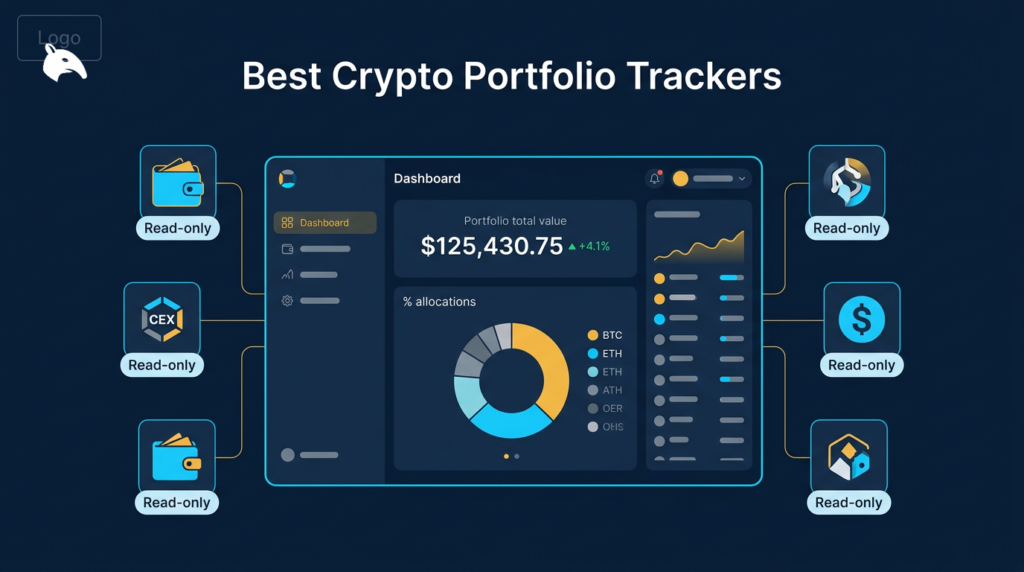
You are not shopping for “more charts.” You are buying where blind spots disappear in your own operating stack: spot balances scattered across venues, EVM positions split across routers and pools, or year-end reporting that disagrees with what you remember trading. The failure mode is picking a pretty dashboard that never mapped your real workflow—then trusting it for tax or risk decisions it was never built to certify. This page routes buyers by holder type and job-to-be-done, keeps read-only discipline explicit, and separates visibility tools from tax reconciliation tools from charting so you do not buy the wrong layer.
This content is for educational purposes only and should not be considered financial or investment advice.
This article may contain affiliate links. Snout0x may earn a commission at no additional cost to you.
Trackers show balances; they do not certify tax truth or approval safety.
Quick Answer
Key Takeaways
- Read-only first: public addresses and read-only API keys preserve the signing boundary; anything requesting seeds or signing permission is a red flag.
- Visibility ≠ tax truth: dashboards interpolate and misclassify; tax tools still need human review on large DeFi histories.
- EVM DeFi wants surface tools: approvals, rewards, and pool economics show up in DeBank-class lenses better than generic spot trackers.
- Privacy is real: linking many addresses into one account builds a cluster; treat cold addresses as sensitive even when “only” public.
- Cross-check high-stakes numbers: use native protocol UIs or explorers when a position size matters for decisions.
Who Needs a Tracker—and Who Does Not
Needs a tracker when you have balances and positions across more venues than working memory covers: multiple exchanges, several self-custody addresses, or recurring DeFi interactions where approvals and rewards drift out of view.
Does not need a dedicated tracker when you hold one asset on one exchange with rare activity: a spreadsheet or your exchange’s own statement view may be enough until complexity grows.
Tracking vs Tax vs Charting
- Portfolio tracking: balances, positions, and sometimes P&L across wallets and venues—built for ongoing visibility.
- Tax / reconciliation software: import pipelines, classification rules, and jurisdiction reports—built for filings and audit trails, not intraday UX.
- Charting: price, liquidity, and execution context—built for timing and market structure, not consolidated cost basis across every wallet.
Mixing those jobs in one mental model causes expensive confusion: a tracker that “looks right” for taxes can still be wrong after router-heavy DeFi. When reporting is the pain, read Best Crypto Tax Software 2026 alongside whichever visibility stack you pick.
At-a-Glance Comparison
| Tool | Primary job | Best when | Not built to be | Typical spend |
|---|---|---|---|---|
| CoinStats | Multi-chain visibility + alerts | Mobile-first aggregation across wallets and CEX | Deep EVM surface replacement | Freemium + paid tiers |
| Delta | Cross-asset performance view | Crypto + tradfi in one performance habit | Protocol-native DeFi cockpit | Freemium + paid tiers |
| DeBank | EVM positions + approvals | Lending, LP, staking, reward surfaces | Solana-native DeFi lens | Free + Pro options |
| Zapper | EVM positions + NFT view | Second-lens verification + NFT balance context | Tax filing engine | Freemium model |
| Koinly | Imports + tax reports | Year-end classification and export workflows | Daily DeFi operational dashboard | Per-season pricing (check live) |
Pricing note: Vendor pricing and tier limits change. Use the table for value framing, then confirm current plans on the official site before you buy.
Best Picks by User Type
Passive holder (mostly spot, few venues)
Optimize for low-friction visibility and alerts on large moves. CoinStats or Delta keeps the habit lightweight; add Koinly only when tax season forces structured exports.
Multi-wallet + multi-CEX operator
Optimize for exchange read-only keys plus address imports, and keep cold addresses partitioned if you care about clustering. Pair trackers with watch-only discipline on signing devices: What Is a Hardware Wallet? and How to Store Crypto Safely stay upstream of any dashboard.
EVM DeFi user
Optimize for positions, rewards, and approvals first. DeBank and Zapper overlap; running both on the same addresses is a cheap cross-check when a protocol UI disagrees with a headline balance.
Active trader (execution-heavy)
Your bottleneck is usually execution and charting, not another net-worth widget. Keep a tracker for inventory sanity, but do not confuse it with order-flow or venue analytics.
Read-Only Connection Discipline
Legitimate trackers should operate on public material: addresses, read-only API keys, or narrowly scoped sessions. Avoid any flow that requests seed phrases, private keys, or signing permission “to sync faster.”
- Address-only import: lowest coupling; good for cold addresses you still want to monitor.
- Read-only exchange keys: verify permissions in the exchange UI; never enable withdrawals for a tracker key.
- WalletConnect “view” sessions: read scopes slowly; abort if anything requests broad signing rights.
If wallet choice is still unsettled, How to Choose a Crypto Wallet is the better prerequisite than stacking more dashboards.
Privacy and Clustering
Trackers learn which addresses you group under one account. That is not the same as stealing keys, but it is a real deanonymization surface—especially when you mix cold savings with hot experiment wallets in one profile. For cold-storage framing, see Cold Storage vs Air-Gapped Wallets.
Tool-by-Tool Breakdown
CoinStats
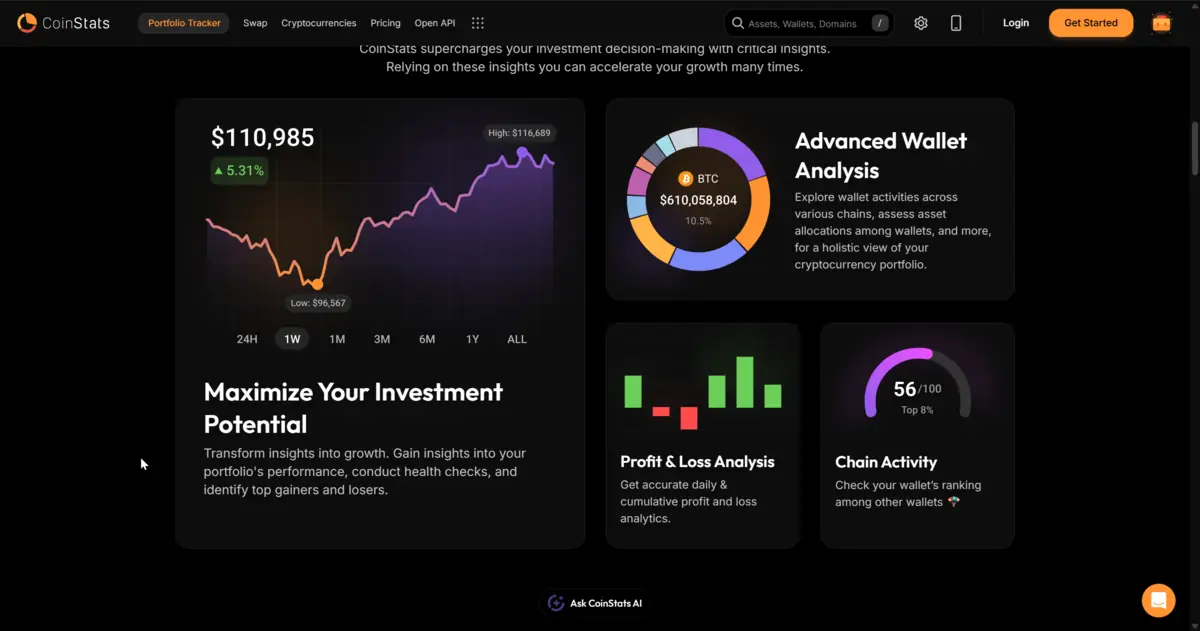
CoinStats targets users who want a polished, mobile-first aggregate across chains and exchanges without living inside a single DeFi protocol UI.
- Problem it solves: scattered spot balances and alert fatigue from checking venues manually.
- Main tradeoff: EVM DeFi depth lags dedicated DeFi dashboards; paid tiers gate heavier usage.
- Buy it when: you want one daily visibility app with broad chain and CEX coverage.
- Skip it when: your net worth mostly lives in complex EVM positions you must supervise at the approval level.
Best for: mobile-first holders juggling wallets and CEX. Skip if: EVM approvals and pool economics are your primary screen.
Delta
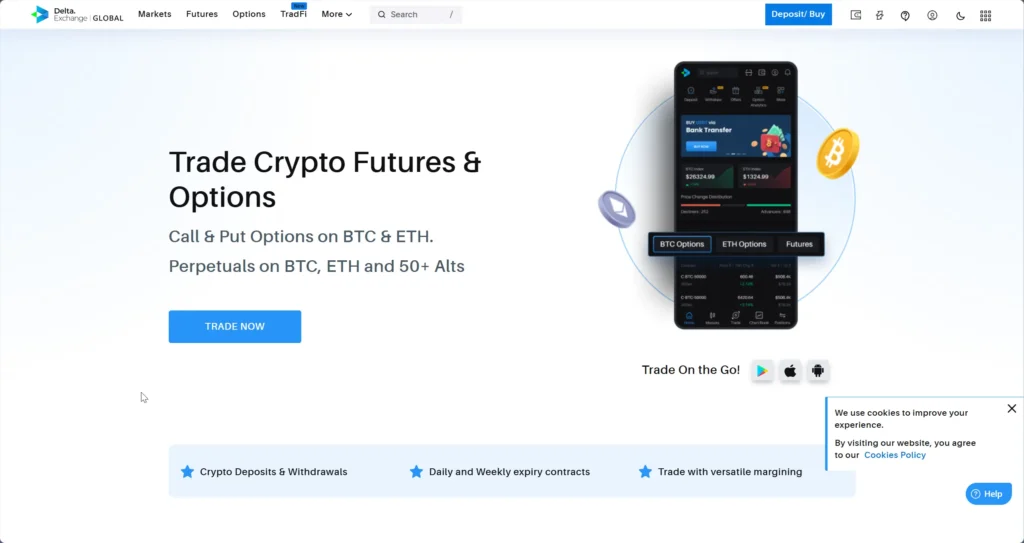
Delta (eToro ecosystem) fits users who want unified performance framing across crypto and traditional tickers in one habit loop.
- Problem it solves: consolidated performance and cost-basis style analytics across asset classes.
- Main tradeoff: centralized finance coupling and less DeFi-native depth than DeBank-class tools.
- Buy it when: you already think in portfolio beta across stocks and crypto.
- Skip it when: you refuse vendor coupling or need deep EVM approval surfaces.
Best for: unified cross-asset performance habits. Skip if: DeFi surface monitoring is the primary job.
DeBank
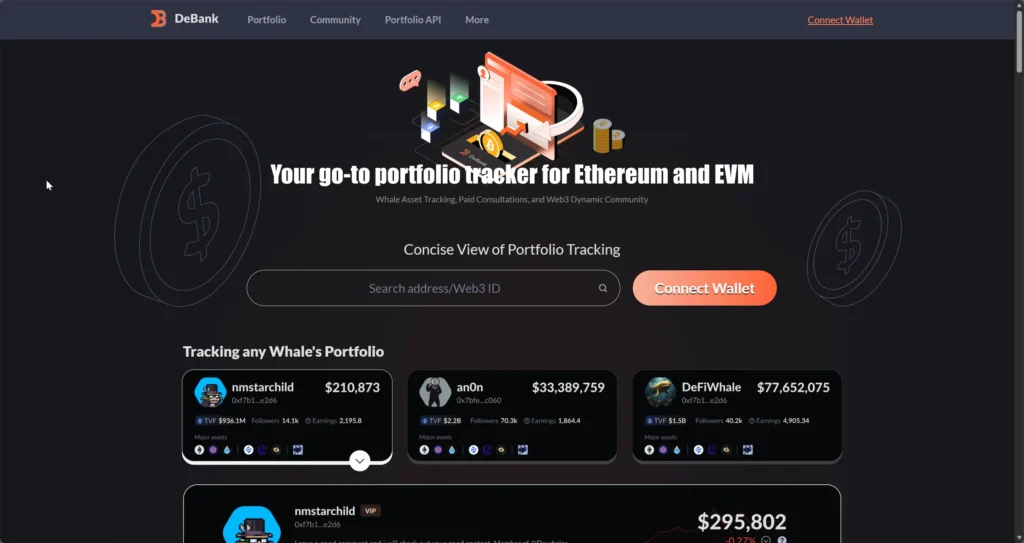
DeBank is the strongest default when your risk surface lives in EVM lending, LP, staking rewards, and approvals. It is not a substitute for Solana-native dashboards.
- Problem it solves: seeing positions, rewards, and approvals in one EVM-native surface.
- Main tradeoff: EVM-only scope; protocol coverage still misses edge venues.
- Buy it when: you live on Ethereum L2s and major EVM chains and need approval hygiene.
- Skip it when: your book is mostly non-EVM; pair another tool instead of forcing DeBank to be universal.
Best for: EVM-heavy operators. Skip if: Solana or Bitcoin-native positions dominate.
Zapper
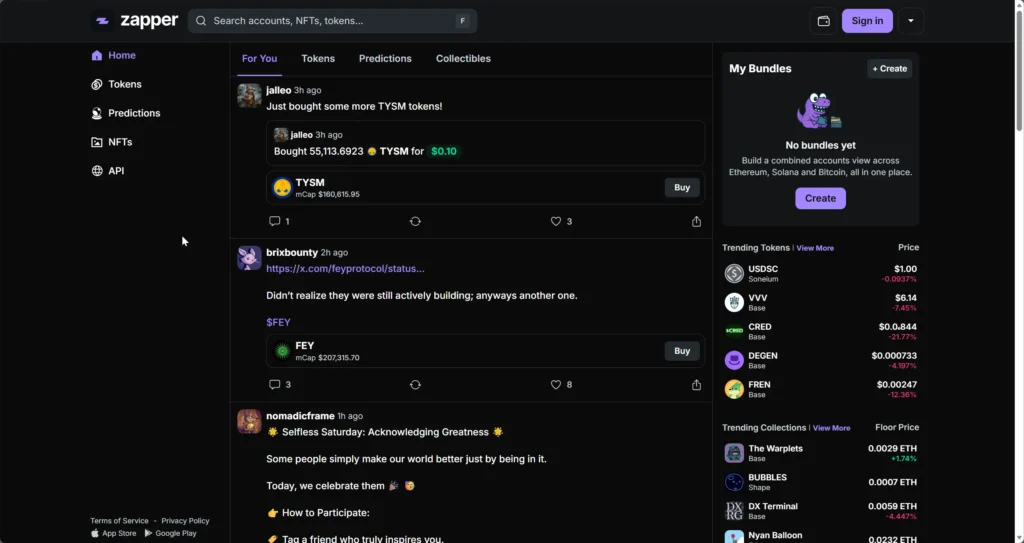
Zapper overlaps DeBank on EVM aggregation and adds a useful NFT portfolio lens for users who need that visibility beside fungible positions.
- Problem it solves: second-opinion EVM views plus NFT balance context.
- Main tradeoff: still not a tax engine; still not exhaustive for every protocol.
- Buy it when: you want parallel DeFi verification or NFT-heavy wallets.
- Skip it when: you only need one EVM lens and prefer minimal tooling.
Best for: parallel EVM checks and NFT-inclusive views. Skip if: you want one and only one DeFi lens.
Koinly (tax-first)
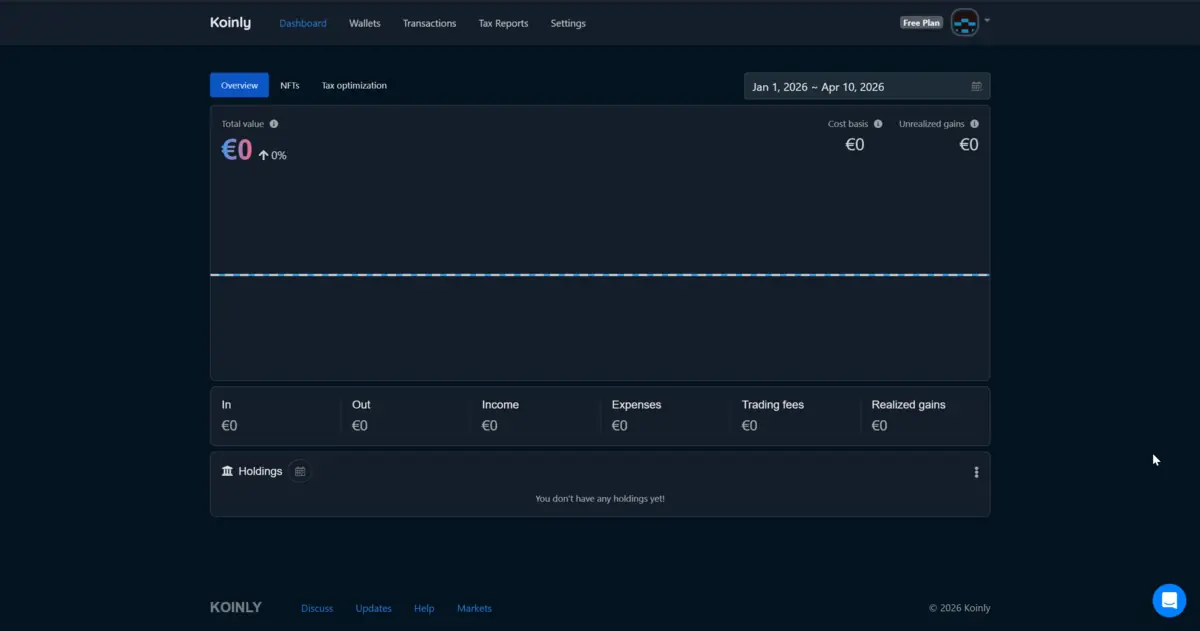
Koinly is the right buy when the bottleneck is classification and export, not intraday position monitoring. Pair it with a visibility tool that actually maps your venues, then reconcile large transactions manually when DeFi routers confuse parsers.
- Problem it solves: exchange and wallet import pipelines and jurisdiction-oriented reporting workflows.
- Main tradeoff: complex on-chain histories still need human review; pricing scales with activity.
- Buy it when: filing pressure forces structured cost-basis and label discipline.
- Skip it when: you only need a free daily net-worth view with no reporting obligation.
Best for: reporting and classification pipelines. Skip if: you only want live DeFi approvals monitoring.
Final Verdict and Routing Rule
Rule: pick the layer that matches the failure you feel today—invisible spot balances, invisible EVM risk surface, or invisible tax truth—then add the next tool only when a second gap appears. For broader tool context, see Essential Crypto Tools 2026.
Risks and Common Mistakes
- Keys in a tracker: any seed or private key import for “convenience” is an automatic reject.
- One dashboard as tax gospel: mislabels happen; cross-check high-impact rows against explorers or exchange CSVs.
- Over-clustering cold addresses: grouping every address under one login trades privacy for convenience.
Sources
- CoinStats — Official site
- Delta — Official site
- DeBank — Official site
- Zapper — Official site
- Koinly — Official site
Frequently Asked Questions
Do portfolio trackers need my private key?
No. A legitimate portfolio tracker only needs your public wallet address to show balances. Never share a private key, seed phrase, or signing permissions with any tracking application.
Who actually needs a dedicated portfolio tracker?
You need one when balances and positions are spread across enough venues that manual checks routinely miss moves, rewards, or approvals. You probably do not need one if you hold one asset on one exchange with rare activity.
What is the difference between a portfolio tracker and crypto tax software?
Trackers prioritize ongoing visibility. Tax software prioritizes imports, classification rules, and exportable reports. Many people use one tool for daily monitoring and a tax tool for season-end reconciliation.
Which tracker is best for heavy EVM DeFi?
DeBank and Zapper are the strongest defaults for EVM-native positions and approvals. Cross-check both when a protocol UI disagrees with a headline number.
Can I use one tool for taxes and daily balances?
Sometimes, but the UX fit is uneven. Koinly is built for tax workflows; CoinStats is built for daily visibility. Pairing them is usually cleaner than forcing one app to do both jobs.
Are portfolio trackers free?
Most offer free tiers for basic tracking. CoinStats, Delta, DeBank, and Zapper operate freemium models. Tax tools typically charge per reporting season with limits tied to transaction volume.
Do trackers reduce security if I only paste public addresses?
They do not get signing rights from public addresses alone. The remaining risk is privacy: clustered addresses and exchange history become visible to the service you use.