Last Updated on March 20, 2026 by Snout0x
The Keystone 3 Pro is an air-gapped hardware wallet built around QR-based signing. Its security pitch is simple: keep the signing device offline during normal use and move transaction data visually instead of through a live cable or wireless link.
If your priority is reducing network-adjacent attack surface during transaction signing, the Keystone 3 Pro is one of the clearest examples of that design philosophy.
Disclaimer: This content is for educational and informational purposes only and does not constitute financial, investment, tax, or legal advice. Cryptocurrency markets are volatile and involve risk. Always conduct your own research and consult a qualified professional before making financial decisions.
Affiliate Disclosure: Some links in this article may be affiliate links. If you choose to use them, Snout0x may earn a commission at no additional cost to you.
Key Takeaways
- The Keystone 3 Pro uses QR-based signing to keep normal transaction flow offline.
- Its architecture combines multiple secure chips, open-source firmware, and companion-wallet integrations.
- The large touchscreen improves transaction review compared with smaller-screen devices.
- It supports major wallet ecosystems and many assets through companion software rather than acting as a standalone online wallet.
- The main trade-off is convenience: QR signing is slower than cable-based workflows for frequent transactions.
What Is the Keystone 3 Pro?
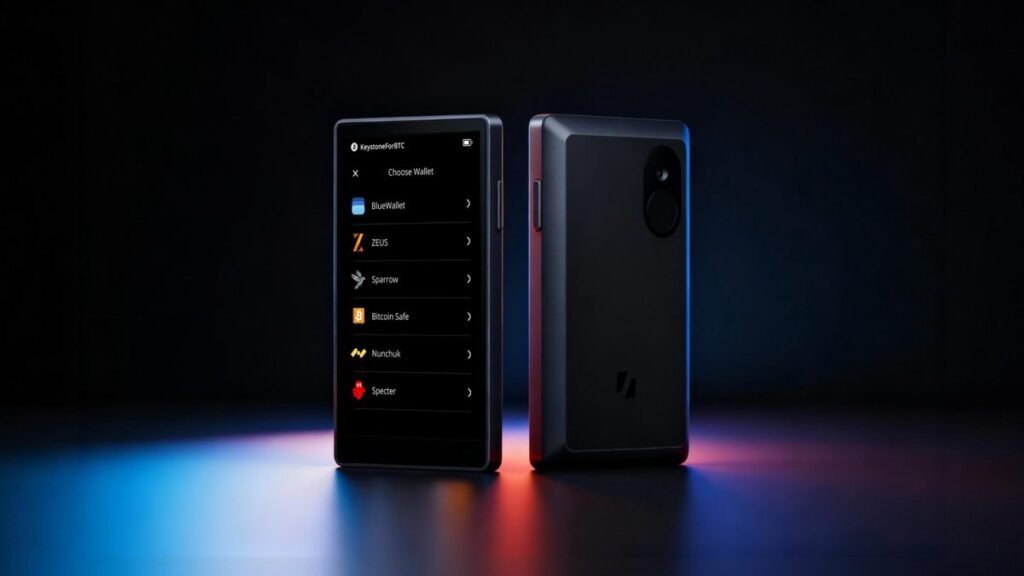
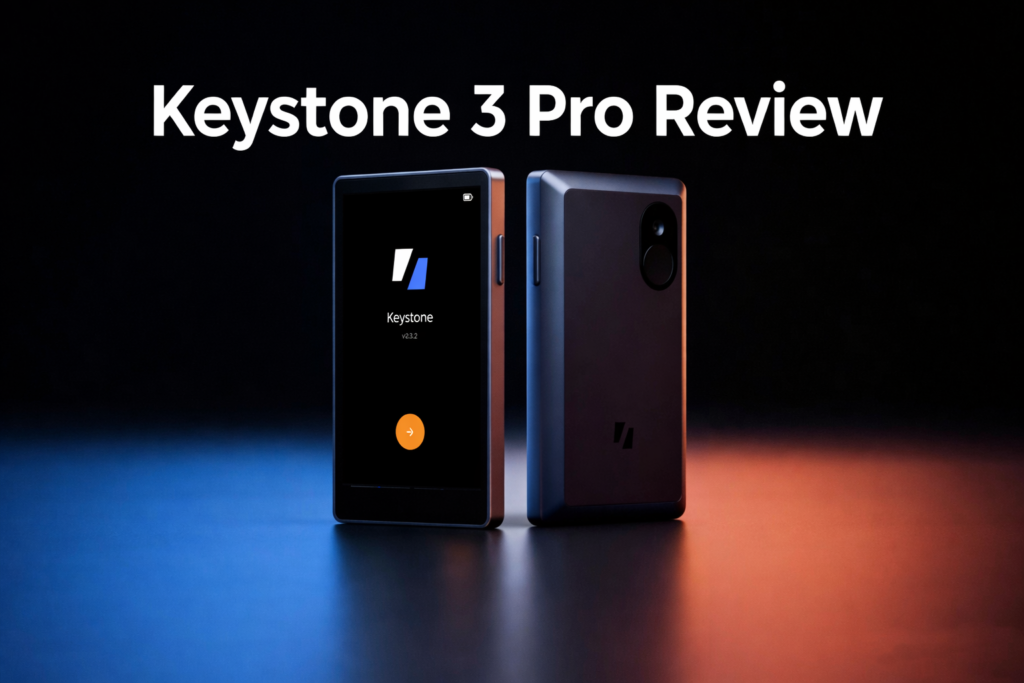
The Keystone 3 Pro is a touchscreen hardware wallet with a built-in camera that is designed around offline transaction signing. Instead of depending on a live desktop connection during normal use, it exchanges transaction data with compatible apps using QR codes.
That architecture matters because a hardware wallet does not need to be permanently connected to an internet-facing device to do its core job. The Keystone approach separates online transaction preparation from offline signing, which is why it appeals to users who want a stronger visual and operational boundary between their signing device and their phone or computer.
If you are new to this design category, read what an air-gapped wallet is first. It explains why “air-gapped” in crypto usually refers to the transaction workflow, not just the absence of Bluetooth.

Security Model
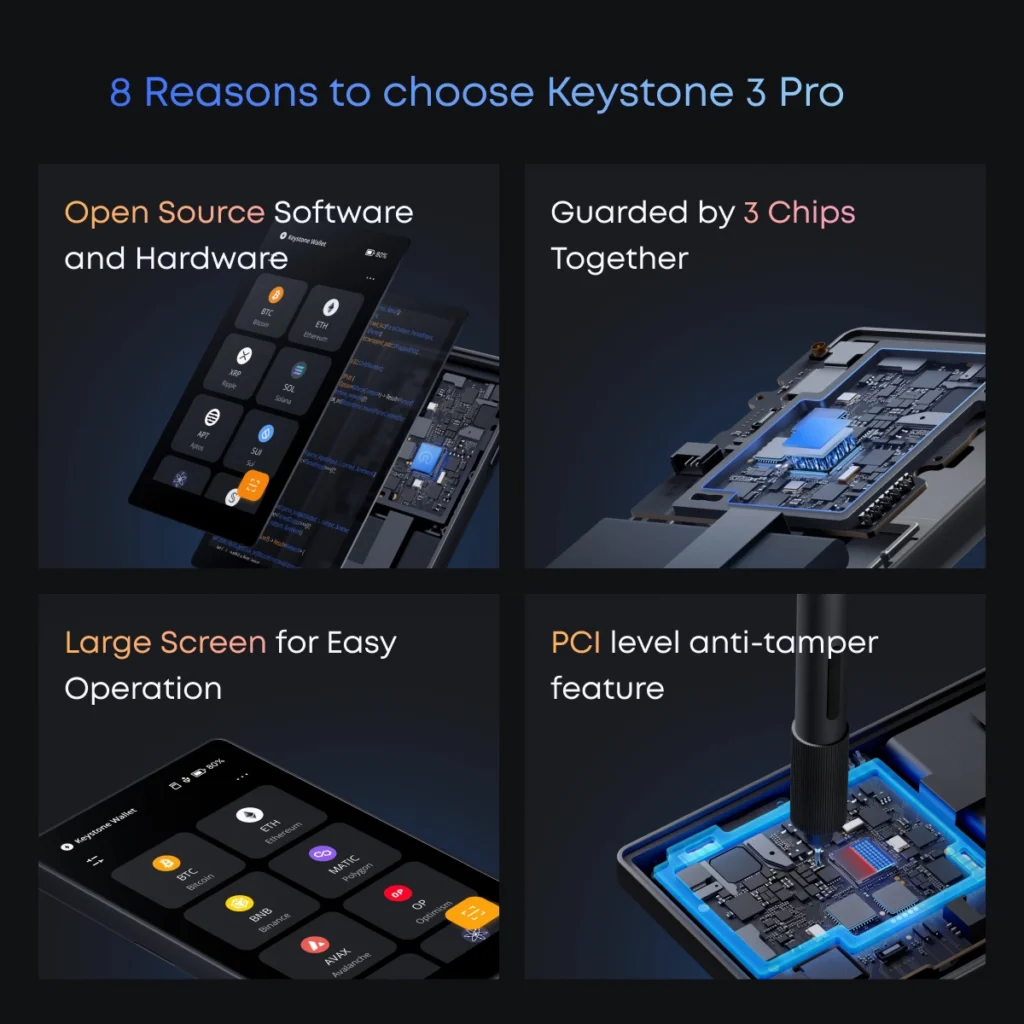
The Keystone 3 Pro is best understood as a hybrid security design. Keystone markets it as an open-source hardware wallet, but it also uses multiple secure chips and anti-tamper protections in the hardware stack. That combination matters because it tries to address both sides of the usual hardware-wallet debate: hardware resistance and firmware transparency.
For users thinking in threat-model terms, the attraction is clear. The secure chips raise the cost of physical extraction attacks, while open firmware makes the signing logic more inspectable than a fully closed vendor stack. That does not remove every trust boundary, but it is a stronger trust model than a purely closed design.
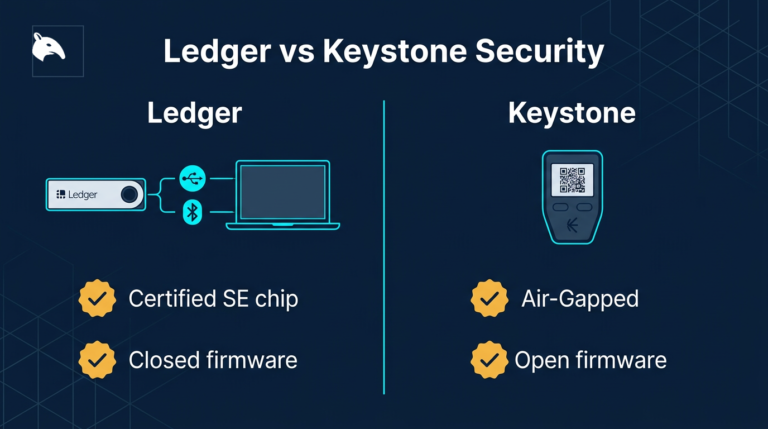
If you want the bigger architecture debate behind this, see Secure Element vs Open Source Wallets and Ledger vs Keystone Security Architecture.
Keystone also supports device verification and firmware verification as part of its setup and update model. That matters because supply-chain trust is not just about whether the device is offline; it is also about whether the firmware and device state can be checked before you rely on them.
Supported Chains and Companion Apps
The Keystone 3 Pro is not meant to function as a fully self-contained online wallet. Like other hardware wallets, it relies on companion software to show balances, prepare transactions, and interact with networks. Keystone’s own support documentation says the device must connect to compatible software wallets for balance display and broader asset management.
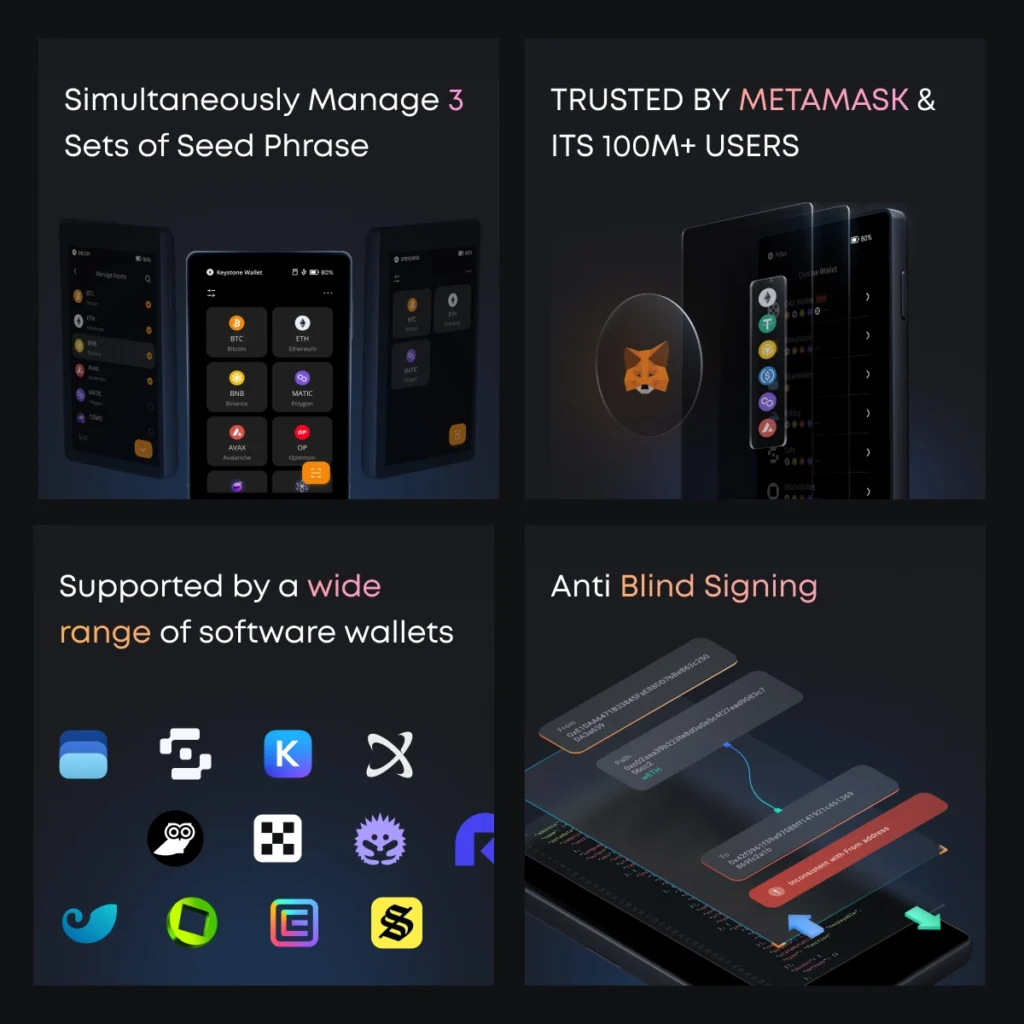
That companion-wallet model is a strength, not a flaw. The hardware wallet keeps seed phrases and signing offline, while software wallets handle on-chain data and interface convenience. Keystone officially highlights support for integrations such as MetaMask and other major third-party wallets, with a full compatibility list maintained on its site.
- MetaMask for EVM access
- Rabby for desktop-friendly EVM use
- Keystone Nexus as the official wallet app
- Bitcoin-focused wallet integrations depending on workflow and firmware path
- Other supported third-party wallets listed in Keystone’s compatibility documentation
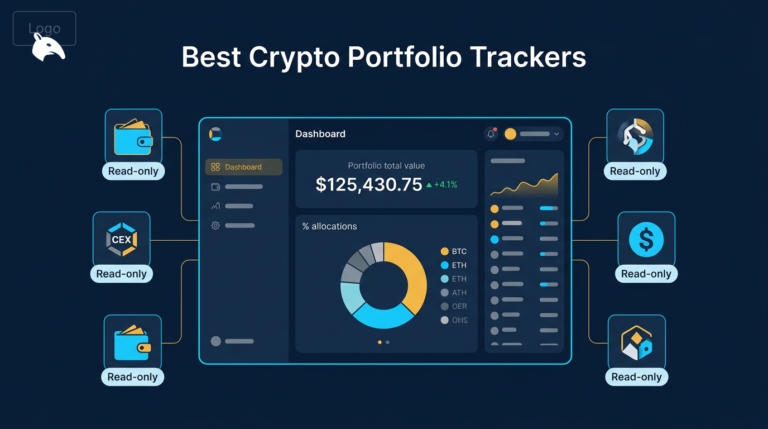
The practical flow is straightforward: connect a watch-only wallet, prepare the transaction on the software side, scan the unsigned payload with the Keystone, review details on the device screen, sign offline, then scan the signed payload back for broadcast. That is the core QR-wallet workflow.

Usability and Daily Experience
The 4-inch touchscreen is one of the device’s biggest practical strengths. Larger screens matter on hardware wallets because they make address review, amount review, and transaction confirmation less cramped and easier to verify carefully.
Keystone also emphasizes fingerprint-based convenience, multi-seed support, and a smartphone-like interaction model. That makes the device more approachable than older “tiny screen plus two-button” hardware wallets, especially for users managing multiple accounts or more complex app flows.
The main usability cost is speed. QR signing adds friction compared with cable-connected signing, especially if you transact frequently, interact with many dapps, or need repeated confirmations in a short session. For long-term holders, that may be a worthwhile trade. For heavy daily users, it may feel slow.
Best For and Not Ideal For
- Best for: Security-first users who want a clearly separated offline signing workflow.
- Best for: Multi-chain users who want broad software-wallet compatibility without relying on Bluetooth signing.
- Best for: Users who care about open-source trust signals but still want hardened hardware protections.
- Not ideal for: People who sign very frequently and care more about speed than air-gapped workflow purity.
- Not ideal for: Minimalist Bitcoin-only users who want the smallest possible device and simplest workflow.
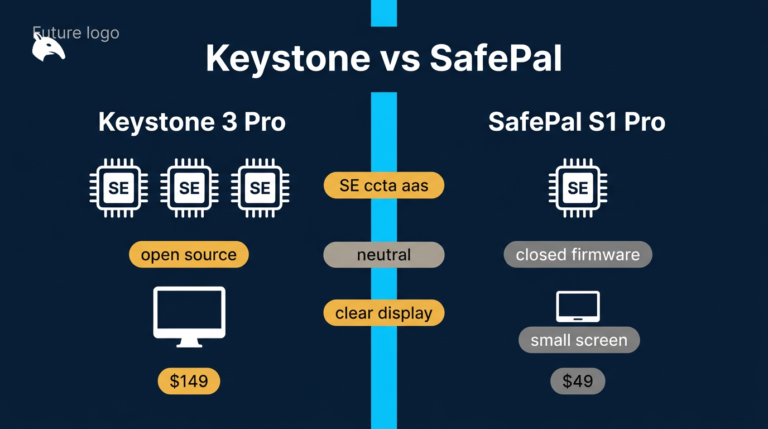
For comparison shopping, read Keystone vs SafePal Air-Gapped Wallet Comparison, Ledger vs Keystone Security Architecture, and the Best Crypto Hardware Wallets guide.
Risks and Common Mistakes
Thinking air-gapped means invincible. Air-gapped signing reduces some remote attack paths, but it does not protect you from bad backups, phishing, malicious approvals, or careless transaction review.
Neglecting the recovery phrase. Like any hardware wallet, the Keystone 3 Pro is only as safe as the backup process. If your seed phrase is exposed, photographed, or stored badly, the wallet architecture will not save you.
Trusting the phone screen more than the device screen. The phone or browser wallet is the untrusted side of the setup. You should verify destination addresses, amounts, and approvals on the Keystone screen itself before signing.
Ignoring setup hygiene. Even a strong device can be undermined by sloppy initialization, poor firmware verification habits, or weak storage of the backup phrase. The best practices for hardware wallet setup and Crypto Wallet Security Checklist matter just as much as device choice.
Conclusion
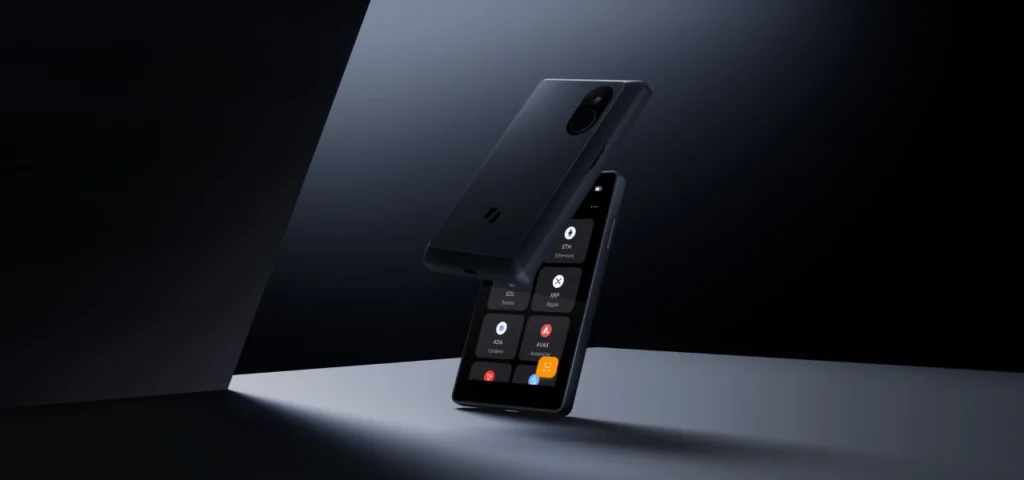
The Keystone 3 Pro is a strong fit for users who want a deliberately offline signing workflow without giving up modern touchscreen usability or broad wallet compatibility. Its appeal is not just that it uses QR codes. It is that the whole design pushes users toward a clearer separation between online transaction prep and offline approval.
The trade-off is convenience. If you sign often, the QR-based flow will feel slower than a cable-first wallet. But if your priority is reducing live connection risk and keeping signing behaviour visually contained, the Keystone 3 Pro is one of the more coherent devices in this category.
Sources
- Keystone 3 Pro official product page
- Keystone support FAQ
- Keystone supported wallets and assets
- Keystone GitHub repositories
Frequently Asked Questions
Does the Keystone 3 Pro use USB for normal signing?
The Keystone 3 Pro is designed around QR-based signing rather than a normal live data connection workflow. Keystone lists USB-C as the device connectivity and includes a charging cable in the box, but its core transaction model is offline QR exchange with companion wallets.
Is the Keystone 3 Pro open source?
Keystone markets the device as open source and maintains public GitHub repositories. That gives users a stronger transparency model than fully closed hardware-wallet stacks, even though hardware trust boundaries still matter.
Does it work with MetaMask?
Yes. Keystone explicitly promotes MetaMask compatibility and says the Keystone 3 Pro works with MetaMask extension and app for EVM-chain access.
How does it compare to a Ledger Nano X?
The main difference is workflow and trust model. Ledger emphasizes a secure-element-first connected design, while Keystone emphasizes QR-based offline signing, open-source positioning, and a larger touchscreen. The better choice depends on whether you prioritise convenience, physical-hardware trust assumptions, or stricter offline transaction flow.
Is battery life a big issue?
For normal hardware-wallet use, usually not. Keystone documents a 1000 mAh battery and recommends careful charging and storage habits for long-term battery health, including avoiding fast chargers and periodically recharging the device during long storage periods.