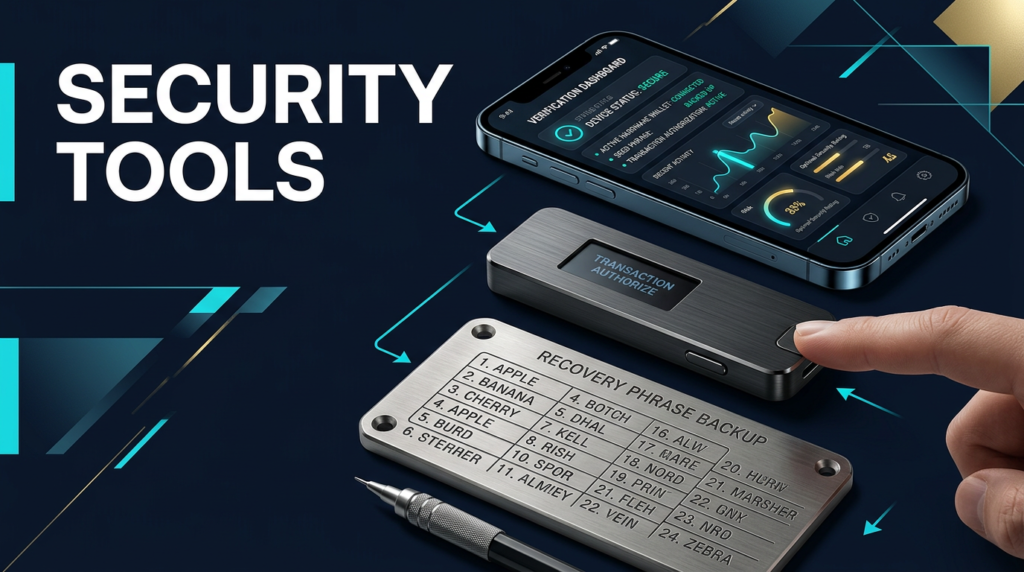
You are not shopping for “more security.” You are buying specific reductions in how funds actually disappear: remote key theft, seed media loss, signing mistakes, supply-chain doubt, and operational shortcuts under stress. The premium mistake is buying flagship hardware while leaving recovery on loose paper, or buying air-gap purity while your real risk is unlimited token approvals. This page routes spend to the right layers—wallet, backup, isolation, verification—so you combine tools deliberately instead of stacking random boxes.
This content is for educational purposes only and should not be considered financial or investment advice.
This article may contain affiliate links. Snout0x may earn a commission at no additional cost to you.
You pick tools by attack path; stack drift picks the path you ignored.
Quick Answer
Key Takeaways
- Layer by loss mode: Keys, recovery media, transport paths, and contract approvals fail independently—your stack should match the highest-probability gap.
- Hardware wallets buy key isolation; they do not replace durable backups, address review, or approval hygiene.
- Metal backups buy physical survivability for the recovery secret; they do not fix phishing or malicious calldata.
- Air-gapped QR signers remove cable/radio transport to the device; they add workflow friction and still require human verification at the screen.
- The “best” tool is the one you run without shortcuts; a mid-tier stack used consistently beats a flagship stack you half-maintain.
At-a-Glance Comparison
| Tool | Layer | Best when | Main trade-off | Price band |
|---|---|---|---|---|
| Trezor Safe 5 | Primary signer | Open firmware bias + premium on-device UX | Flagship cost vs simpler devices | Flagship |
| Ledger Nano X | Primary signer | Mobile-heavy, multi-chain breadth | Vendor firmware trust model | Upper mid |
| Keystone 3 Pro | QR-isolated signer | You refuse USB/Bluetooth to the signer | Size + process overhead | Flagship |
| SafePal S1 | QR-isolated signer | Dedicated cold wallet or budget air-gap | Polish below premium competitors | Value |
| Trezor Keep Metal 24 | Recovery media | Meaningful balances + long hold | Extra cost + storage planning | Accessory |
| Keystone Tablet Plus | Recovery media | Tile workflow + Keystone ecosystem fit | Still needs secure storage location | Accessory |
Value note: Price bands are directional tiers so you can compare without locking stale dollar amounts. Always confirm live pricing and regional availability on the manufacturer site before you buy.
Best Picks by Use Case
Long-term hold: wallet plus metal first
If the balance is not disposable, buy key isolation and recovery survivability before anything else. A hardware wallet reduces remote exfiltration paths tied to hot software keys; a metal backup reduces silent loss from water, fire, and paper decay. If you are still comparing backup formats, read Metal vs Paper Seed Storage and the broader buyer view in Best Seed Phrase Backup Devices.
Active DeFi: separate signer, approvals, firmware discipline
DeFi losses cluster around approvals and blind signing, not missing AES rounds on the device. Use a distinct hot-side workflow for experimentation, revoke or cap approvals you do not need, and treat firmware updates as trust events—see Hardware Wallet Firmware Verification and Token Approval Risk Explained. Keep long-term savings on a different seed and device class than your playground wallet.
Mobile-heavy reality: convenience versus isolation
If you will not carry cables and you live on phone-first workflows, a Bluetooth-capable ledger-class path is often the actually used winner even when forums prefer air-gap purity. If your threat model includes untrusted USB stacks or hostile charging ports, QR isolation (Keystone / SafePal) is the cleaner structural answer. Honesty beats ideology: pick the transport story you will maintain under travel stress.
Budget two-tool entry
When spend is tight but separation still matters, pair a value QR signer with strict verification habits and a paper backup you treat like cash—then upgrade metal when the balance crosses your pain threshold. Skipping verification to afford metal is backwards.
Device and account hygiene (no extra gadget required)
Some of the highest ROI “tools” are workflows: first-use authenticity checks before funding, watch-only monitoring for balances without key exposure, and destination review every time value moves. Read Verify Hardware Wallet Before First Use, Watch-Only Wallet, and How to Store Crypto Safely for the operational stack around the hardware.
Pricing and Value Tiers
- Flagship signers (Trezor Safe 5, Keystone 3 Pro): Pay for screen UX, architecture choices (open firmware versus QR isolation), and long-session verification comfort.
- Upper mid mobile (Ledger Nano X): Pay for ecosystem maturity and Bluetooth-first workflows across many assets.
- Value air-gap (SafePal S1): Pay for separation without flagship polish; you supply more process discipline.
- Accessory-tier metal (Keep Metal, Tablet Plus): Pay to remove single-sheet paper as the weakest physical link. This layer scales with how much loss would hurt.
Tool-by-Tool Breakdown
The six picks below are purchase-grade tools we route readers to when a specific layer fails predictably: remote key exposure, transport you refuse, or recovery media that cannot survive a real house event.
Trezor Safe 5
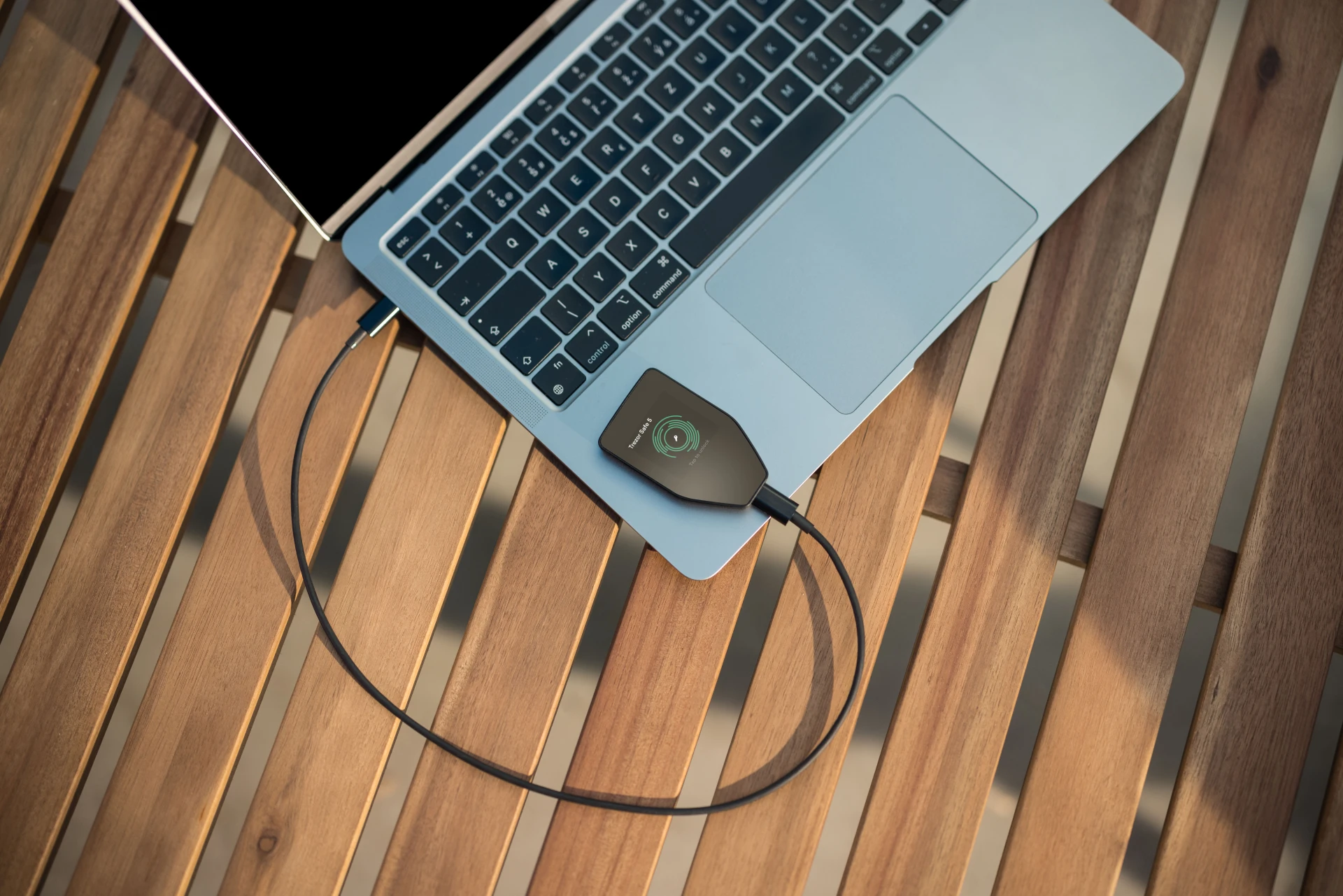
Trezor Safe 5 is the default flagship pick when you want understandable verification on a color touchscreen and an open-firmware culture that pairs well with long-term self-custody education. It is the right primary signer for users who are not optimizing for Bluetooth phone signing but are optimizing for transparent security behavior.
- Problem it solves: hot-wallet key exposure and opaque on-device messaging—you get clearer prompts and a firmware posture you can reason about.
- Tradeoff you accept: flagship cost and less convenience than phone-native Bluetooth stacks.
- Buy it when: you want one serious daily wallet and you value firmware transparency plus premium on-device prompts.
- Skip it when: your real bottleneck is phone-native signing; compare Ledger Nano X instead.
Deep dive: Trezor Safe 5 Review 2026.
Best for: holders who want readable prompts and transparent verification culture. Skip if: you need Bluetooth-only phone signing as the default path.
Ledger Nano X
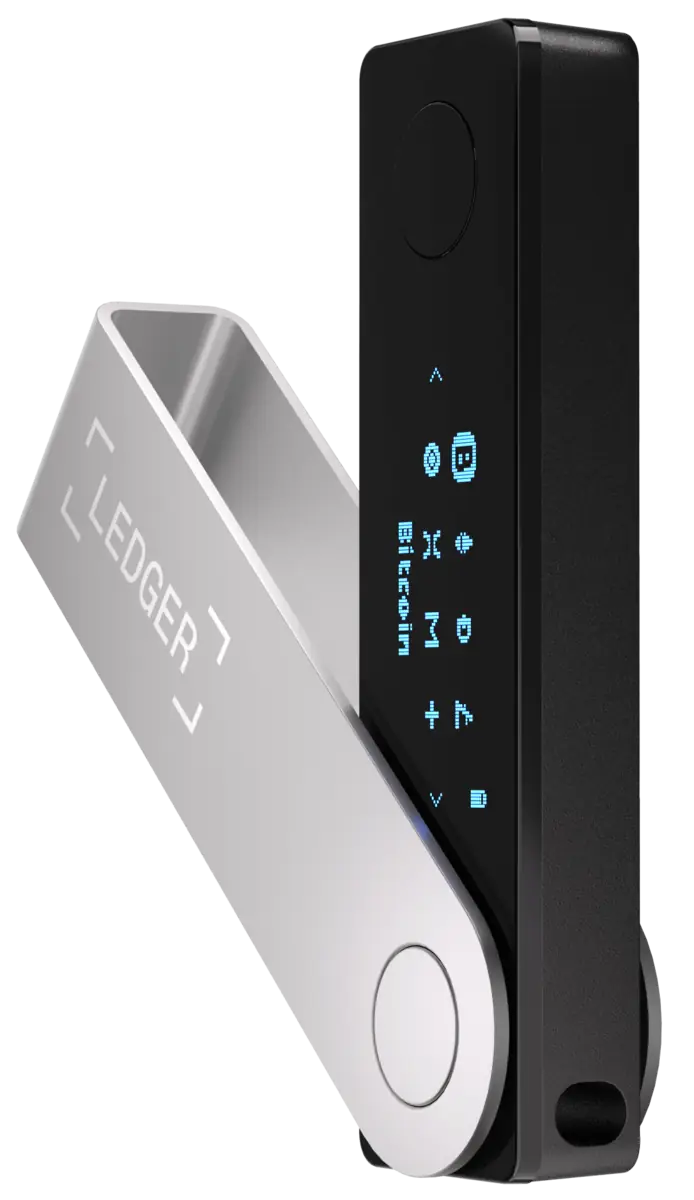
Ledger Nano X wins the consistency fight for users who need broad asset support and a signing flow they will actually run from a phone. You trade more reliance on Ledger’s firmware and update pipeline than with fully open stacks—name that trust explicitly and decide if your usage pattern justifies it.
- Problem it solves: “I will not use a wallet that fights my phone”—Bluetooth-first signing with mature multi-chain support.
- Tradeoff you accept: closed secure-element firmware and vendor update trust versus open-stack auditability.
- Buy it when: Bluetooth phone workflows and chain breadth dominate your day-to-day.
- Skip it when: you want signing physically off radios and cables; move to Keystone 3 Pro.
Best for: multi-chain users who need a signer they will actually carry and use. Skip if: your threat model rejects Bluetooth transport outright.
Keystone 3 Pro
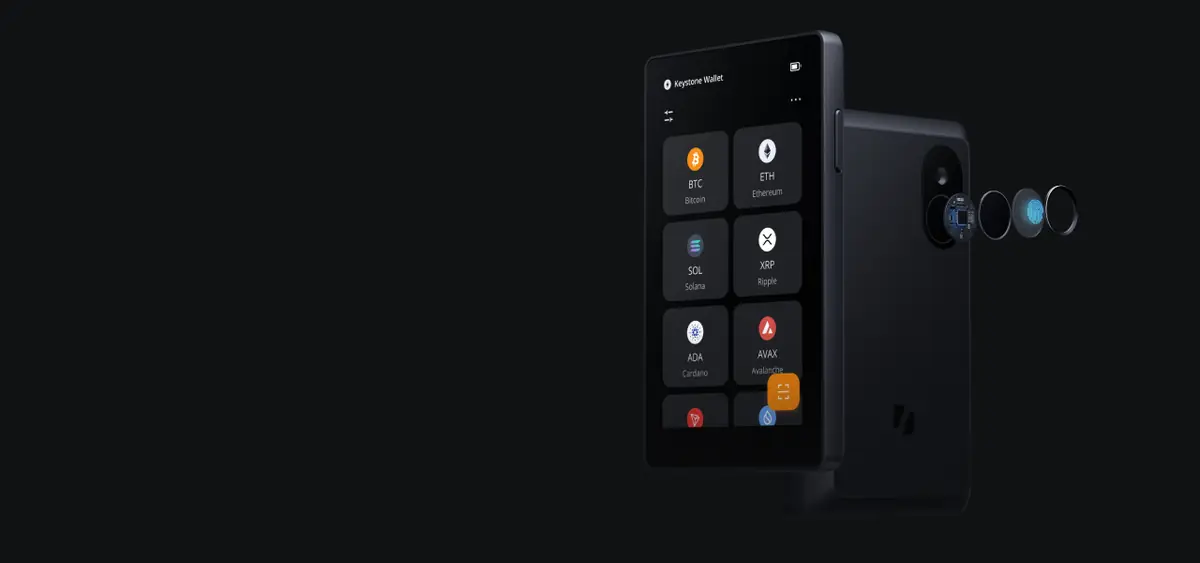
Keystone 3 Pro is the premium answer when you want QR-only signing and a large screen for transaction review. Air-gap removes USB and Bluetooth attack surfaces against the device; it does not remove phishing or malicious calldata—your eyes and habits still matter.
- Problem it solves: hostile USB stacks and unwanted radio paths to the signer—QR becomes the explicit transport boundary.
- Tradeoff you accept: larger hardware and slower signing loops than a pocket Bluetooth device.
- Buy it when: you refuse transport paths onto the signer and accept slower QR flows.
- Skip it when: you will not tolerate extra steps; pick a connected flagship instead.
Best for: users who want signing off USB/Bluetooth entirely. Skip if: you will not run QR workflows consistently.
SafePal S1
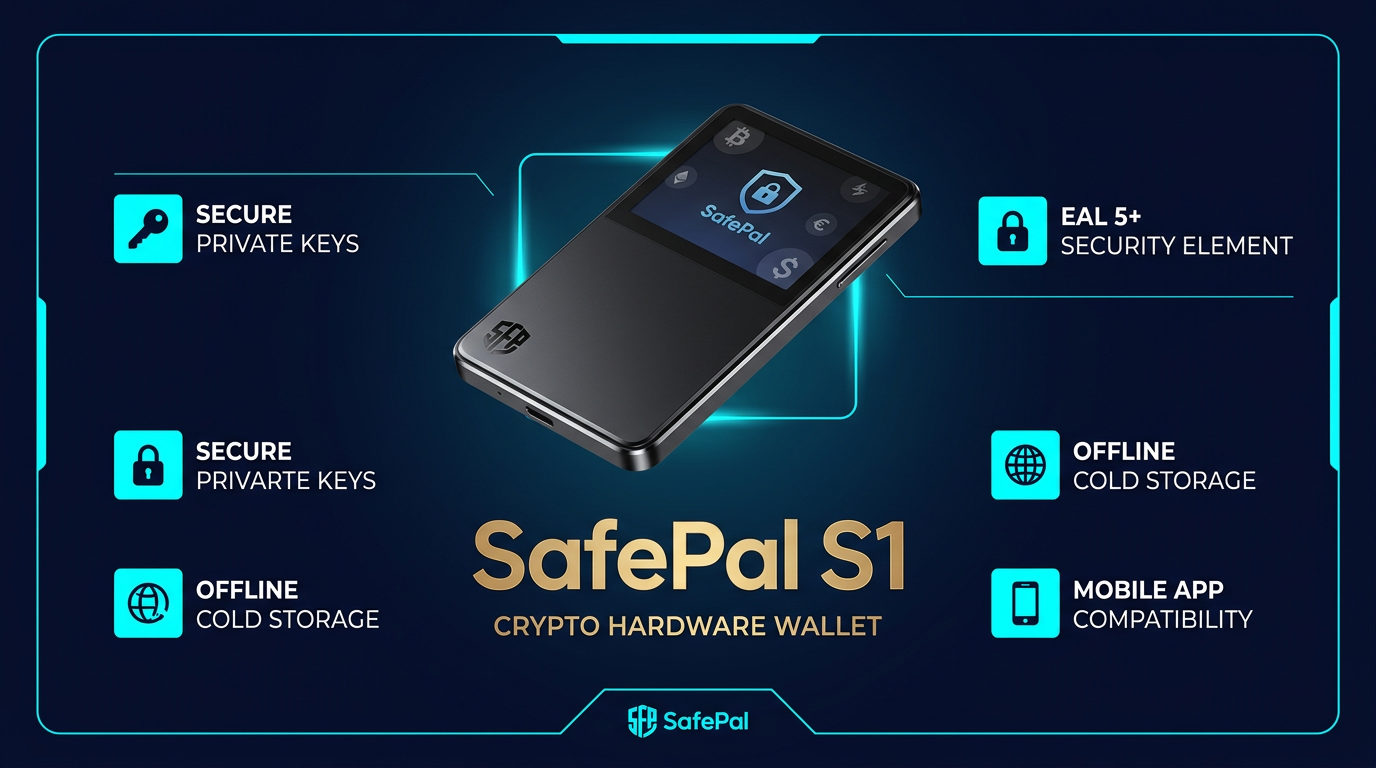
SafePal S1 is the disciplined budget air-gap slot: QR signing without flagship spend. Expect less polish, not less responsibility—verification and backup hygiene must tighten to compensate.
- Problem it solves: “I need isolation, not another subscription-priced flagship.”
- Tradeoff you accept: closed firmware trust and less refined hardware than premium QR competitors.
- Buy it when: you want a dedicated cold signer or a second seed at minimum viable cost.
- Skip it when: you need open firmware auditability or flagship screen ergonomics.
Best for: budget isolation and wallet-role separation. Skip if: you refuse closed firmware without compensating controls.
Trezor Keep Metal 24
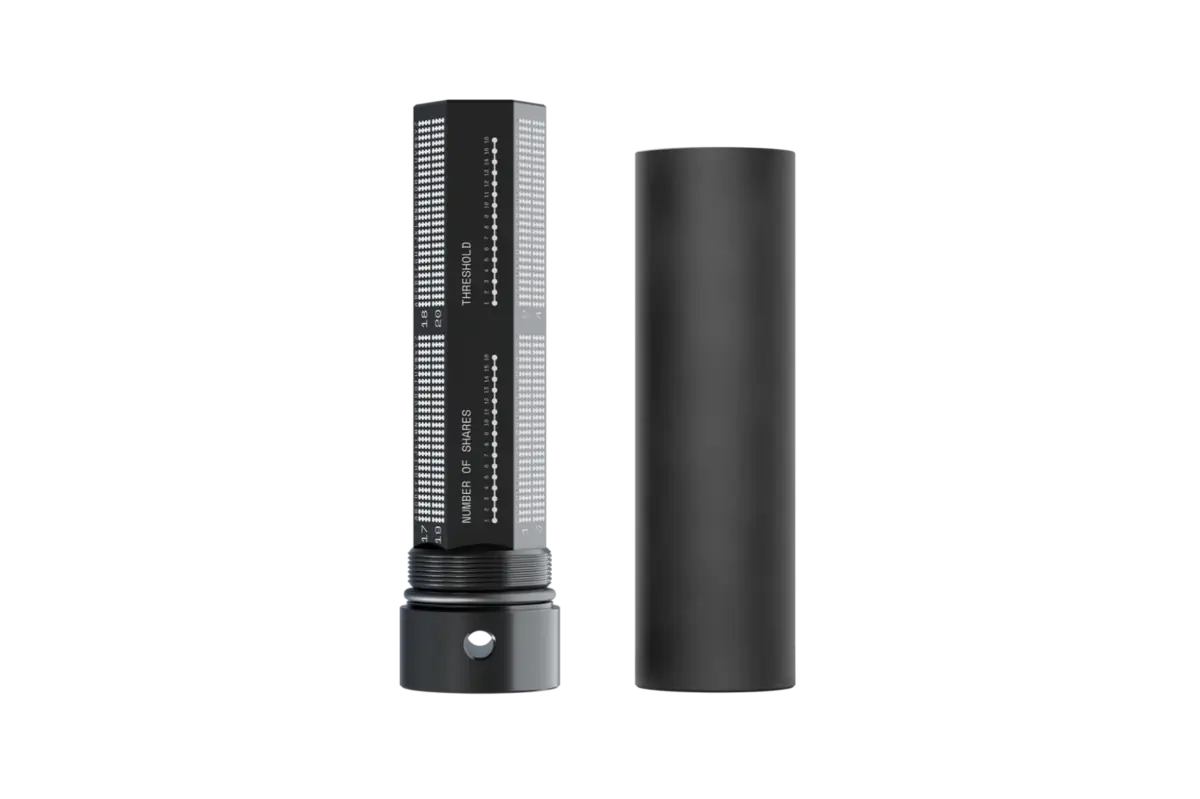
Trezor Keep Metal 24 is our default metal pick when users finally treat recovery like part of the security model, not an afterthought. Paper in a drawer is a silent single point of failure for serious balances.
- Problem it solves: water/fire and slow decay of paper recovery material.
- Tradeoff you accept: stamping effort, upfront accessory cost, and strict storage discipline for the plate itself.
- Buy it when: balances are large enough that backup survivability should match the wallet tier.
- Skip it when: you will not secure the metal’s physical location; a prettier plate in an obvious drawer is not a win.
Best for: Trezor-forward stacks that need tamper-evident stamped backup. Skip if: you want tile-based correction during setup (see Keystone Tablet Plus).
Keystone Tablet Plus
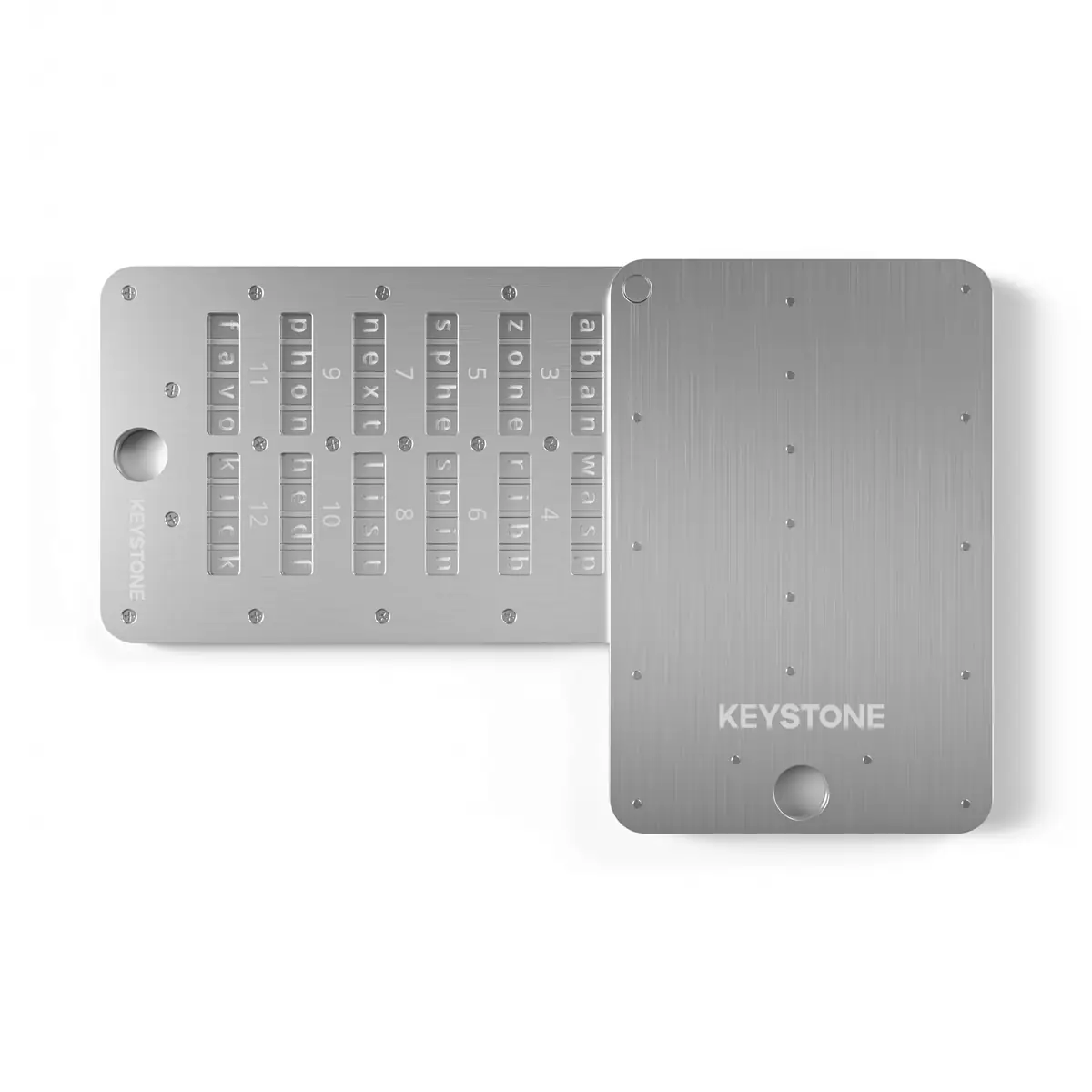
Keystone Tablet Plus fits when you already like Keystone signing and want recovery tooling that matches that ecosystem and tile ergonomics.
- Problem it solves: setup mistakes on permanent stamping—tiles allow correction before you lock the frame.
- Tradeoff you accept: mechanical assembly time and a larger physical package than a single plate.
- Buy it when: you want Keystone-native recovery ergonomics and strong environmental resistance.
- Skip it when: you want the simplest possible stamped-one-plate ritual.
Best for: Keystone stacks and users who want correctable setup. Skip if: you refuse tile handling overhead.
Who Should Choose Which Tool
- Choose Trezor Safe 5 if firmware transparency and premium on-device verification matter more than Bluetooth phone signing.
- Choose Ledger Nano X if mobile-first convenience and ecosystem breadth are the bottleneck, and you accept Ledger’s trust model.
- Choose Keystone 3 Pro if QR isolation is a hard requirement and you will pay with process friction.
- Choose SafePal S1 if you need QR isolation at minimum viable spend and you compensate with discipline.
- Choose Trezor Keep Metal 24 if recovery durability is the next gap after the signer is sorted.
- Choose Keystone Tablet Plus if tile-based backup fits your hands and your stack is already Keystone-forward.
Final Verdict and Stack Rule
Verdict: Most readers should anchor on one primary hardware wallet plus one durable recovery medium, then harden workflows (watch-only, firmware verification, approvals) before buying more gadgets. If you want the full ranking logic across more vendors, read the hub: Best Crypto Hardware Wallets: Security Ranking and Buyer Guide. If custody concepts are still fuzzy, ground definitions in What Is Self Custody in Crypto and Self Custody vs Custodial Wallets.
Common Mistakes
- Great wallet, weak recovery: Metal or not, storage location and secrecy still decide whether a backup saves you or becomes leverage for theft.
- Hardware as a substitute for reading calldata: Screens help; they do not replace slow, deliberate review on risky interactions.
- One wallet for every role: Mixing long-term savings and high-risk DeFi in one seed concentrates blast radius.
- Gadgets before basics: If you have not done first-use verification and firmware discipline, fix that before buying accessories.
Sources
Frequently Asked Questions
What are the best crypto security tools to buy first in 2026?
Start with a primary hardware wallet for meaningful balances, add a durable metal seed backup, then wire verification habits like watch-only monitoring, firmware checks, and approval hygiene for DeFi.
Trezor Safe 5 or Ledger Nano X for a first serious wallet?
Trezor Safe 5 when you want open-firmware culture and premium on-device verification. Ledger Nano X when multi-chain breadth and mobile-first Bluetooth workflows matter more than air-gap purity.
Do I need a hardware wallet and a metal seed backup?
For balances you cannot afford to lose, yes. The wallet isolates signing keys; the backup protects against fire, water damage, and paper loss. Weak recovery defeats strong devices.
When does air-gapped signing beat USB or Bluetooth wallets?
When you want signing traffic off cables and radios entirely and accept extra QR steps. It removes transport categories but does not remove phishing and approval mistakes.
What is the best budget crypto security stack?
SafePal S1 for dedicated QR cold storage plus disciplined verification workflows. Upgrade metal backup when the balance justifies the spend.
Is the seed backup more important than the wallet hardware?
Often yes in real loss stories. Private keys and recovery material fail together when backups are single points of failure. Treat backup location and material as first-class.
Can one security tool prevent all crypto theft?
No. Remote key theft, seed handling errors, malicious approvals, and device tampering need different layers. Build a stack that matches the loss modes you actually run.